1. Login to the Loamy Dashboard.
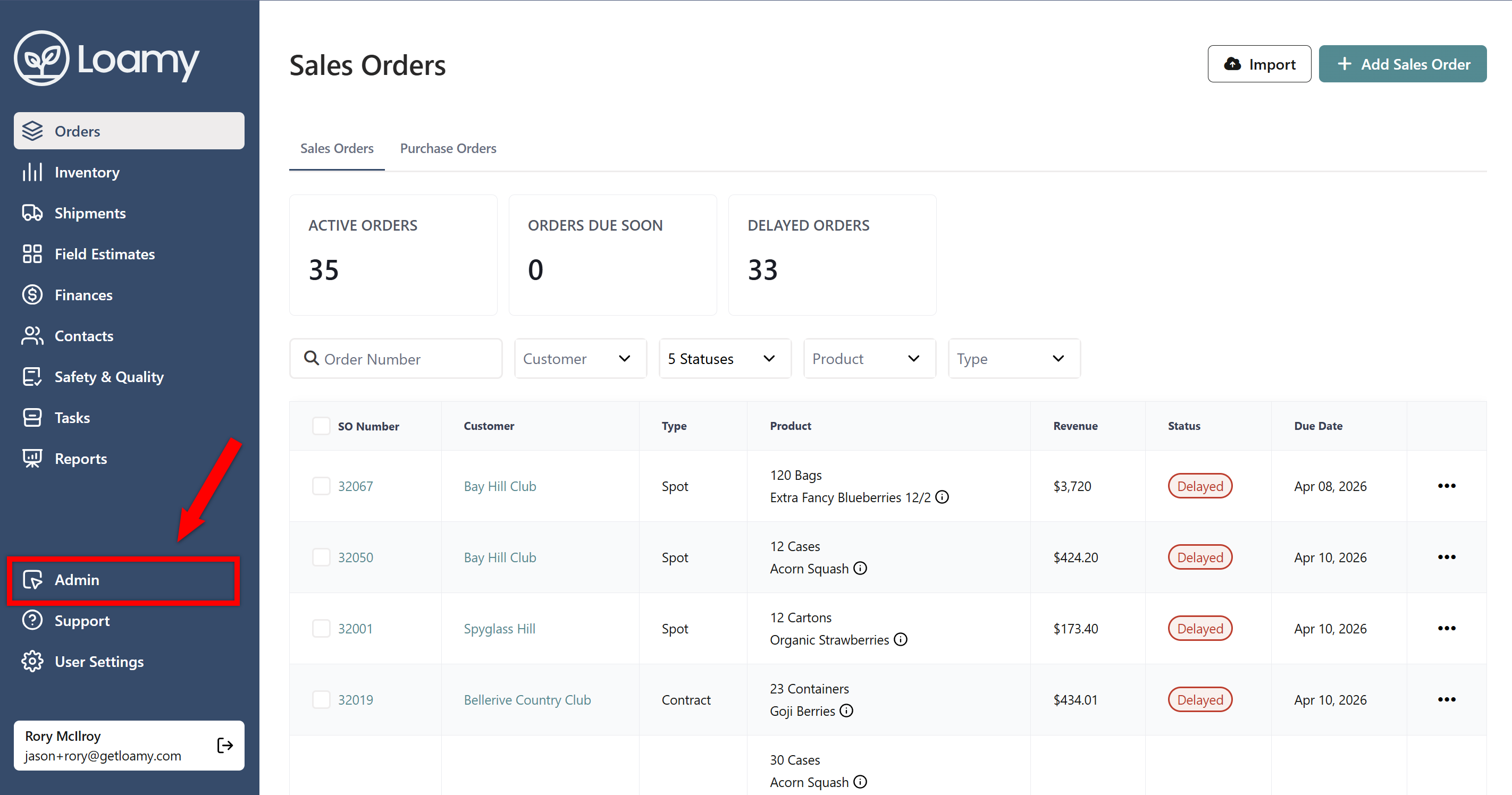
2. Go to Admin in the left-hand navigation.
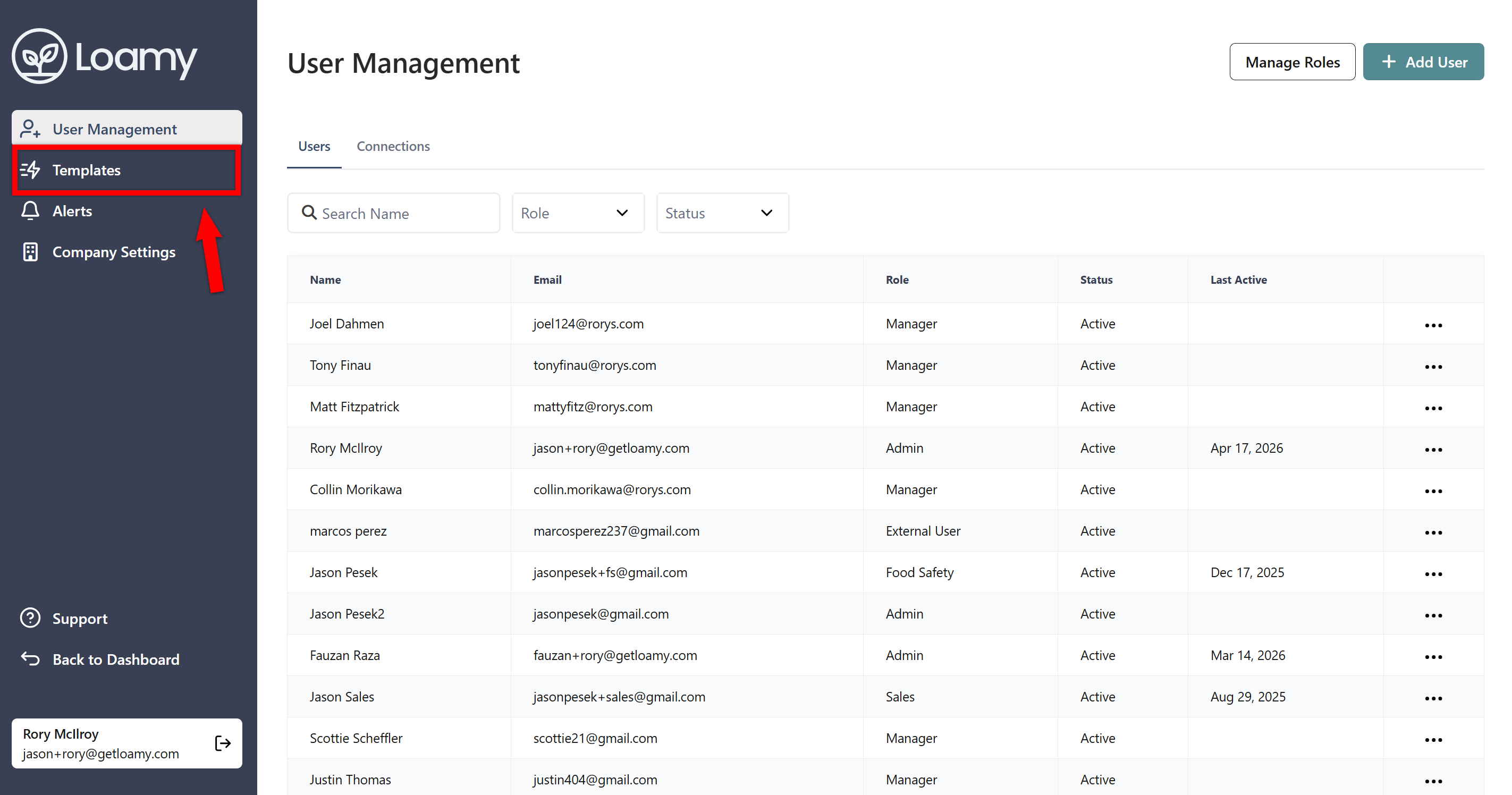
3. Select Templates in the Admin navigation.
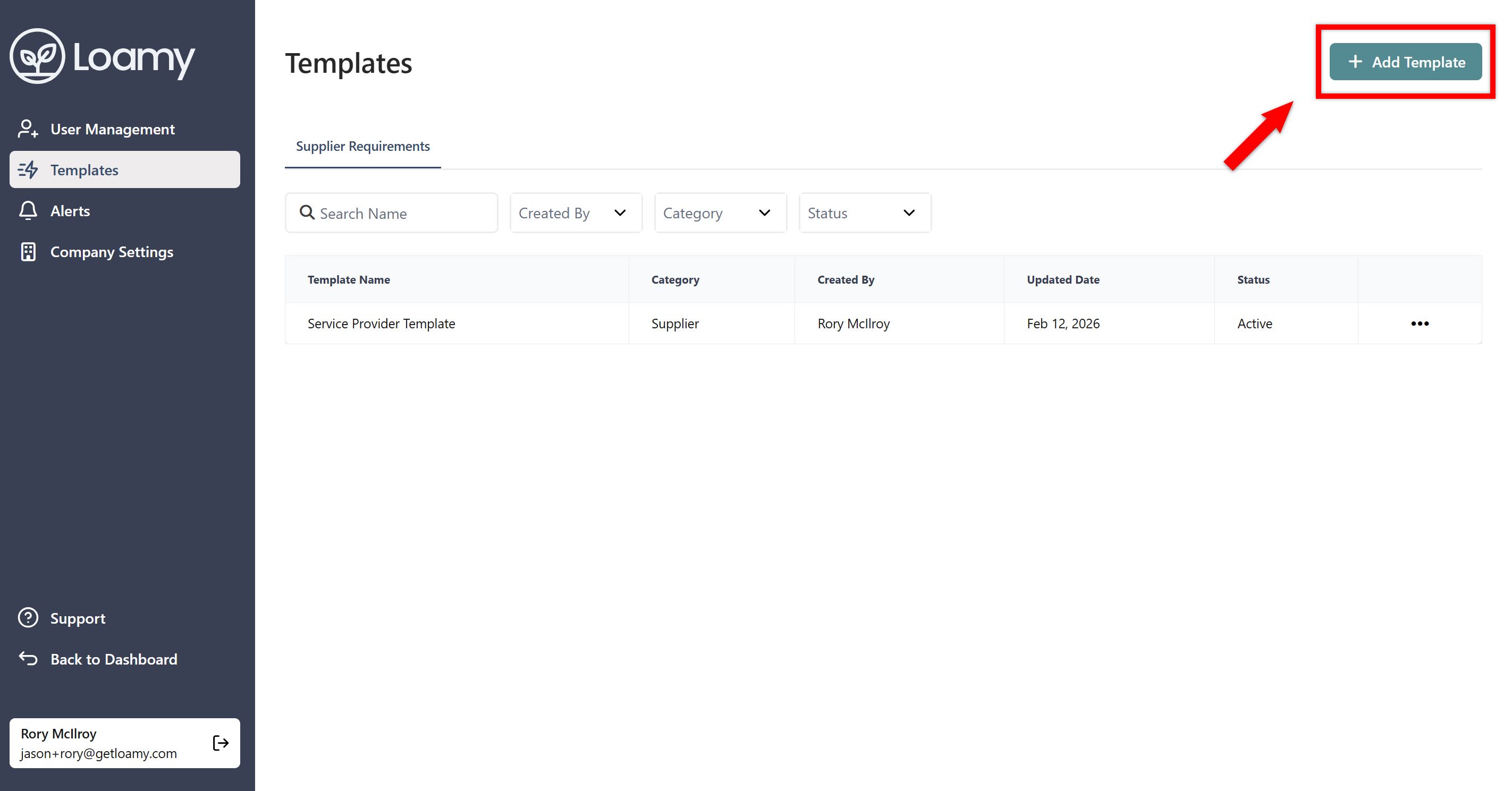
4. Click Add Template in the Supplier Requirements tab.
5. Confirm the name of the template, and decide how you want to setup the requirements. Choosing by Supplier allows you to select requirements for different supplier types (Service Providers vs. Growers). Choosing by Location allows you to select requirements for the supplier's location types (Processing Facility vs. Ranch). Choosing by Product allows you select requirements for the products that each supplier handles.
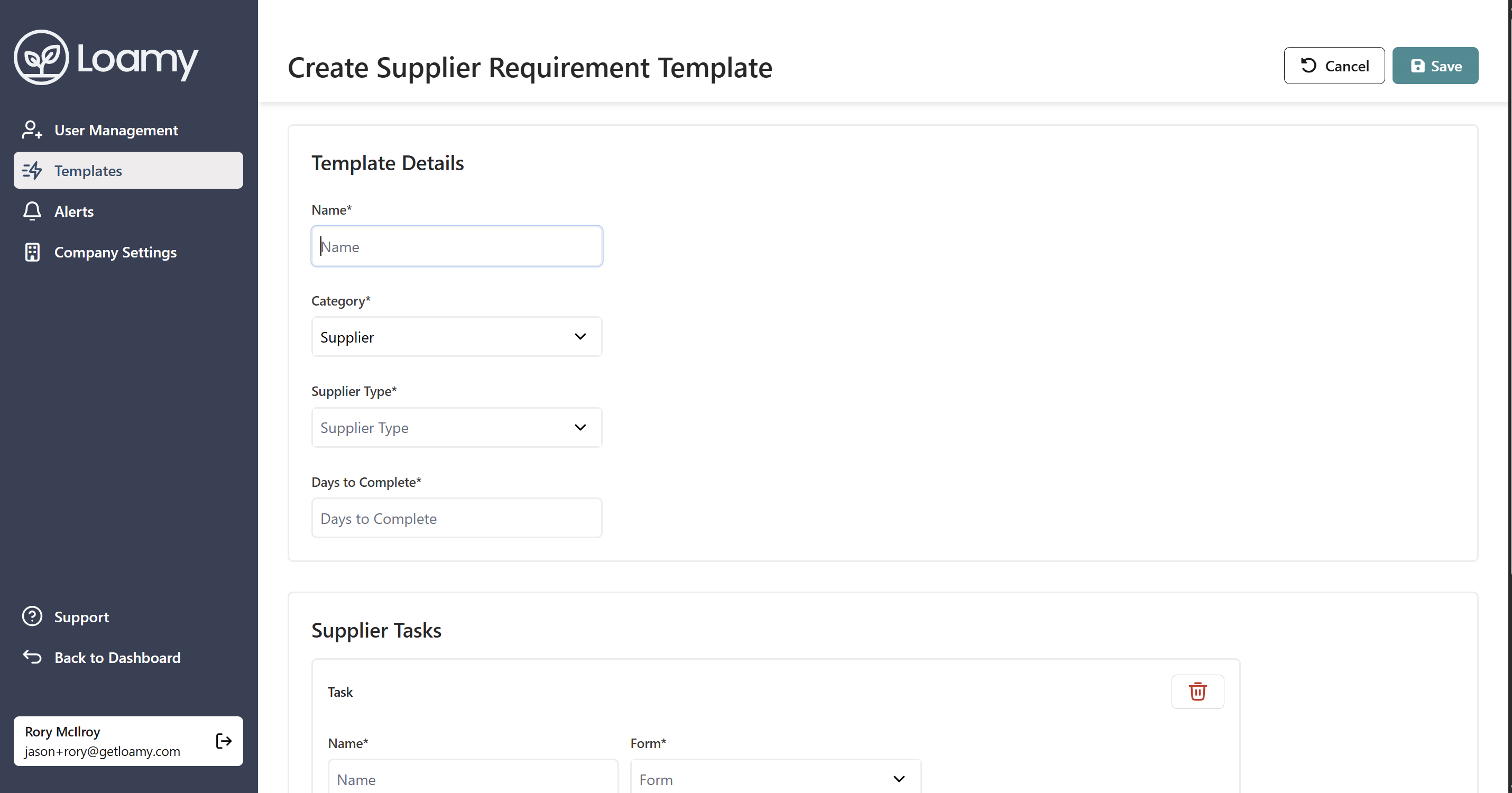
6. Select how many days you want to allow each supplier to complete the requirements so that you can set a due date for each task you create for them.
7. Finally, add in the actual tasks you want to include, adding a name, selecting a form, and deciding on a schedule (whether you want the requirement to happen once or a reoccurring basis). Then hit Save.


