1. Login to the Loamy Dashboard.
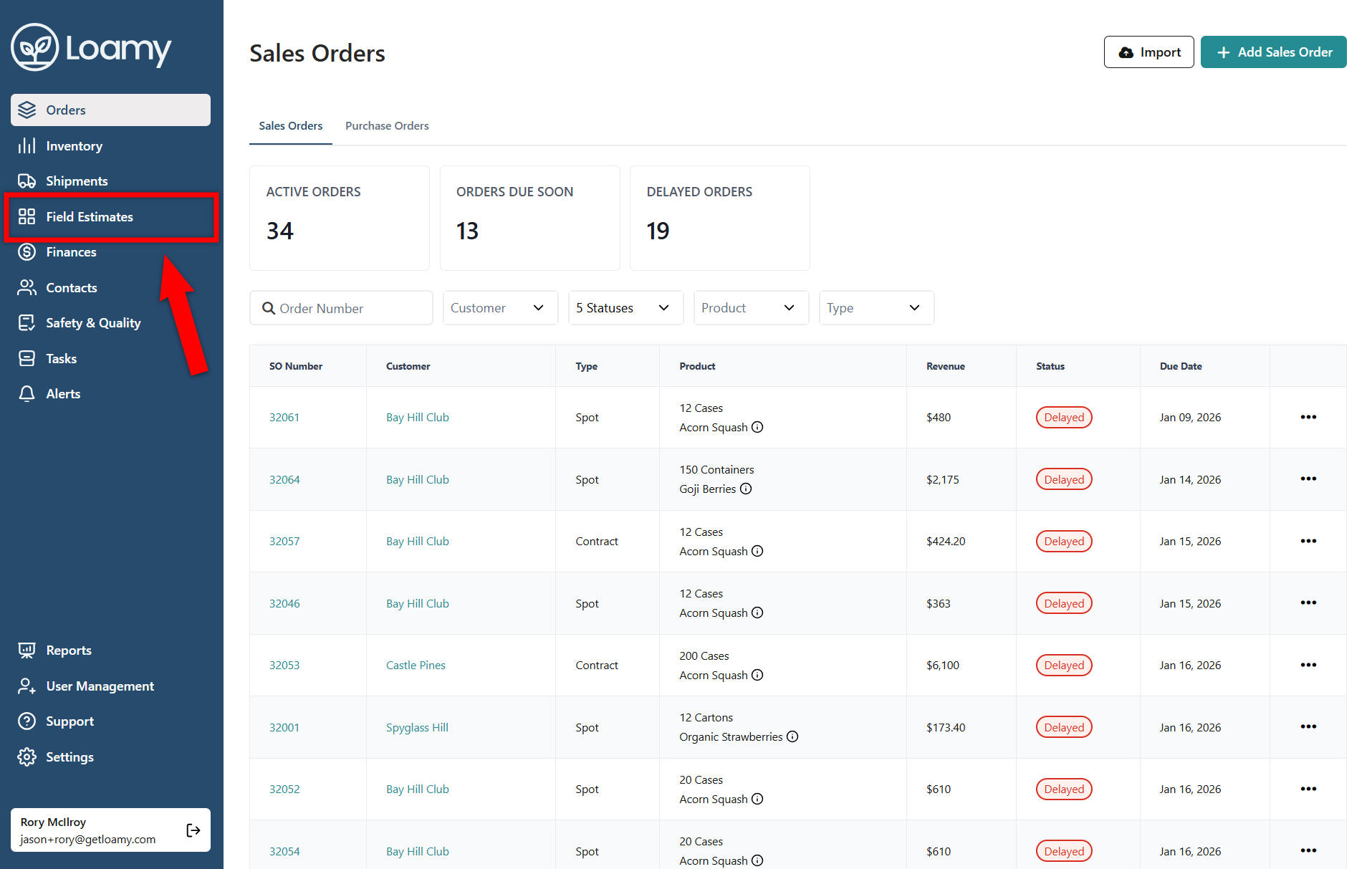
2. Go to the Field Estimates page by selecting it on the left-hand navigation menu.
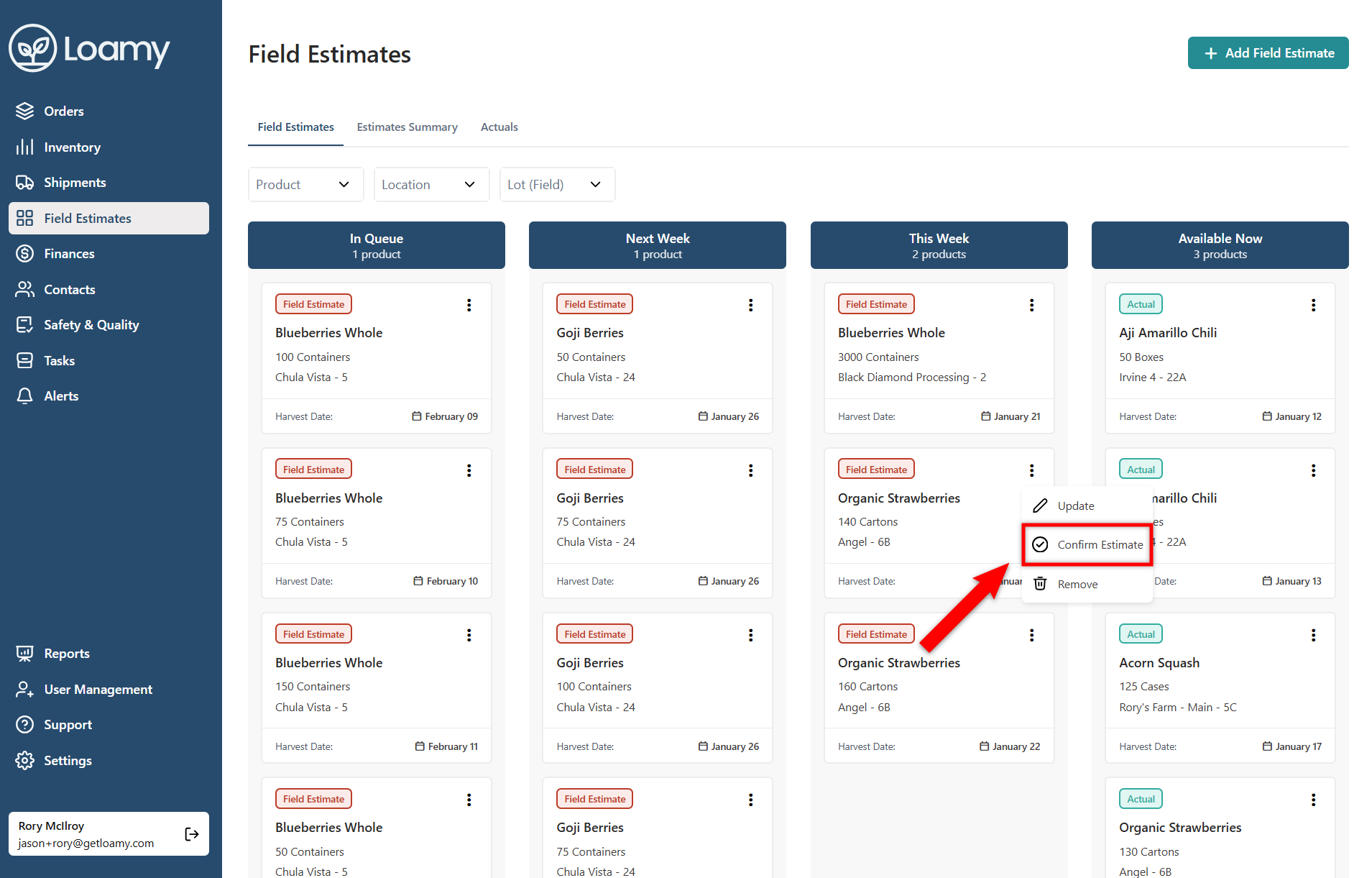
3. Find the estimate you want to confirm that has a harvest of this week and select the three dots.

4. Choose Confirm Field Estimate.
5. Add in the confirmed quantity, and add in optional information like the crews and start/end times. Then select Save.


