1. Login to the Loamy Dashboard.
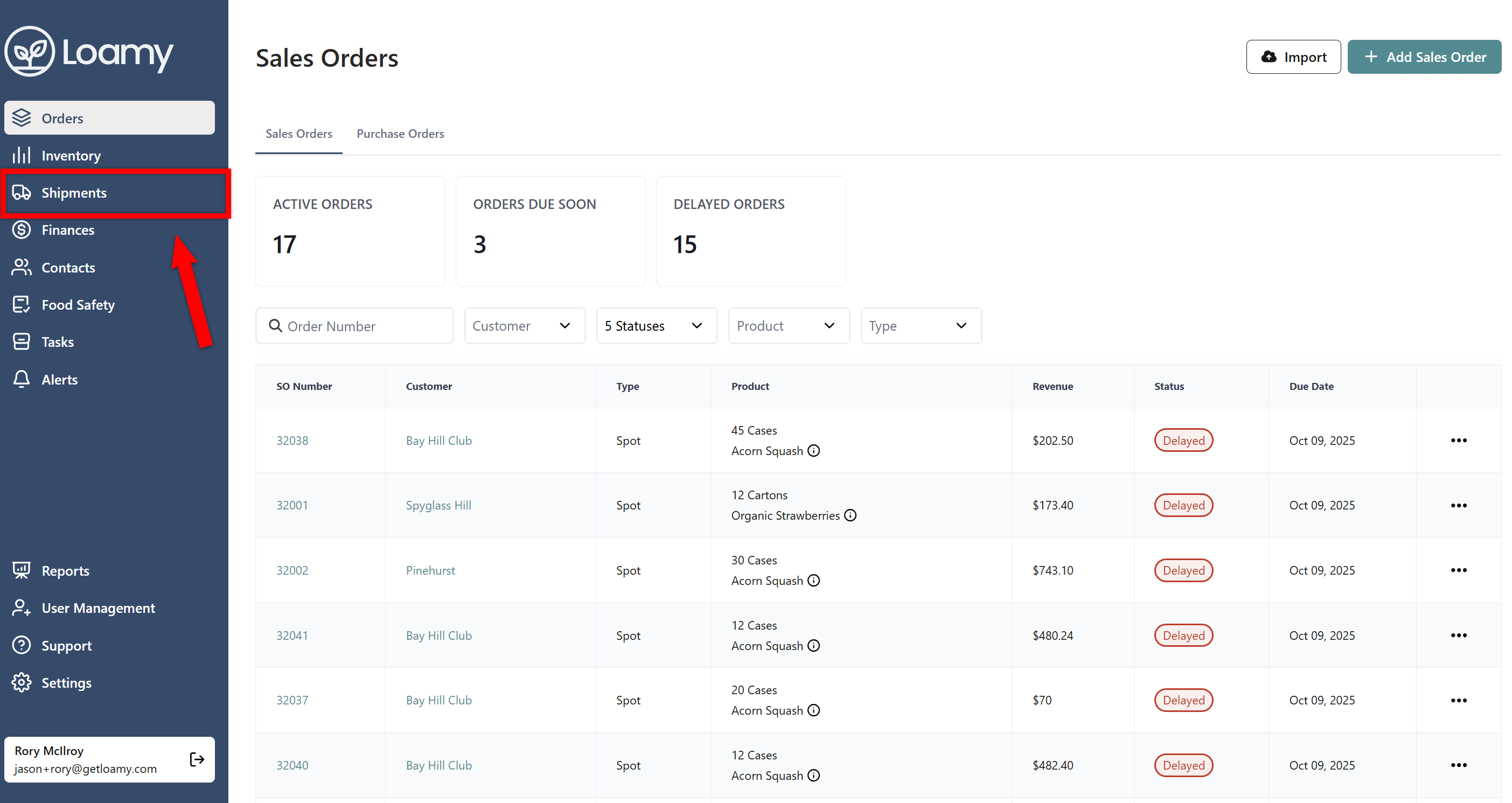
2. Go to the Shipments page by selecting it on the left-hand navigation menu.
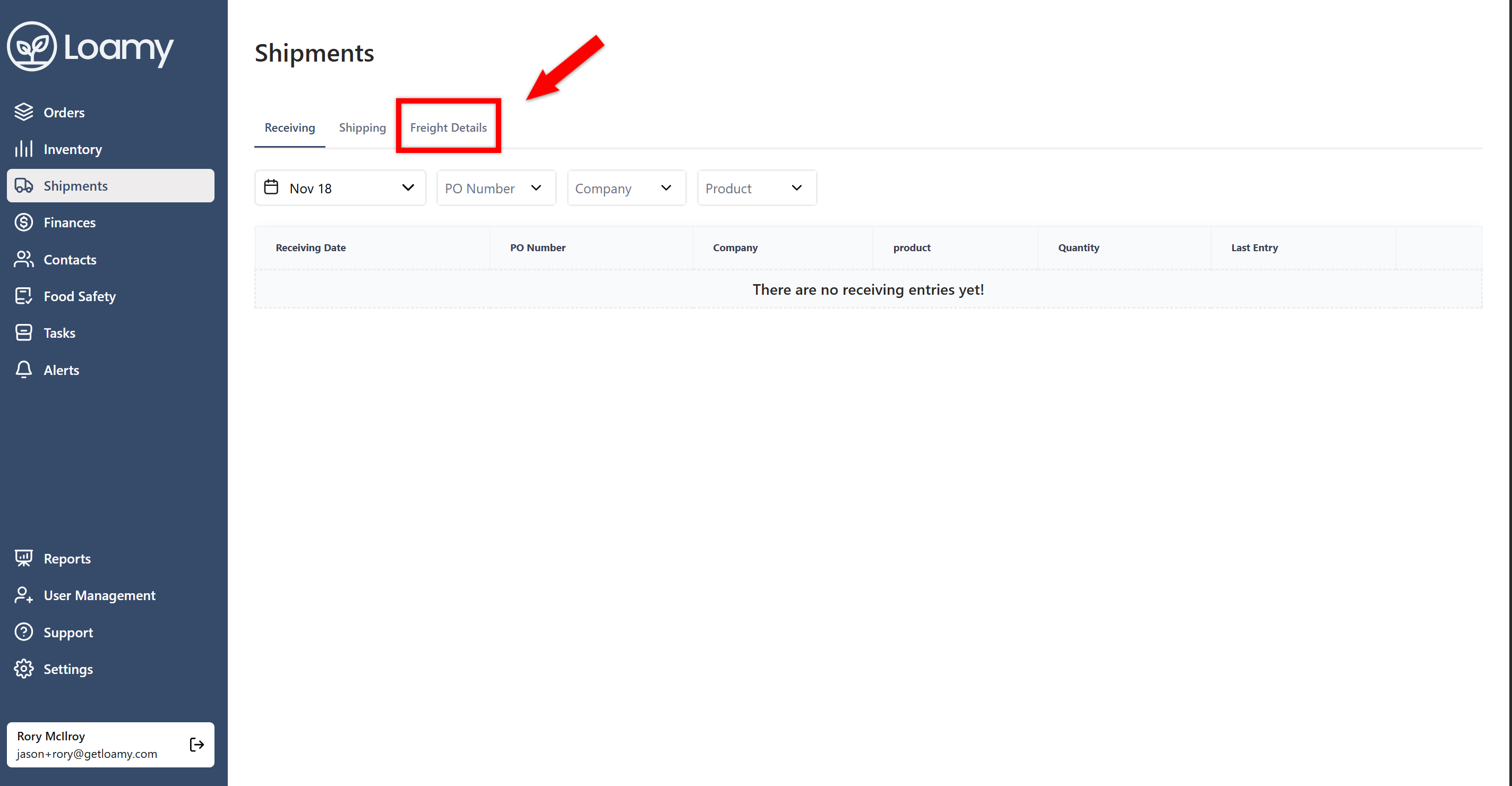
3. Click the Freight Details tab.
4. Select Add Freight.
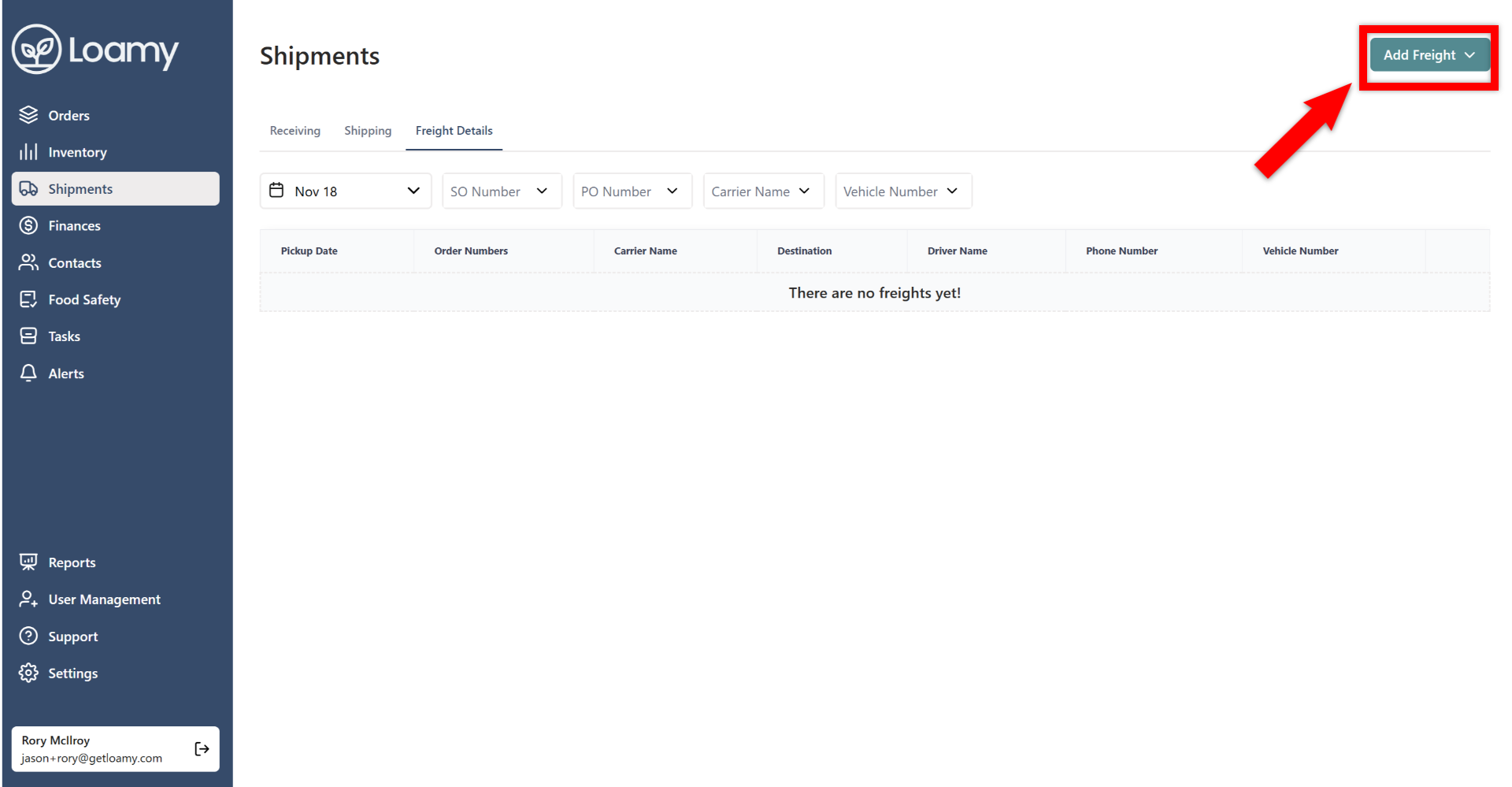
5. Choose whether you want to add Freight for Purchase Orders or Sales Orders.
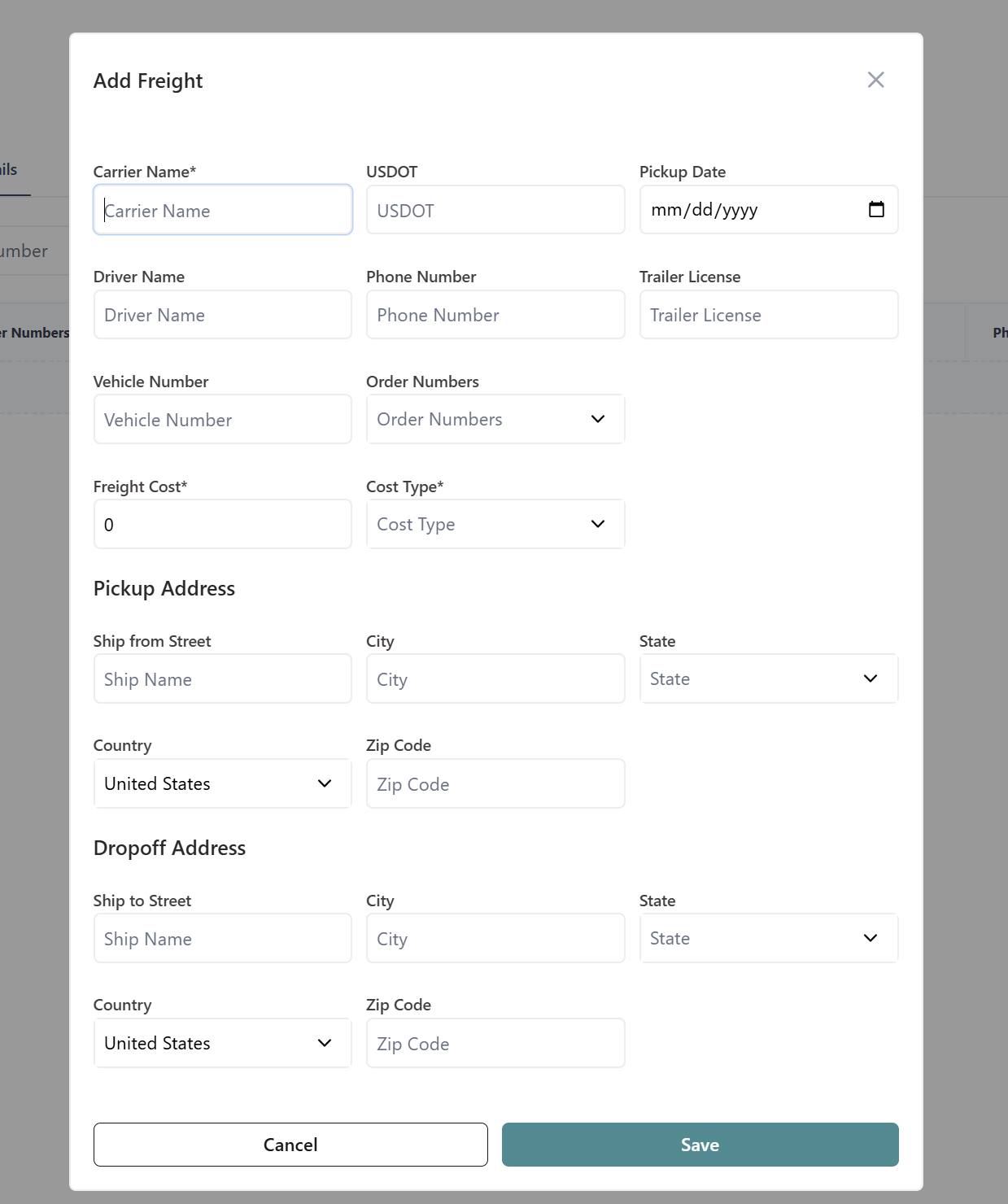
6. Add in information about the carrier, pickup address, and dropoff address. Once complete, hit Save.
7. You can also add freight by going to the specific purchase order or sales order, and select Add Freight in the freight section.


