1. Login to Loamy Dashboard.
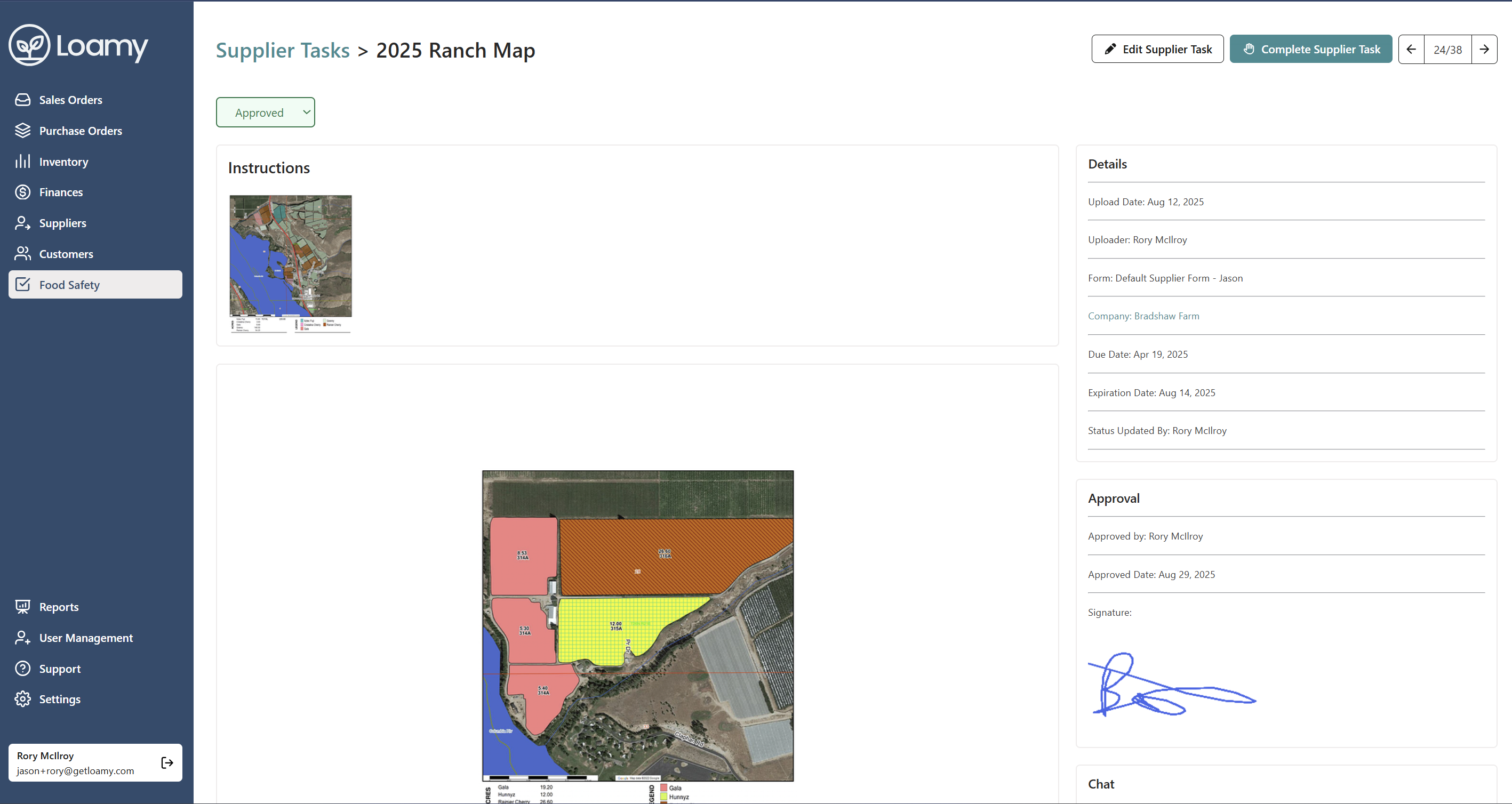
2. Navigate to the Settings page by selecting it on the left-hand navigation menu.
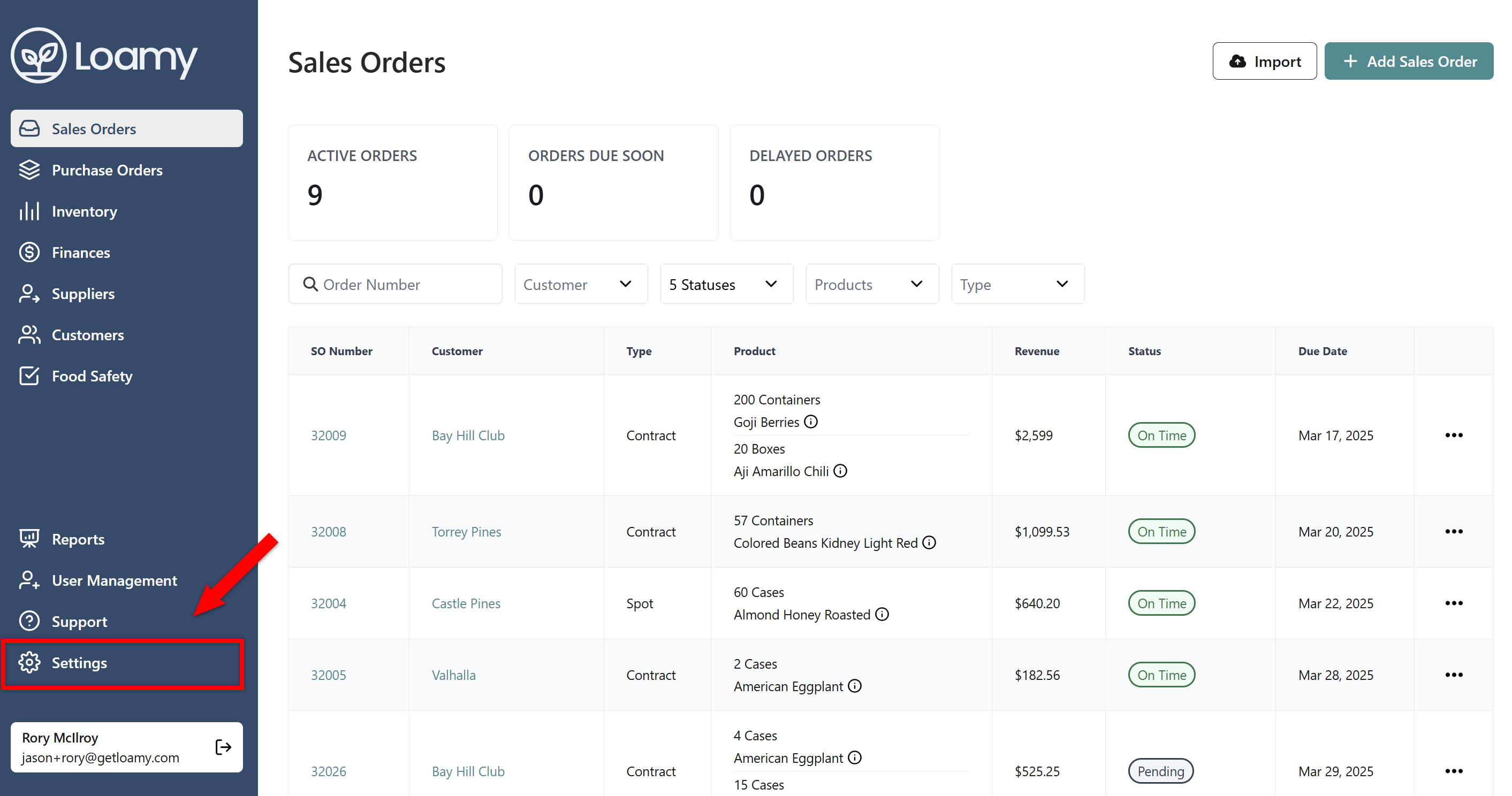
3. Find Your Approval Signature and either draw your signature or select to type it in.
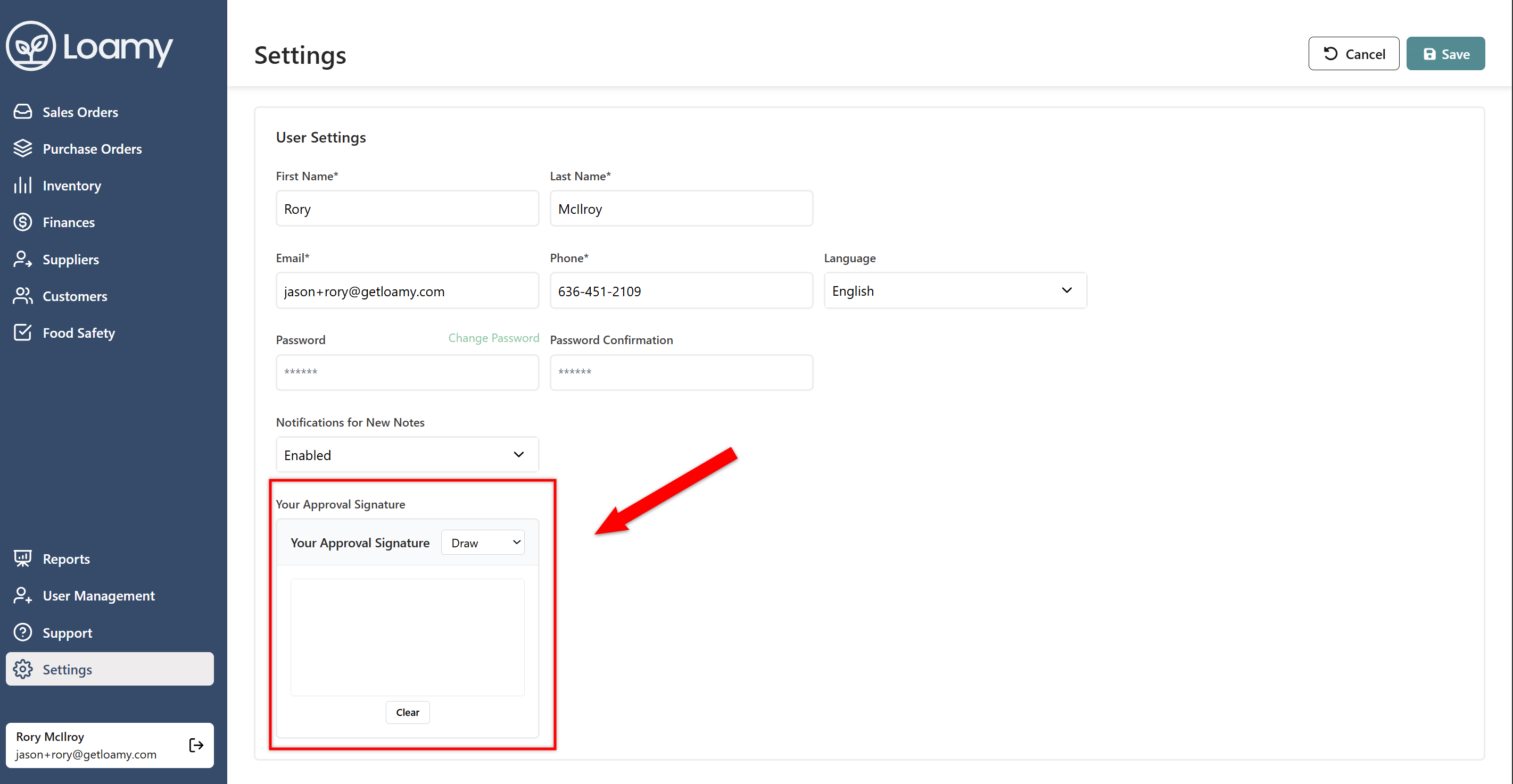
4. Once complete, hit Save.
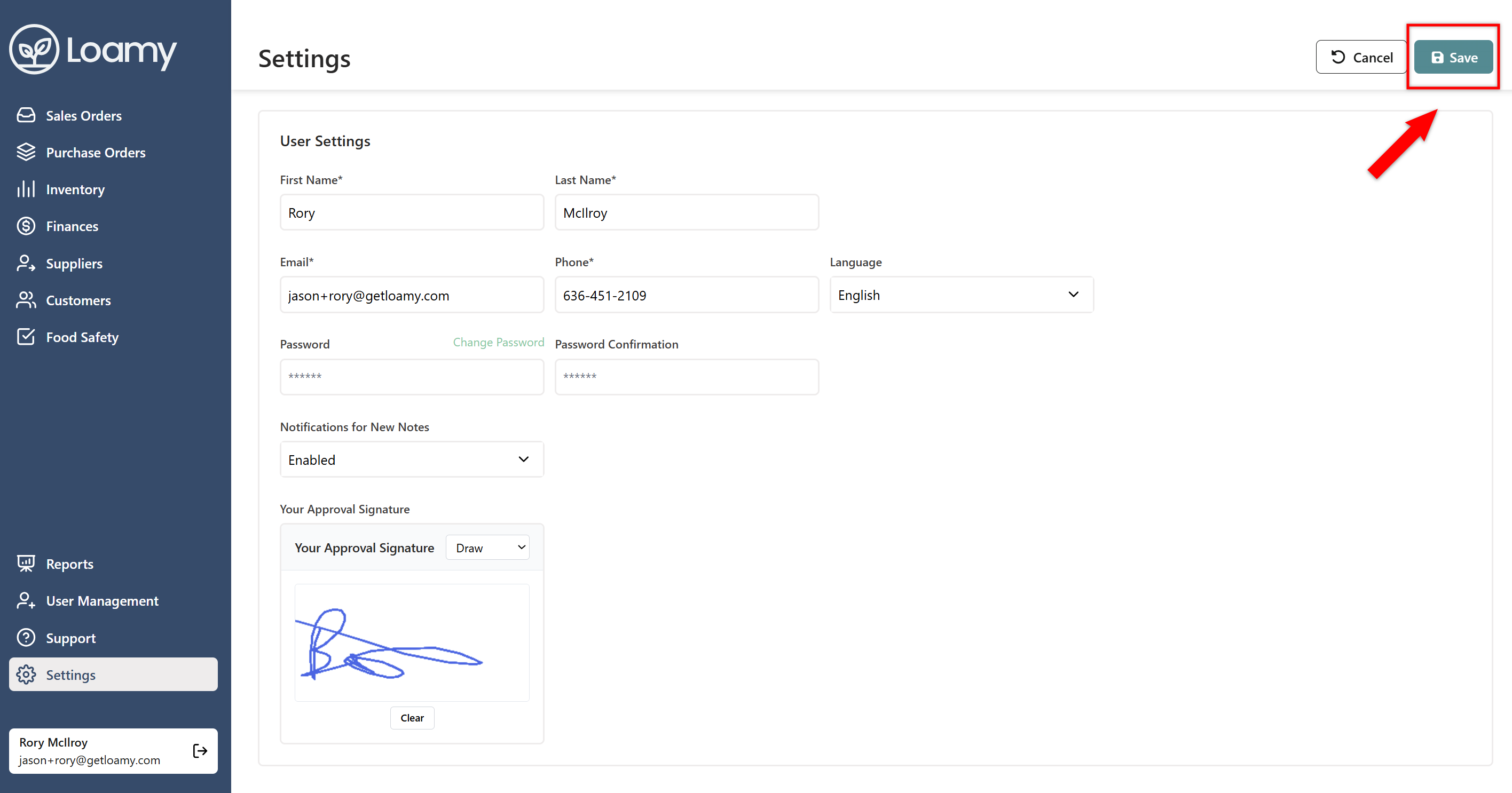
5. When you update a task's status to approved, your approval signature and date stamp will show alongside the task.