1. Login to Loamy Dashboard.
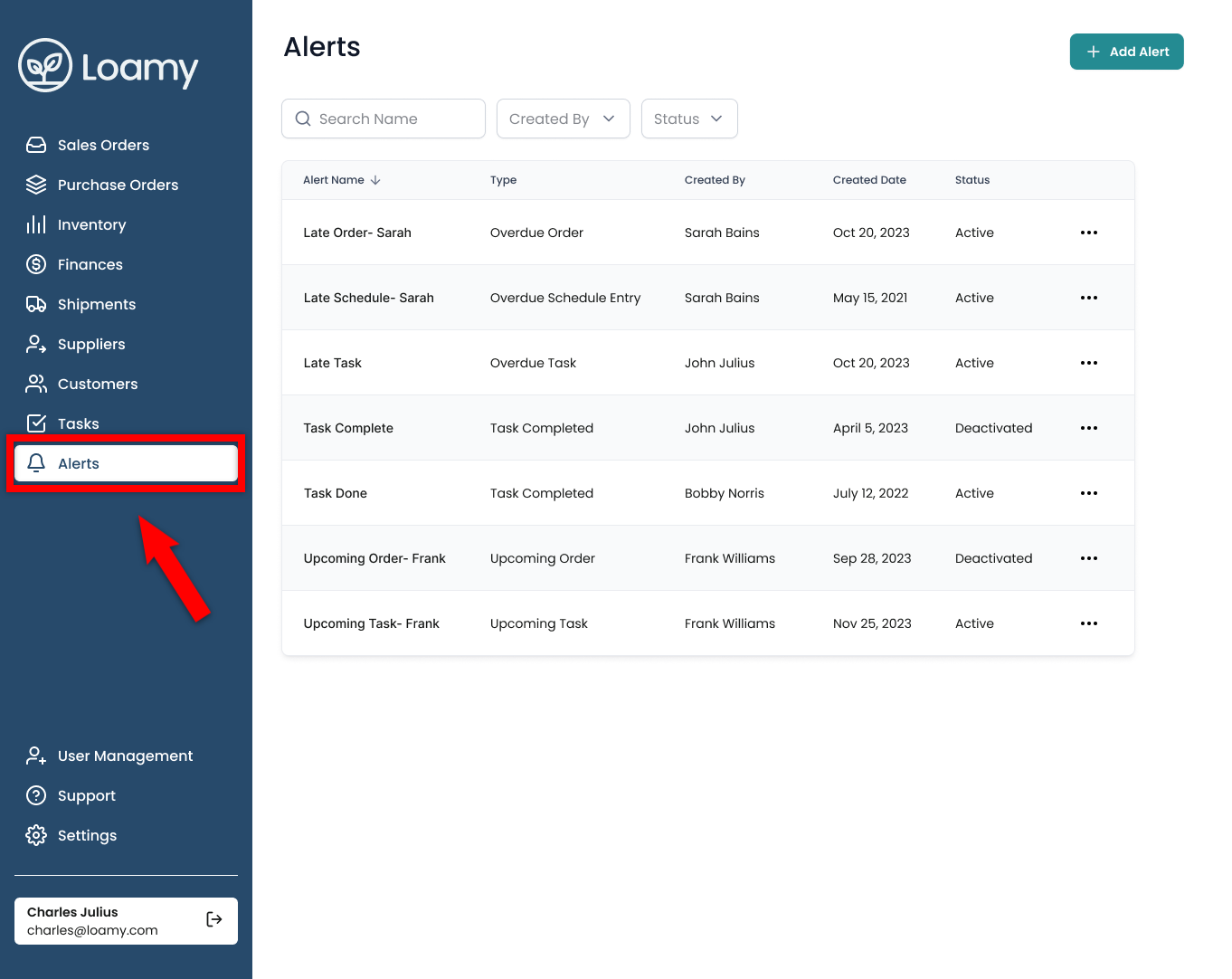
2. Navigate to the Alerts page by selecting it on the left-hand navigation menu.
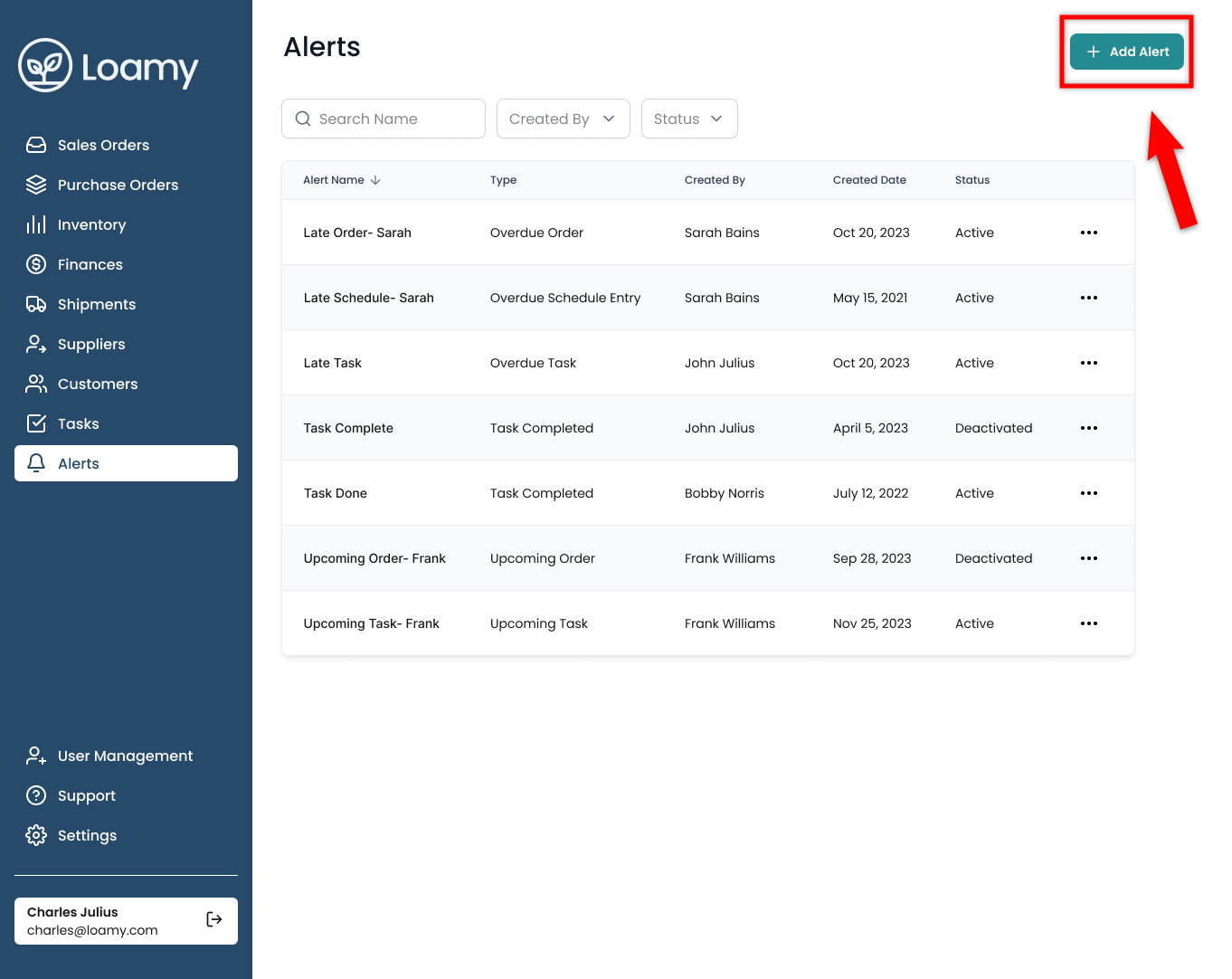
3. Select Add Alert in the top right corner.
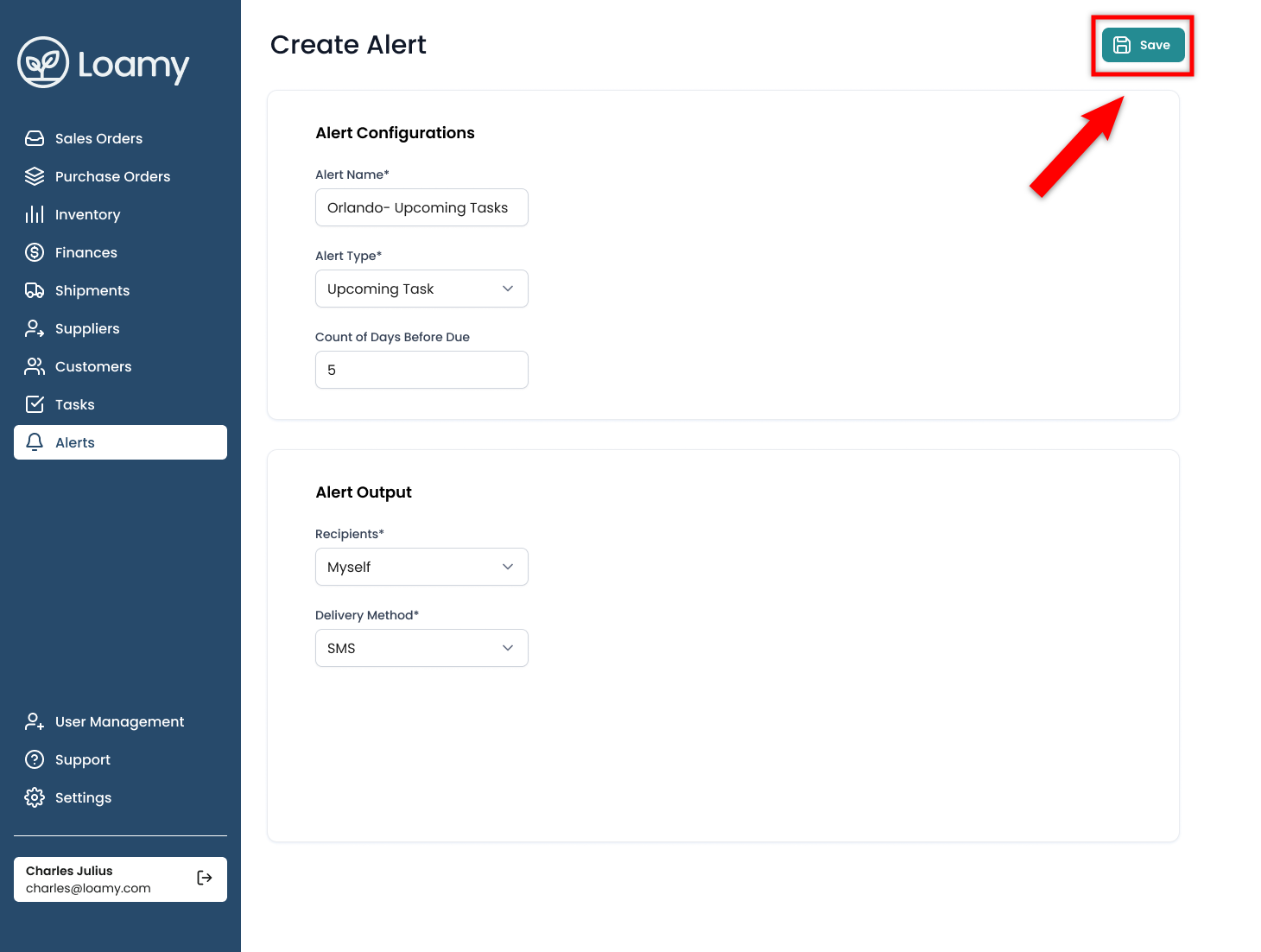
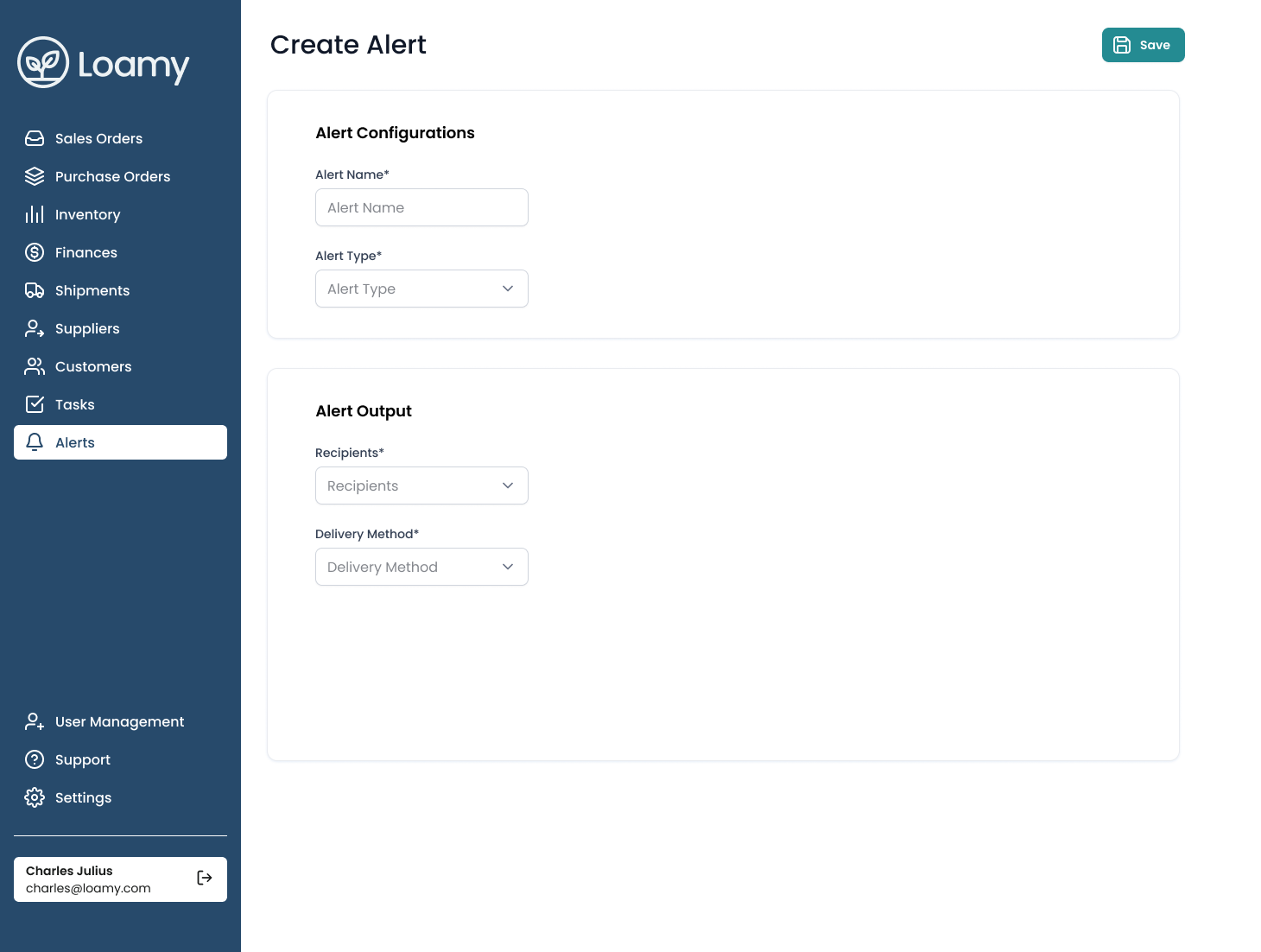
4. Complete the information, select yourself as a recipient if you wish to receive them, and choose the delivery method (SMS/Email).
5. Once complete, hit Save.