1. Login to the Loamy Dashboard.
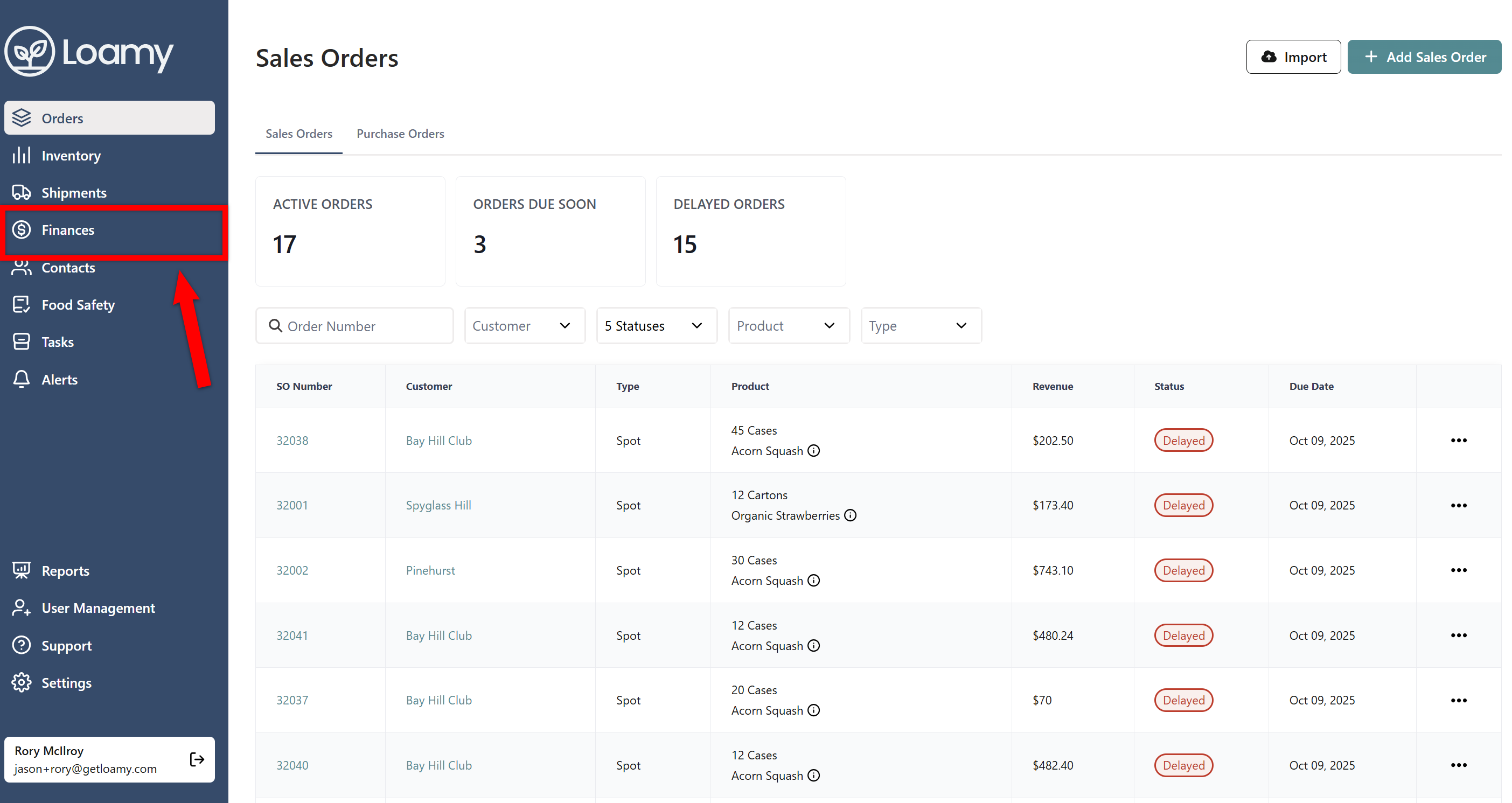
2. Go to the Finances page by selecting it on the left-hand navigation menu.
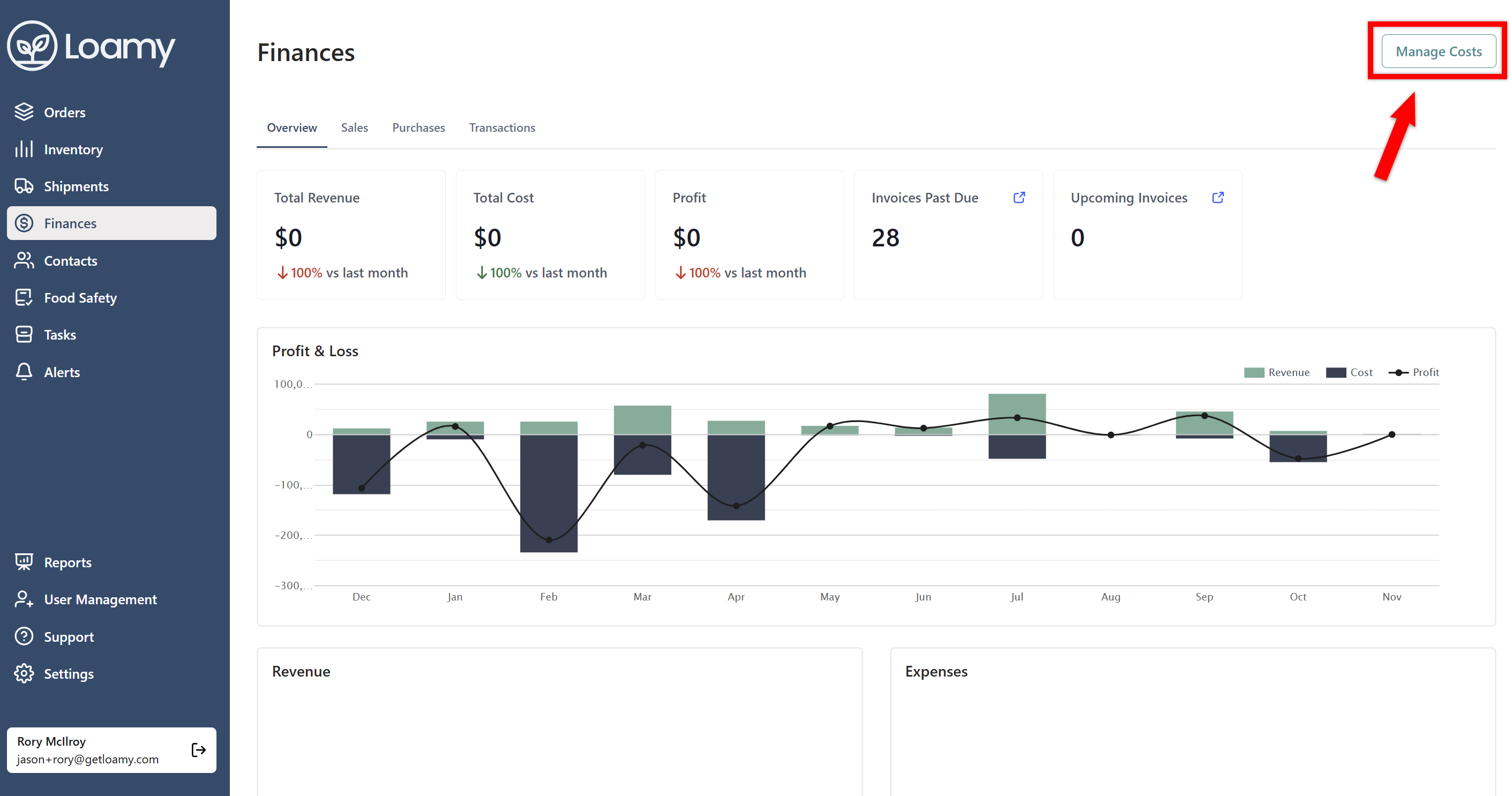
3. Click Manage Cost in the top right corner.
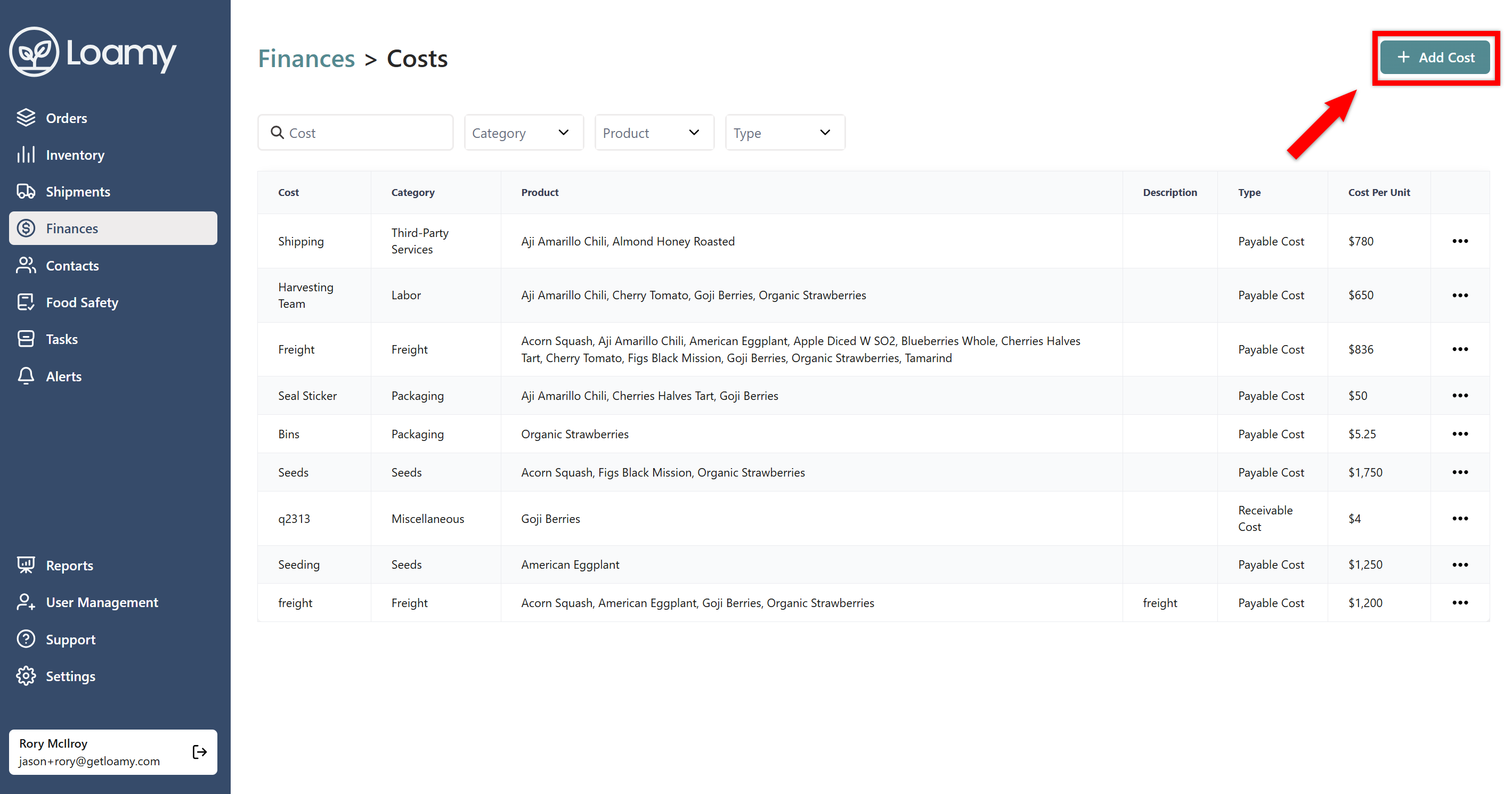
4. Select Add Cost.
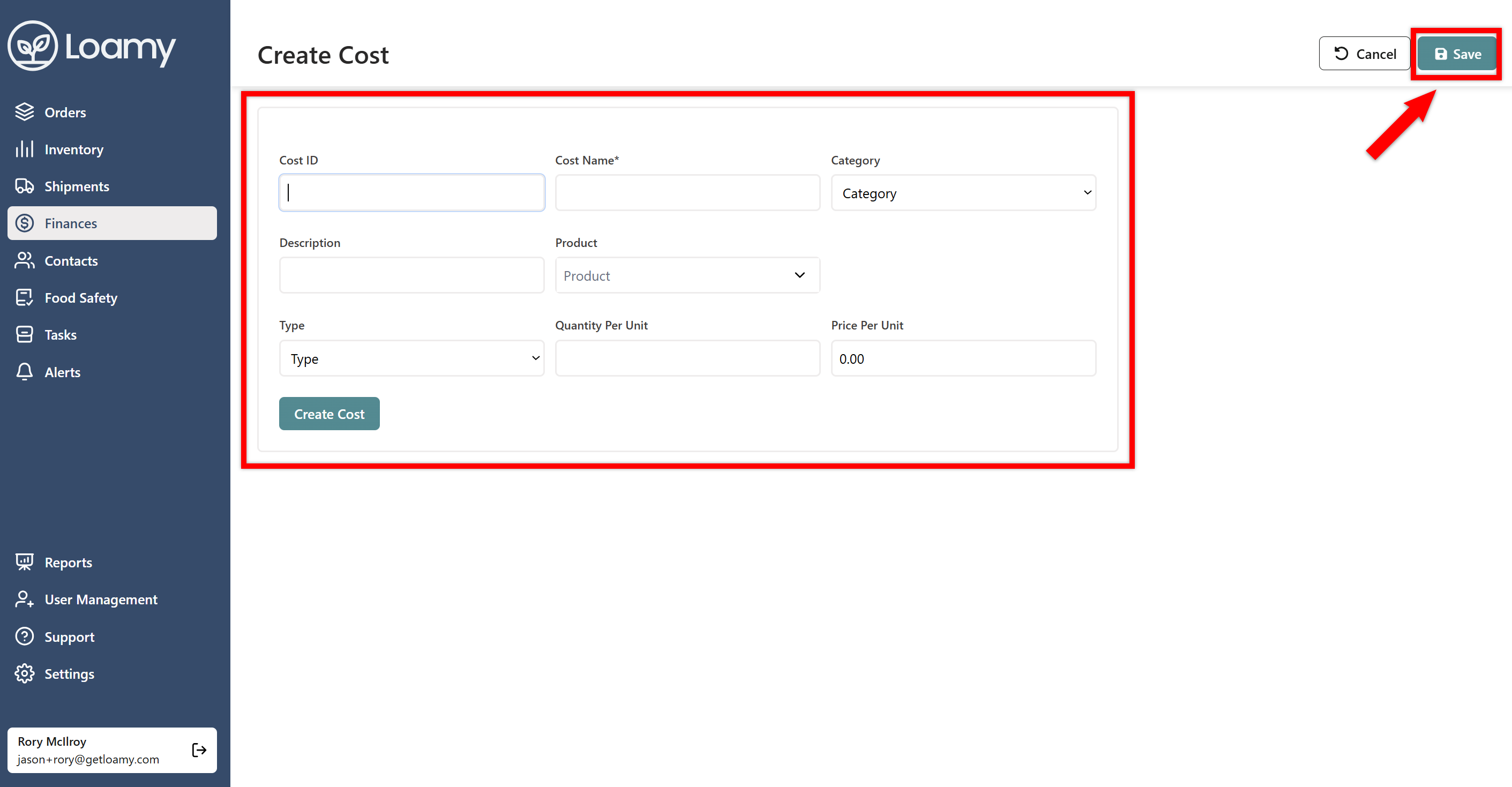
5. Add a name for the cost, enter additional information, and then hit Save.
6. If you want to edit this cost or any other cost, go back to the Manage Costs screen. Select the three dot menu next to the role, and hit Edit. From there, you can make adjustments.


