1. Login to the Loamy Dashboard.
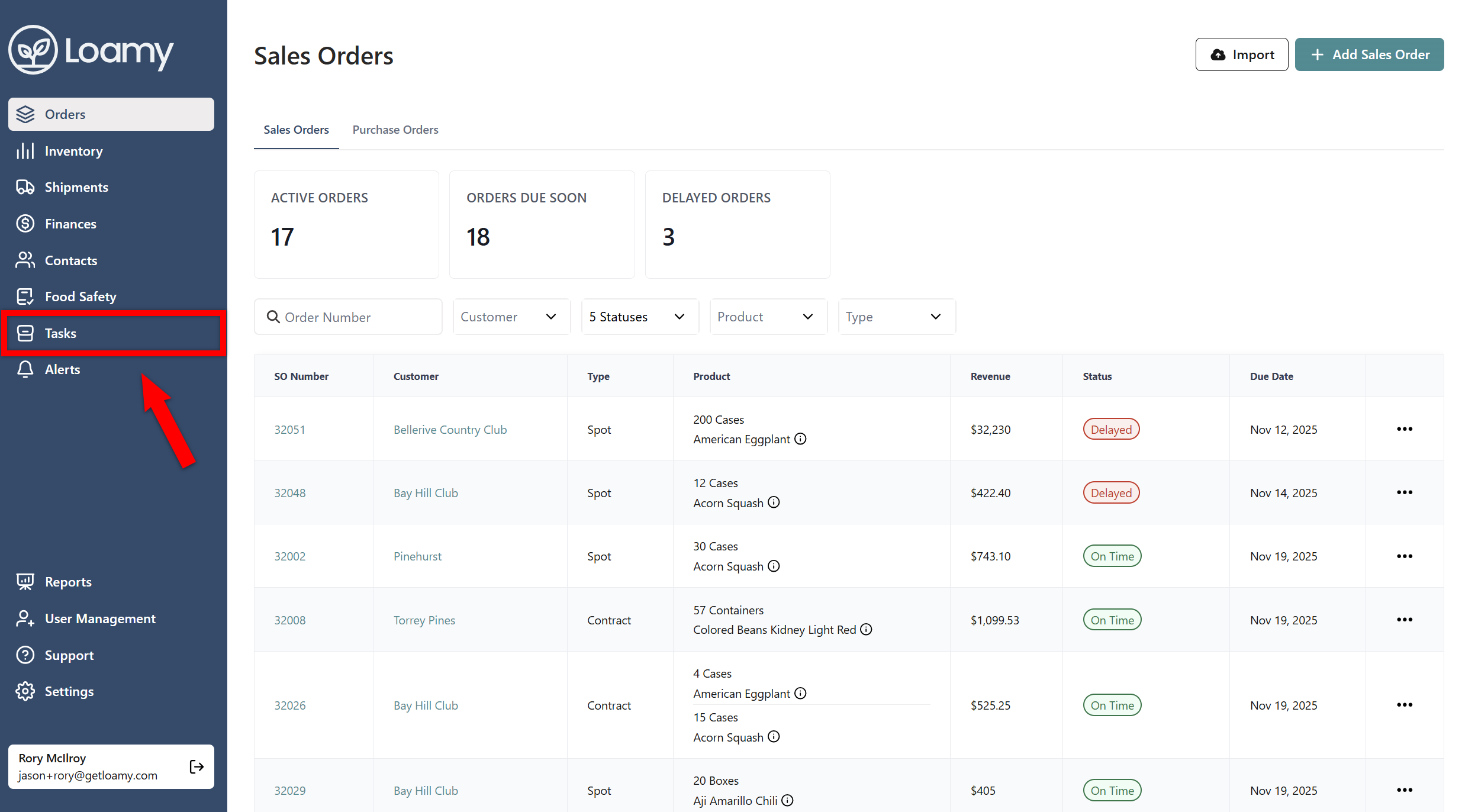
2. Go to the Tasks page by selecting it on the left-hand navigation menu.
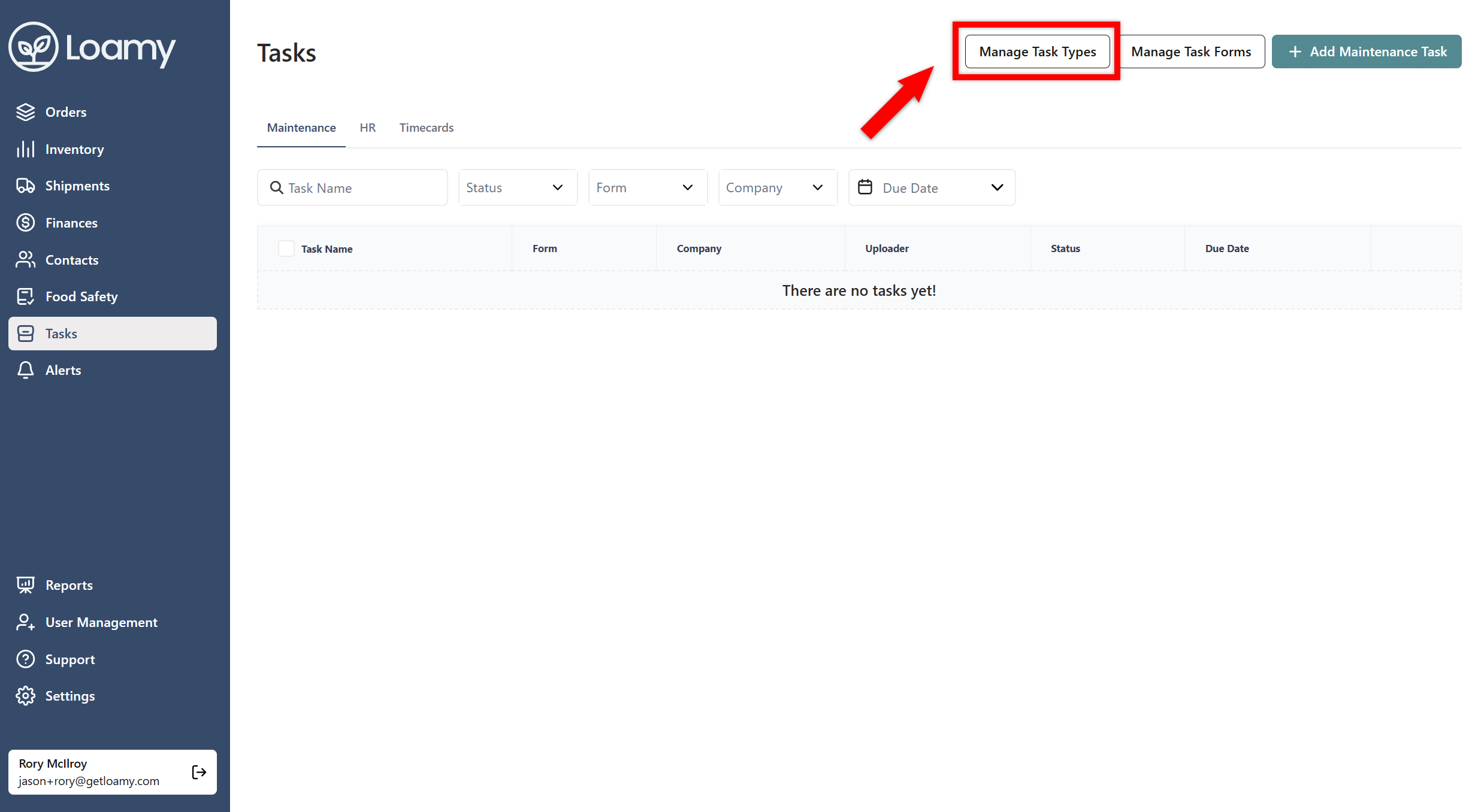
3. Select Manage Task Types in the top right hand corner.
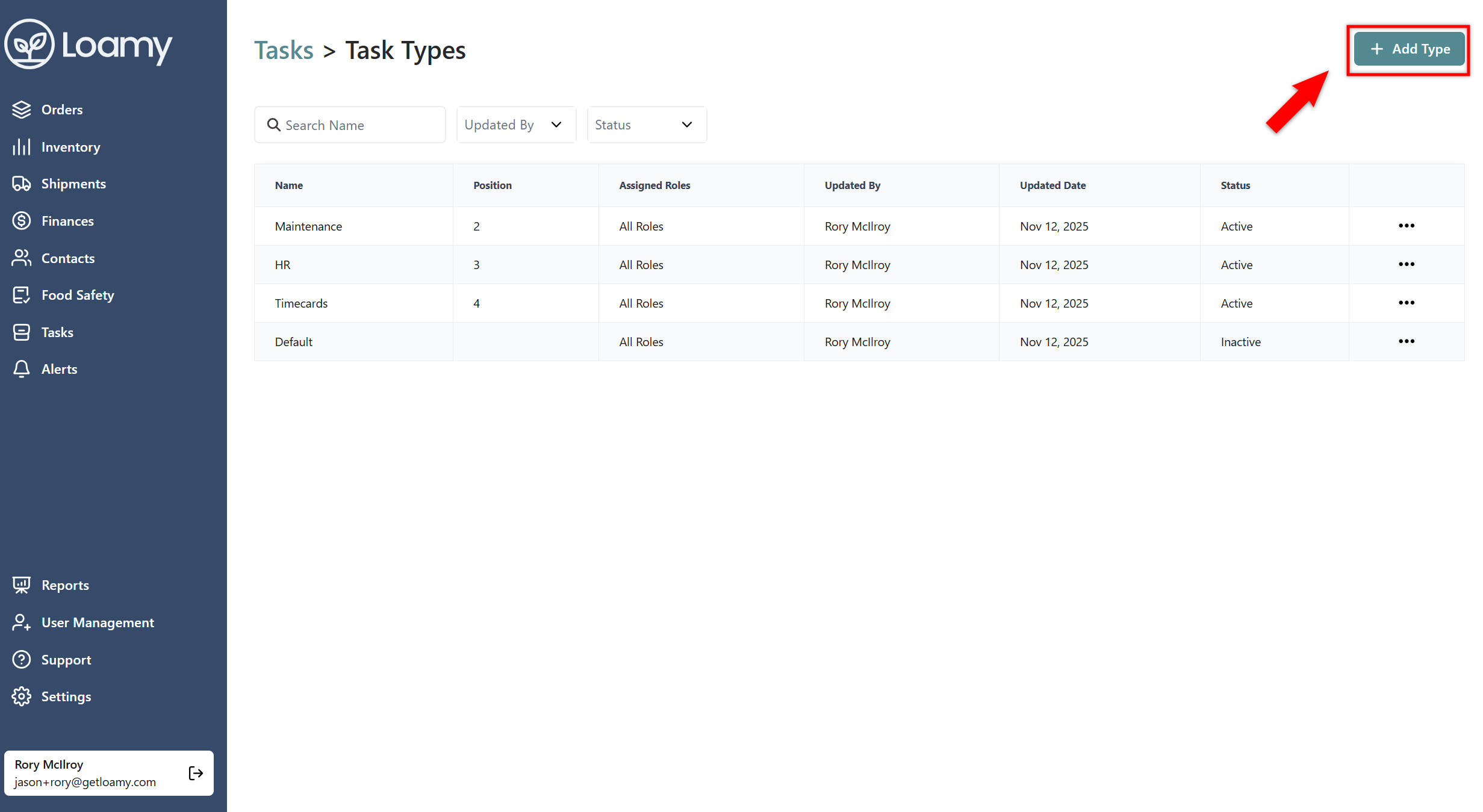
4. Hit Add Type.
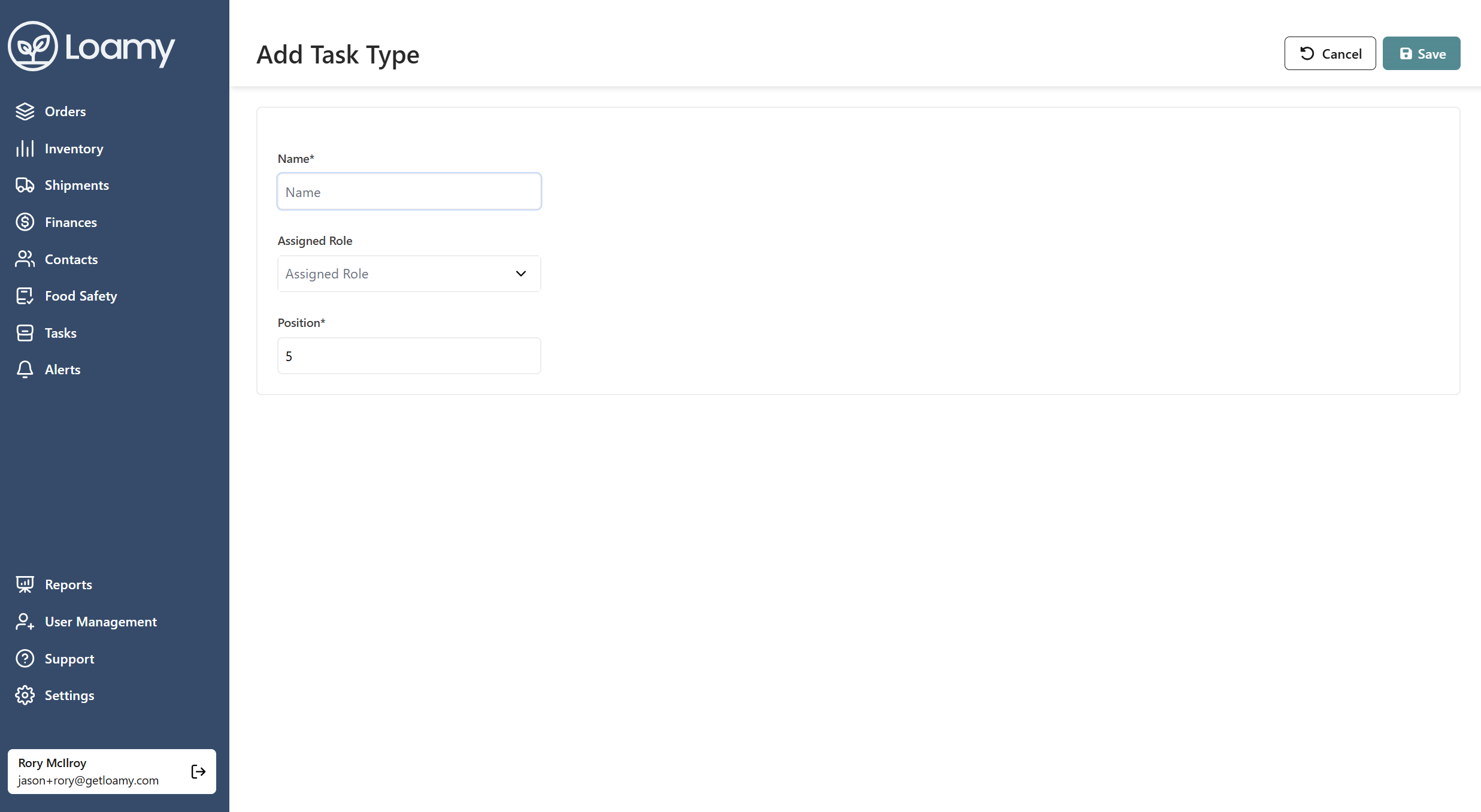
5. Enter in the name and position. You can also assign certain roles to the type so that only certain individuals can view the tab and create those tasks. Select Save.