1. Login to the Loamy Dashboard.
2. Go to the Field Estimates page by selecting it on the left-hand navigation menu.
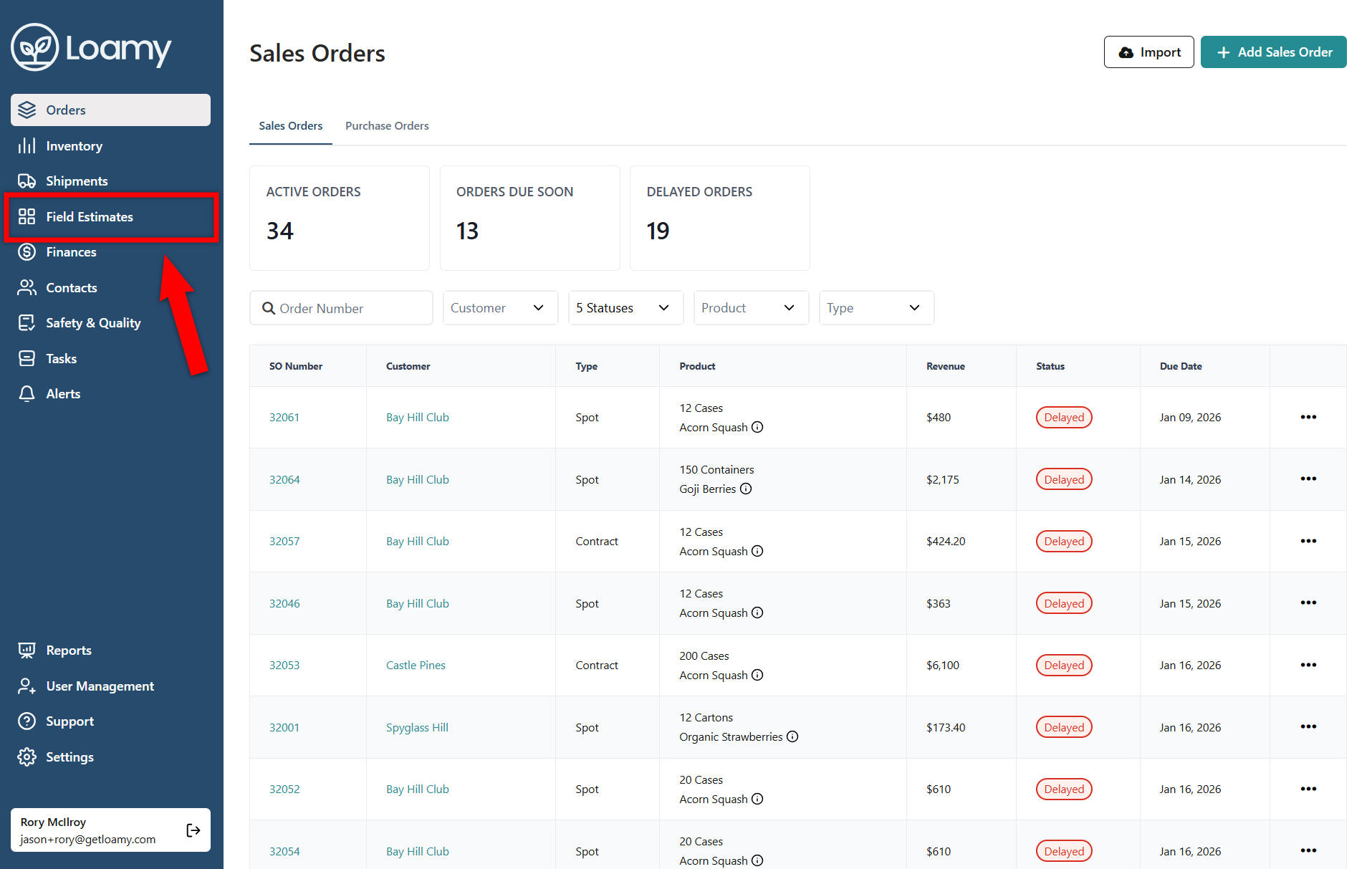
3. Select Add Field Estimate in the top right hand corner.

4. Add in the location, lot(field), product, quantity, and any additional information. Hit Save.
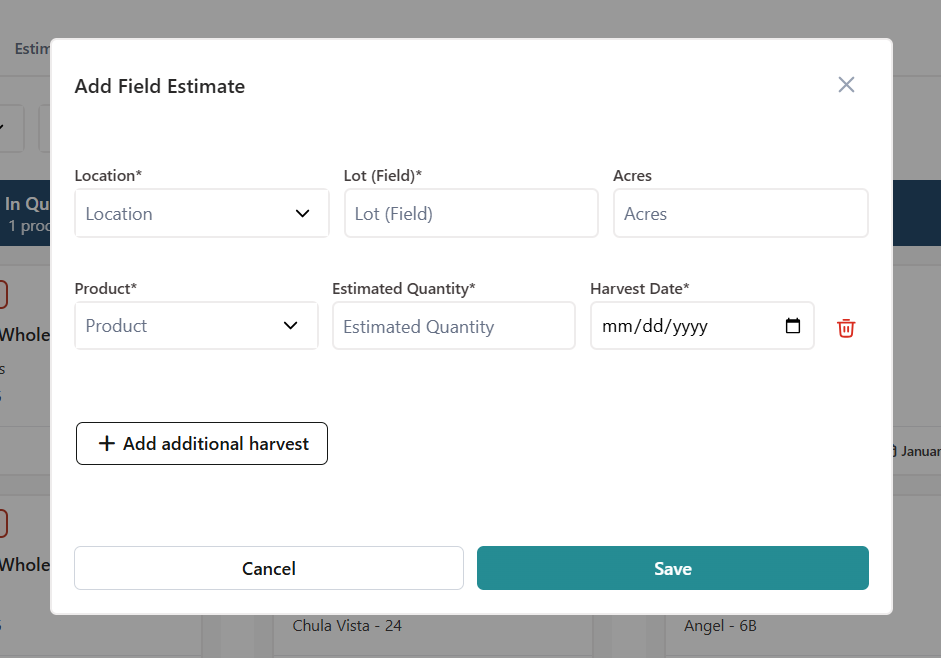
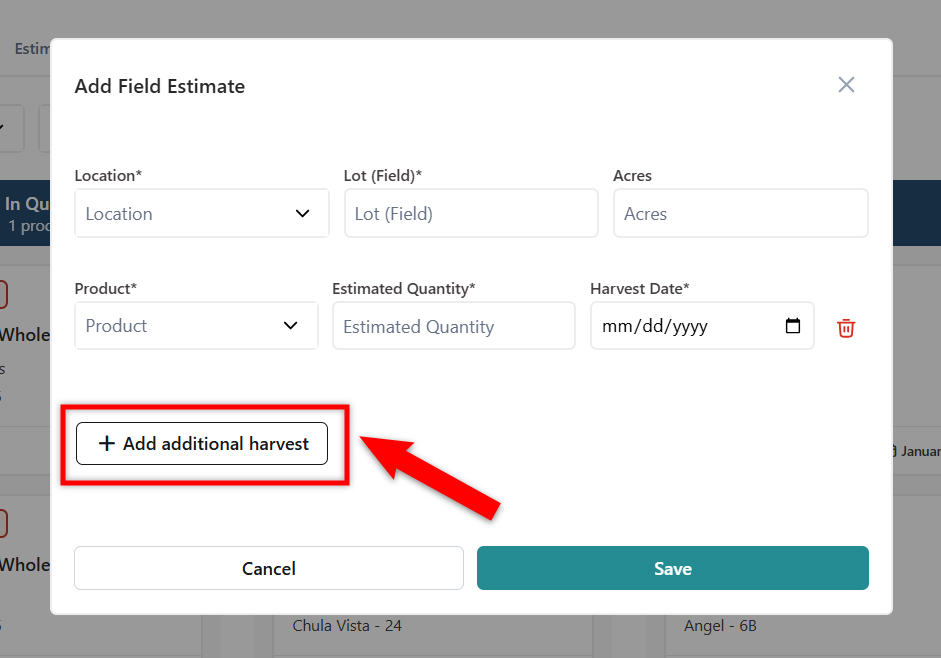
5. If you want to add multiple harvest dates for the same lot(field), select Add Additional Harvest.