1. Login to Loamy Dashboard.
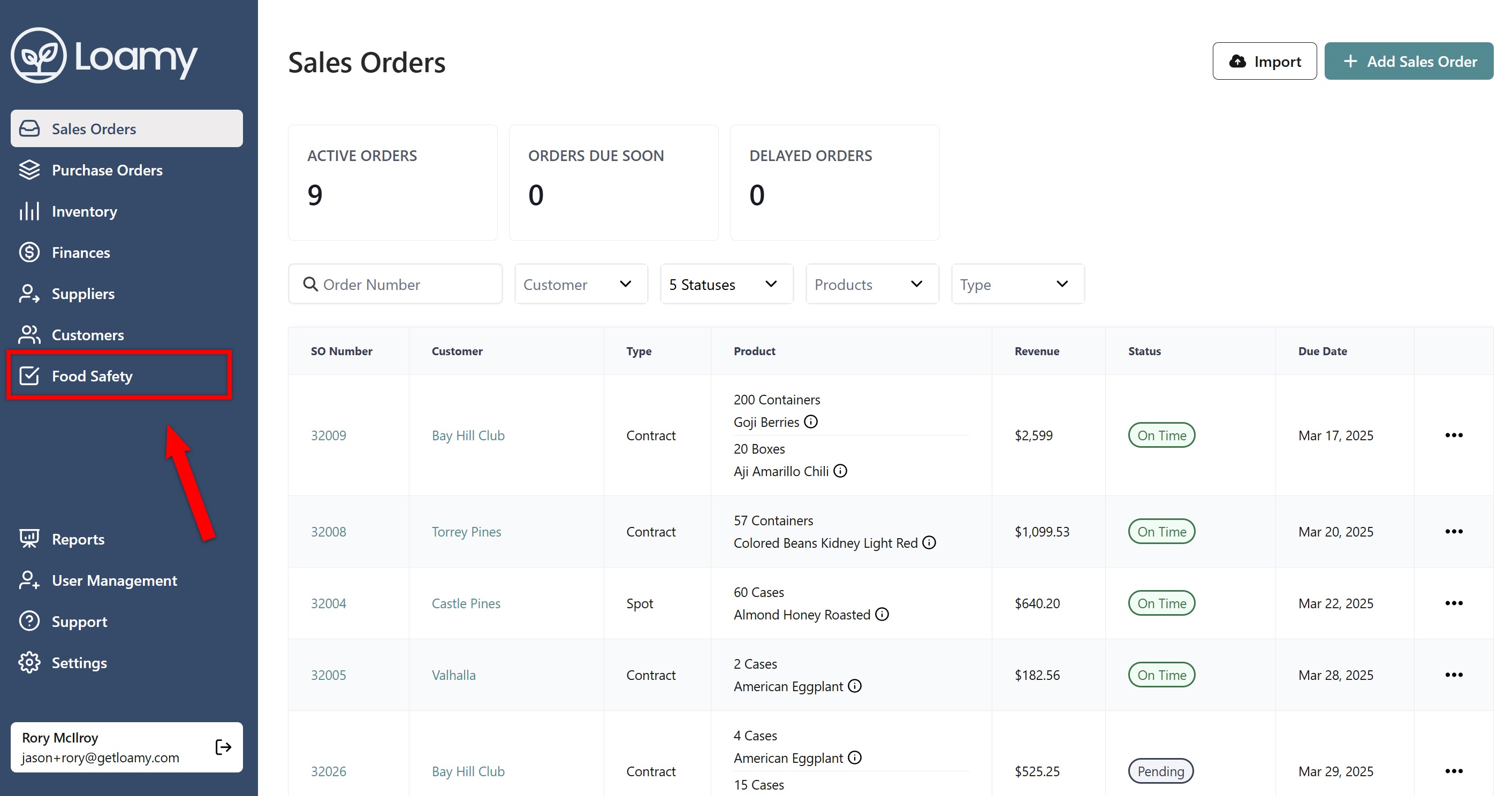
2. Navigate to the Food Safety page by selecting it on the left-hand navigation menu.
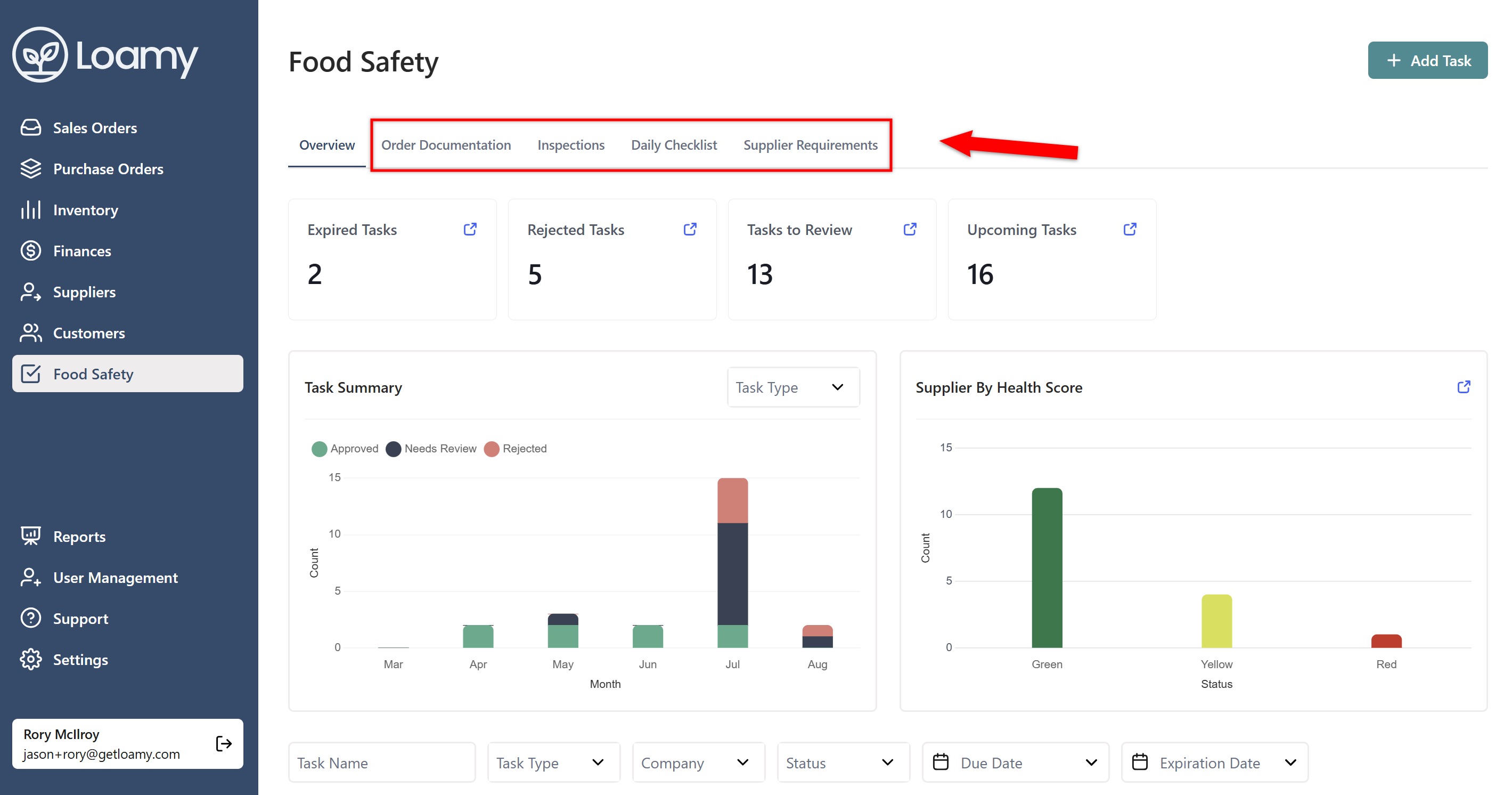
3. Click on a task area depending on where you want to update multiple tasks (Order Documentation, Inspections, Daily Checklist, or Supplier Requirements)
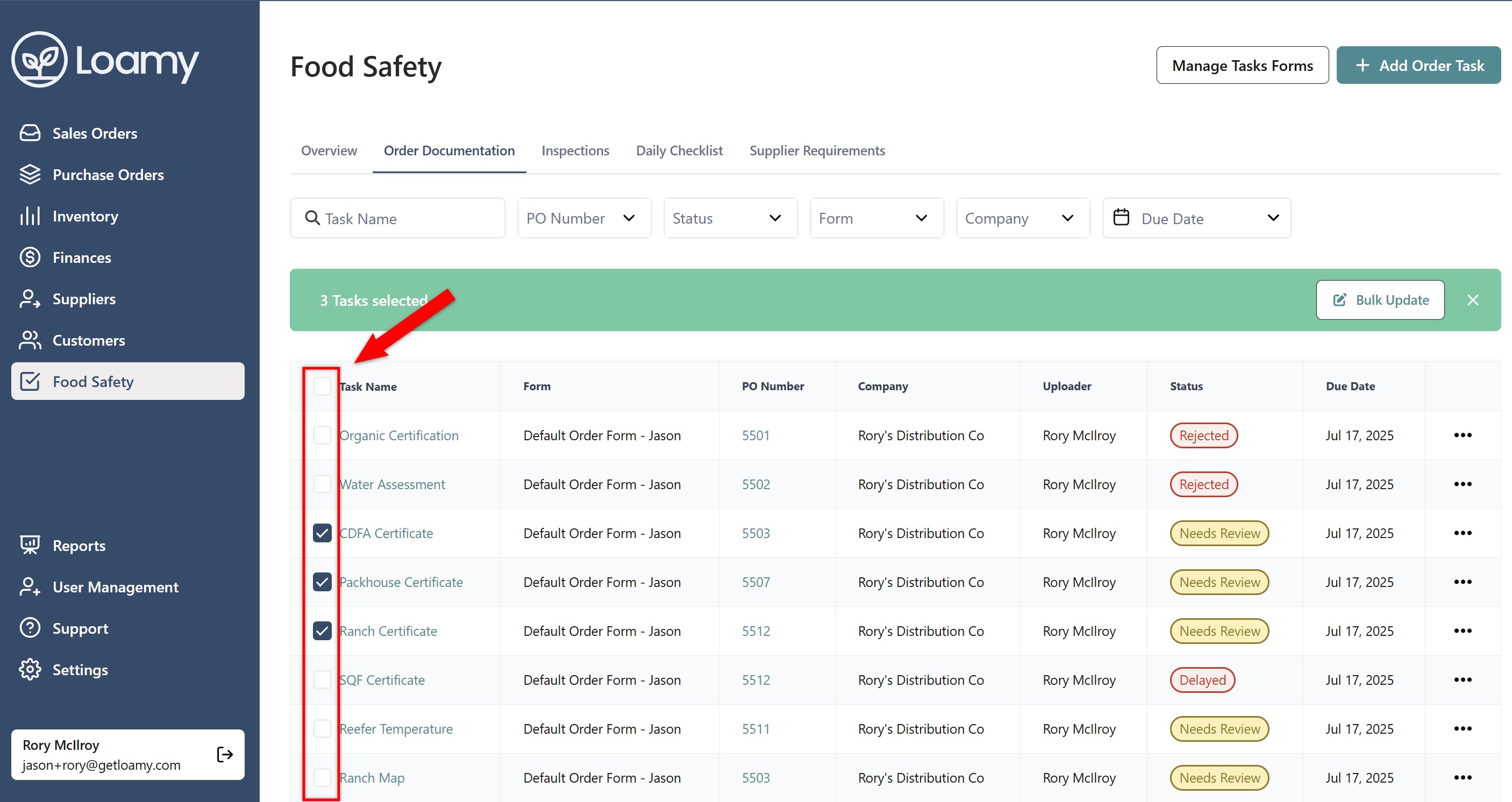
4. Select the checkboxes on the left hand side for the tasks you want to bulk update.
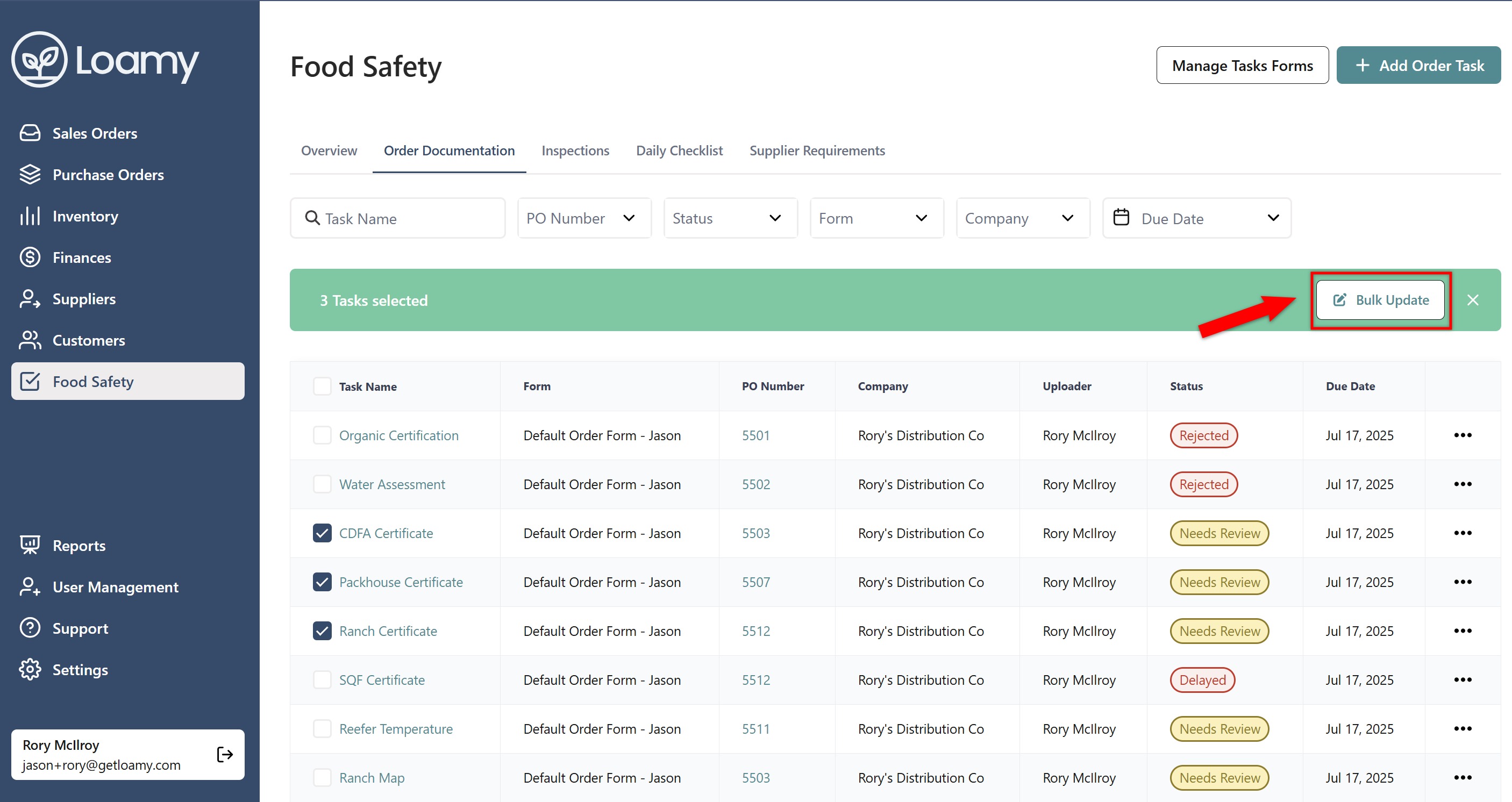
5. Hit Bulk Update.
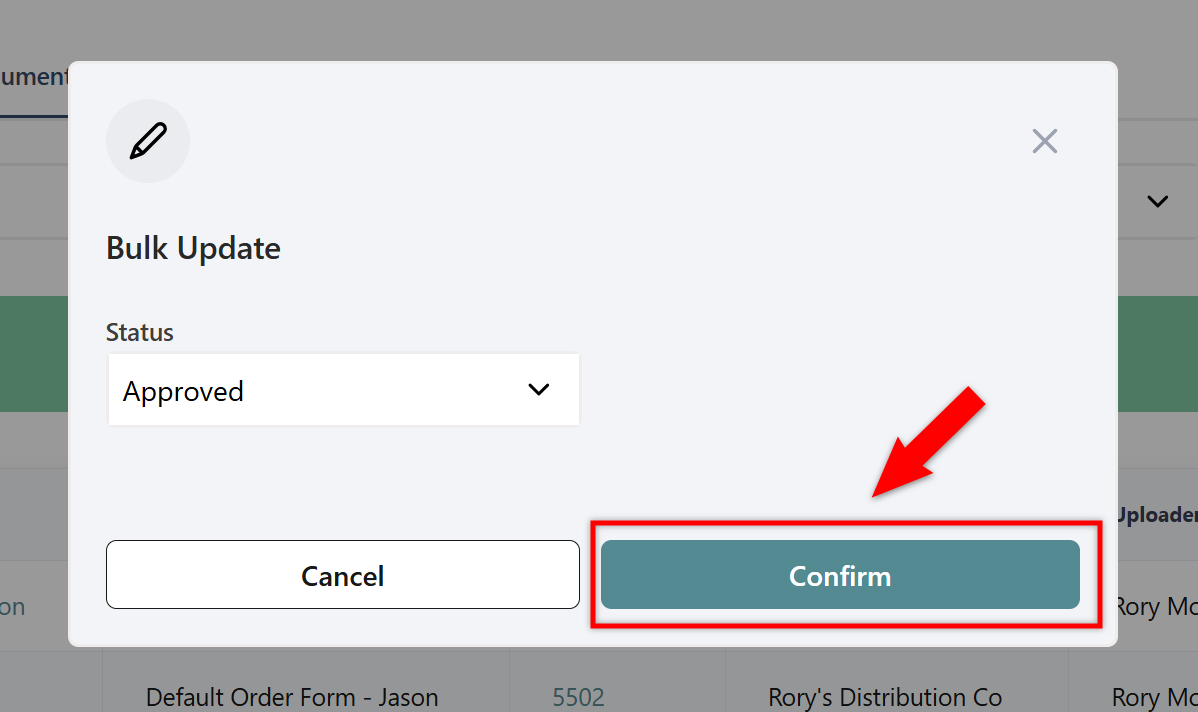
6. Select which status you want them to go into, and then hit Confirm.
Was this article helpful?
That’s Great!
Thank you for your feedback
Sorry! We couldn't be helpful
Thank you for your feedback
Feedback sent
We appreciate your effort and will try to fix the article