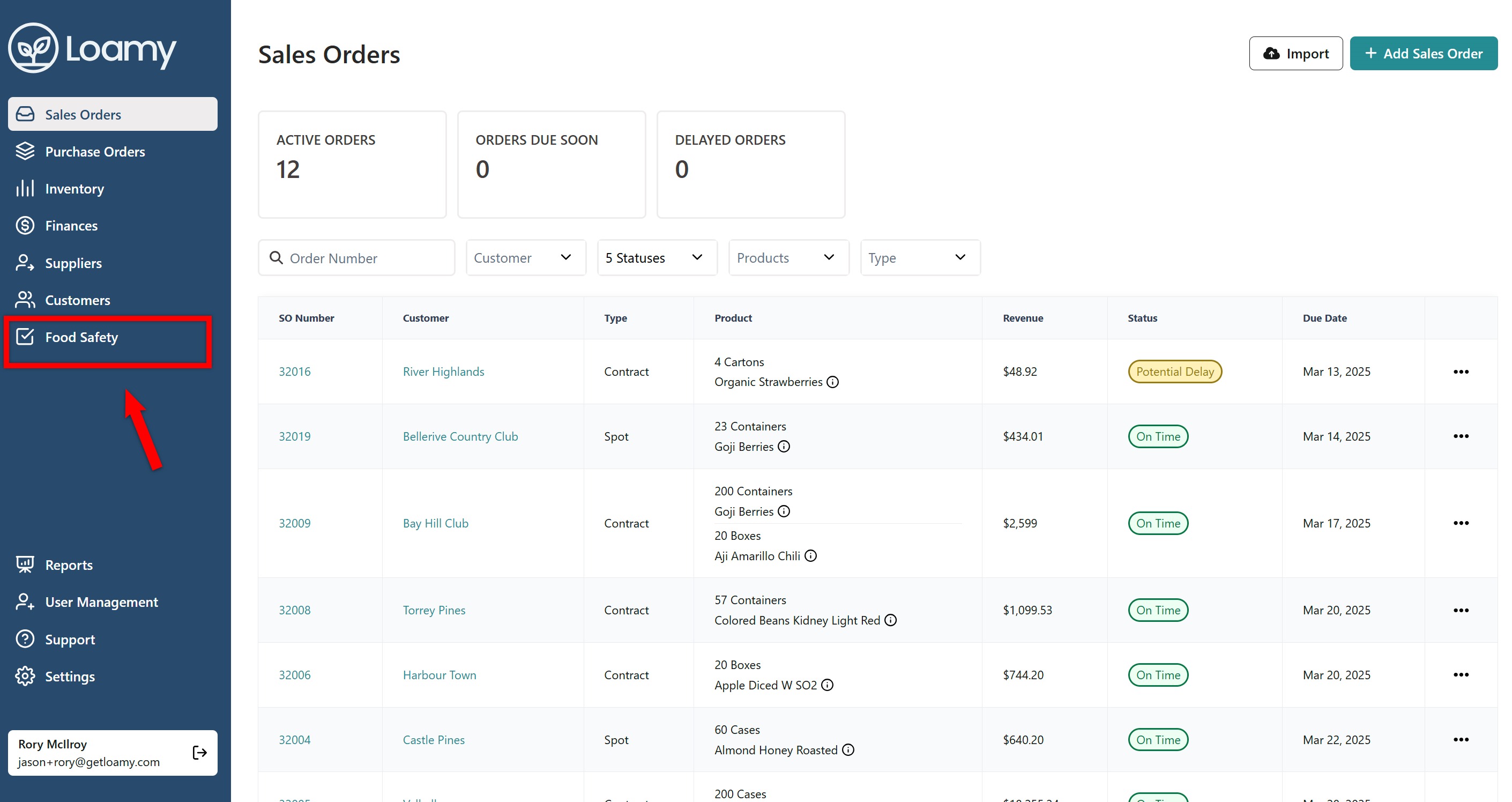
1. In the Loamy dashboard, navigate to Food Safety on the left-hand navigation.
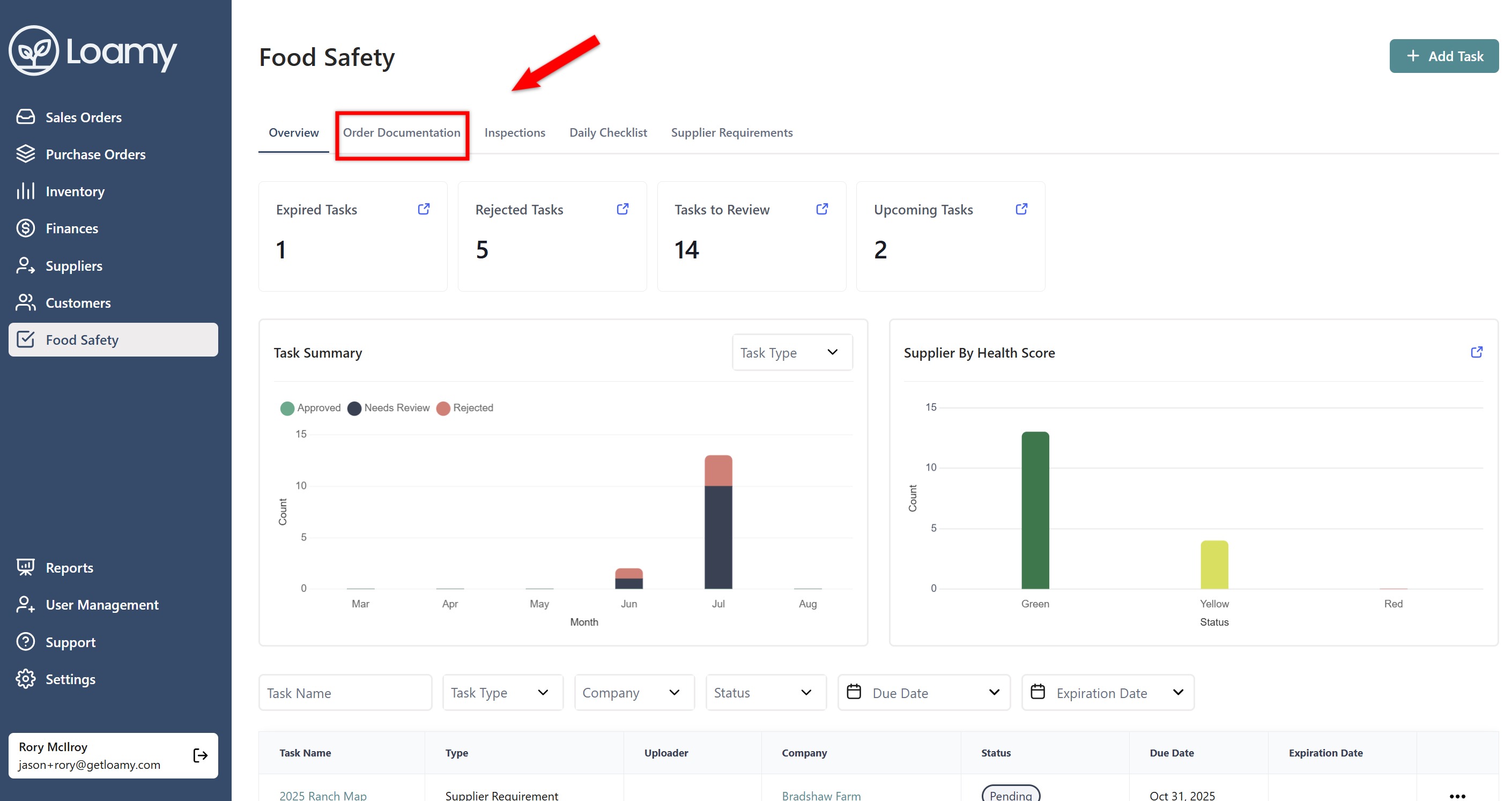
2. Click on the Order Documentation tab.
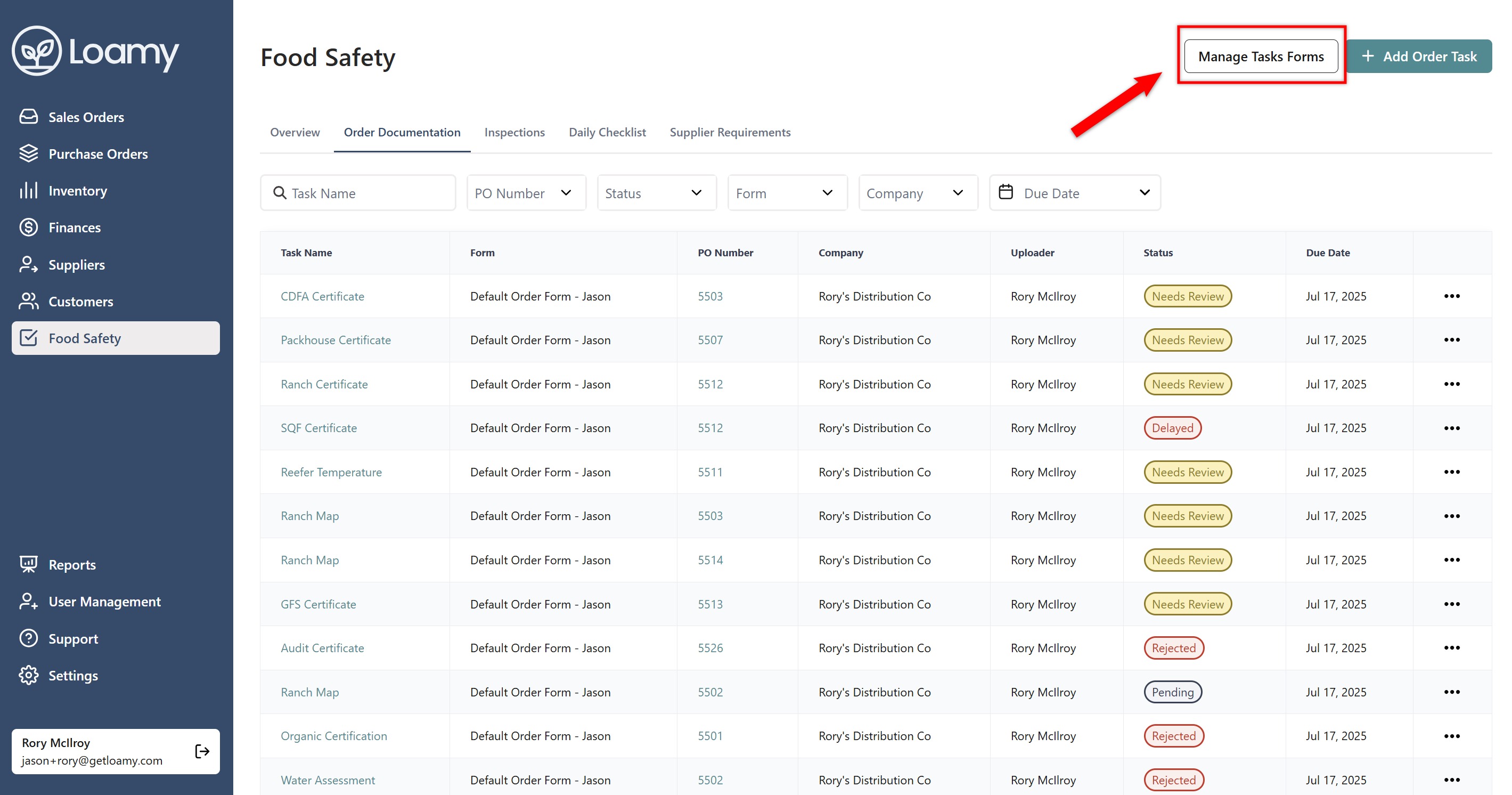
3. Hit Manage Task Forms in the top right corner.
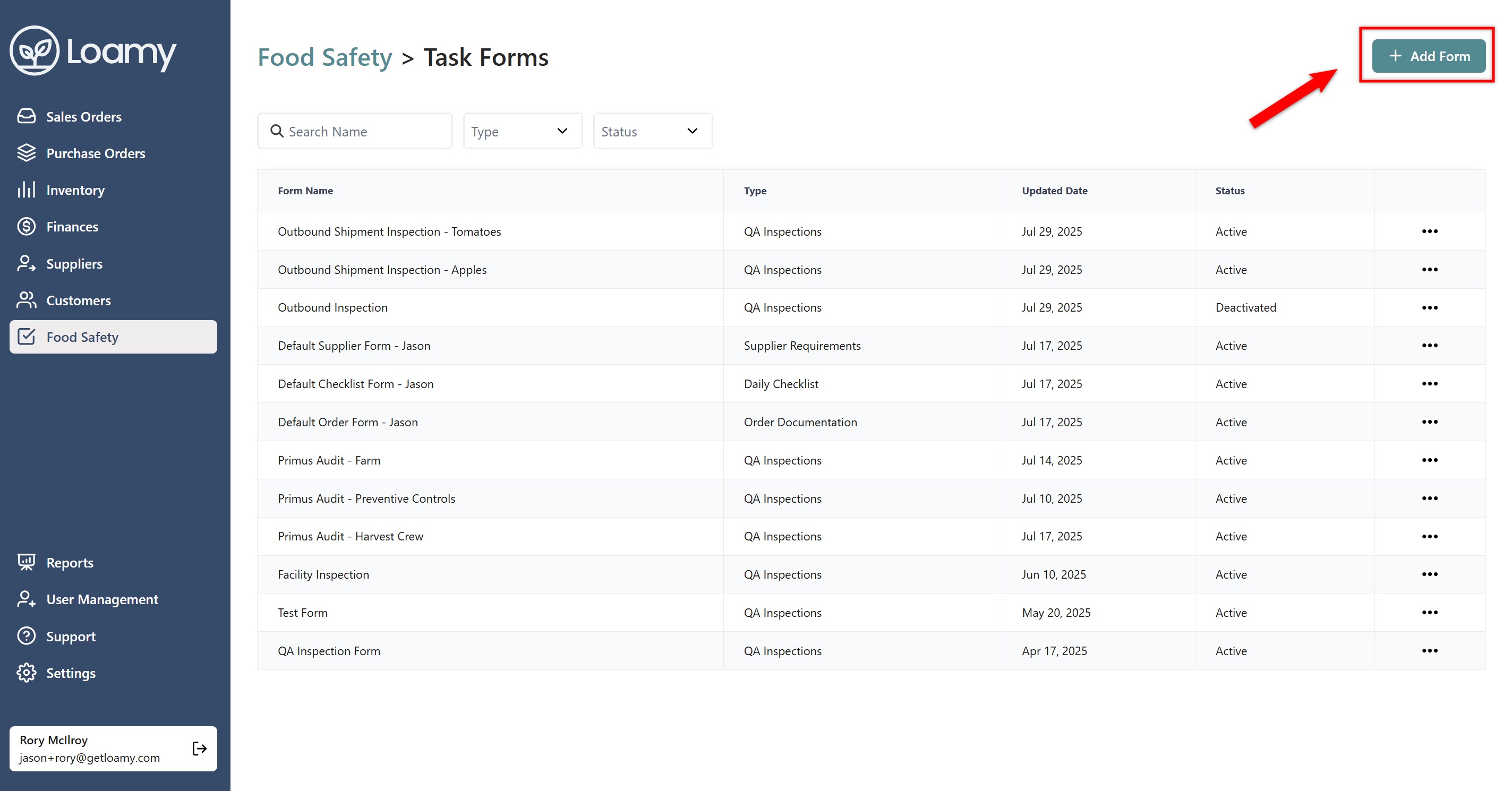
4. Select Add Form.
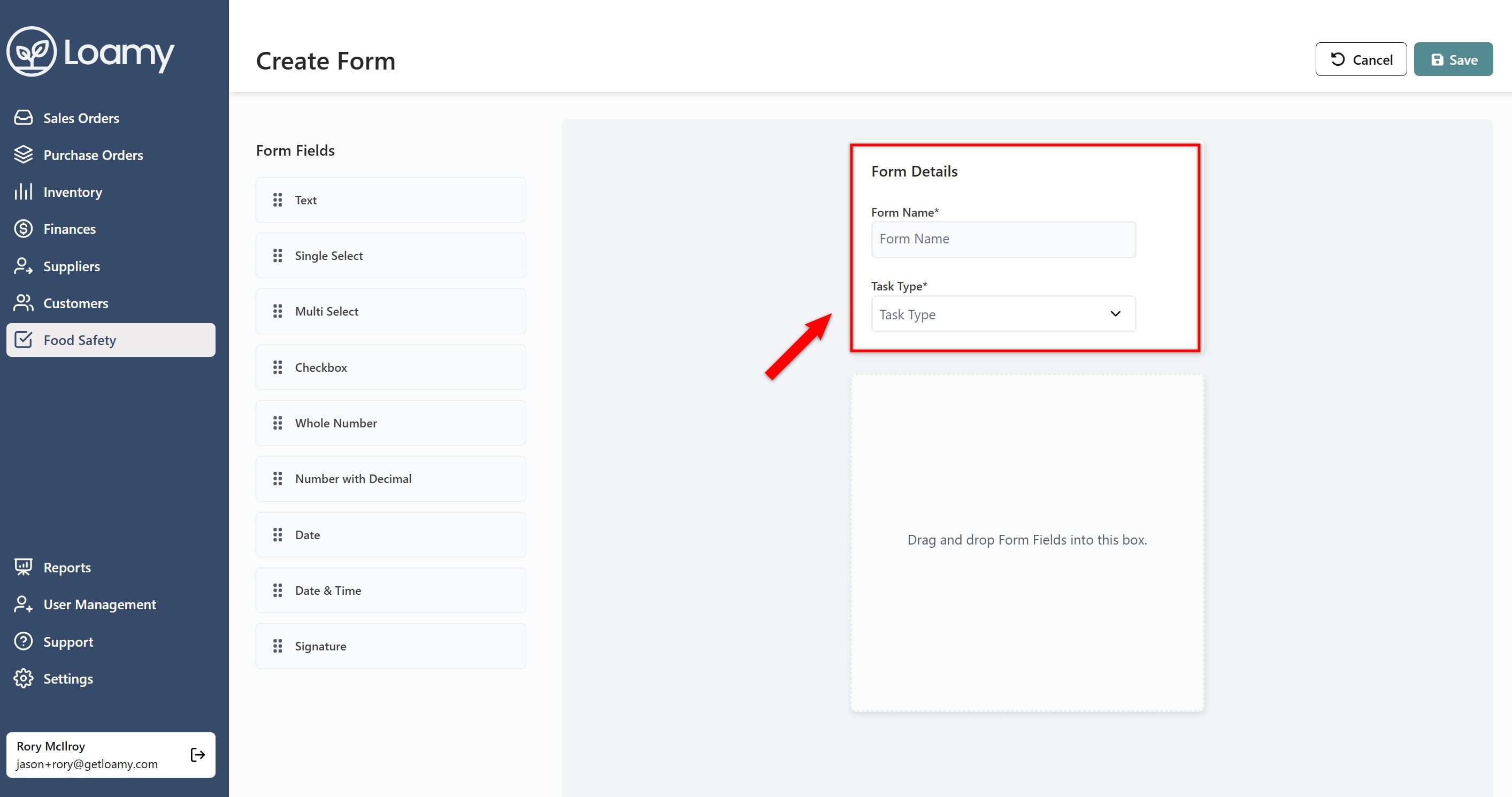
5. Add in the form name and select which type of task the form will be for.
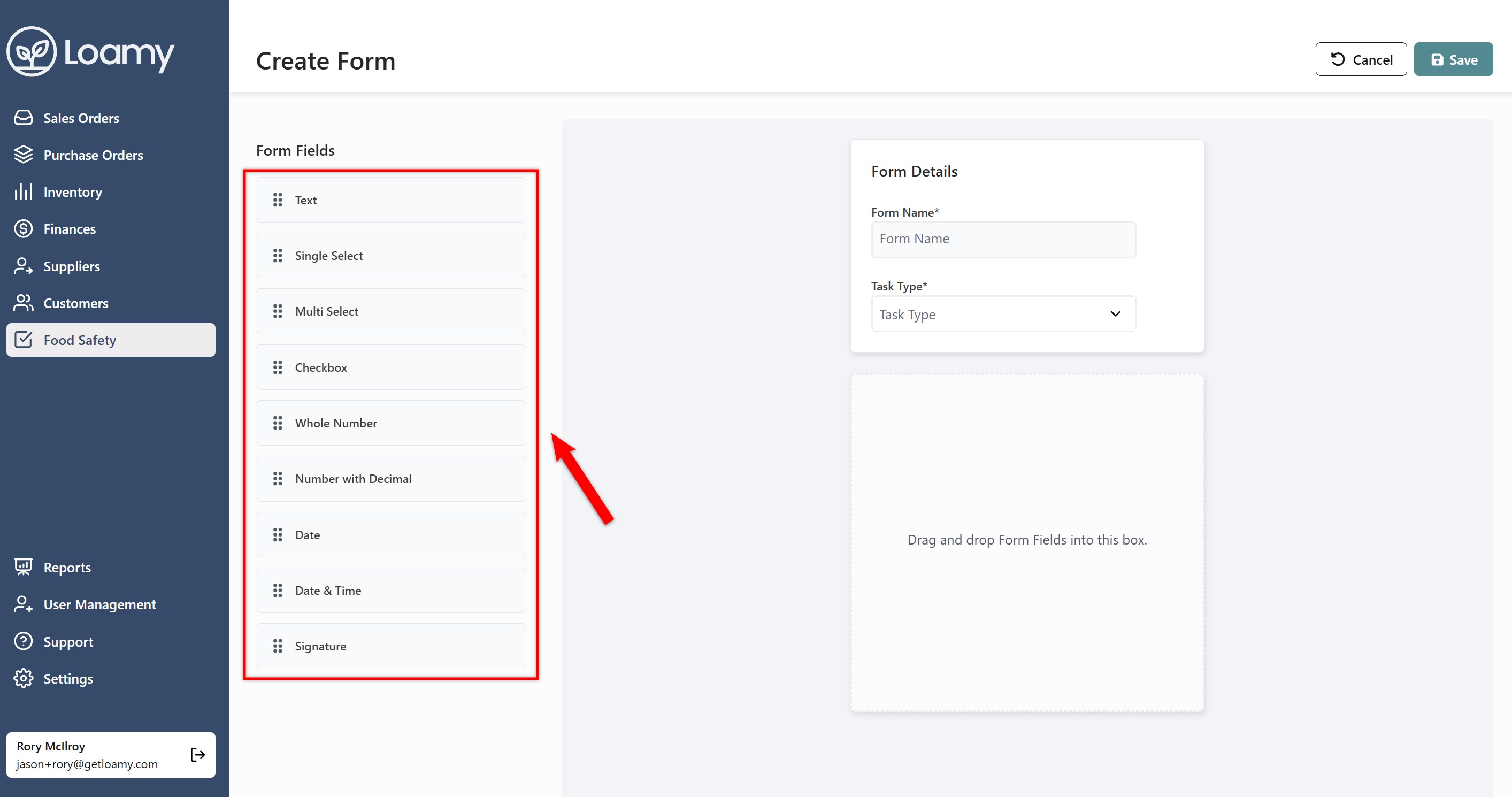
6. Drag and drop the form fields into the main area (you can also click on the form field and it will appear as well). From here, you can add the field names, include helper text, include options, and decide whether or not the field should be required.
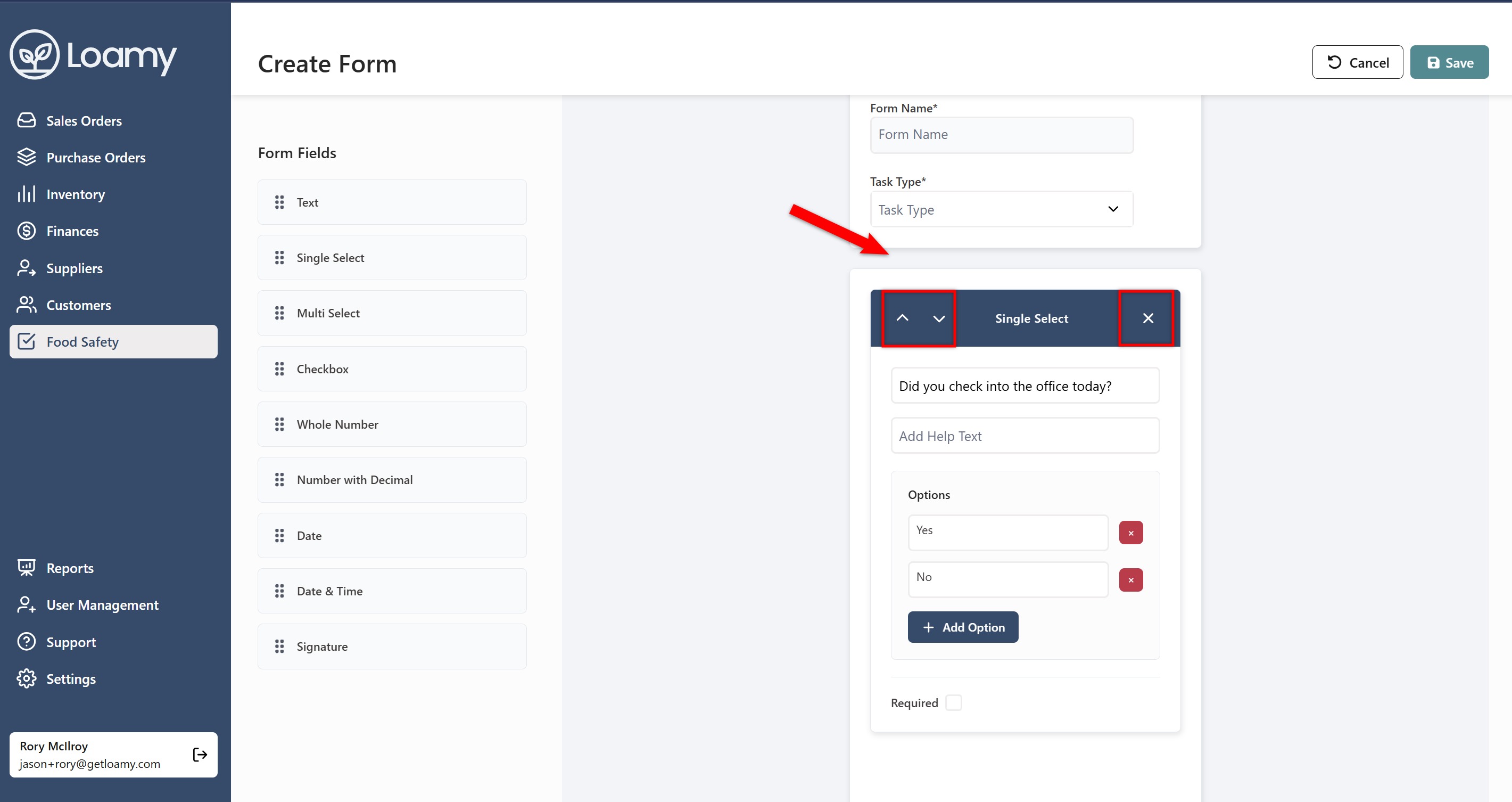
7. You can also move the fields around by selecting the up or down arrows. If you wish to remove a field, you can click the X on the form field's box.
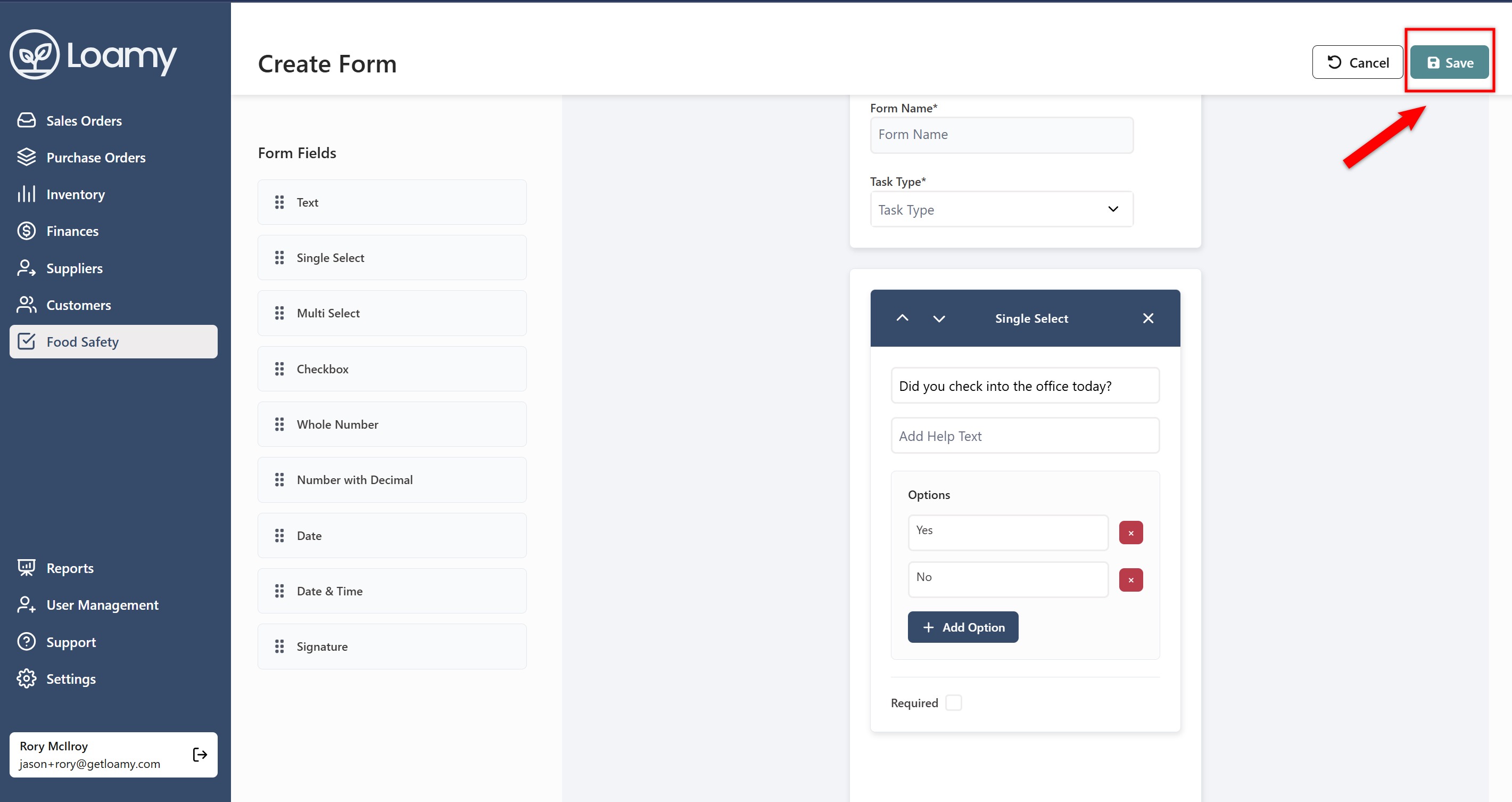
8. Once you're done, you can go and head and hit Save in the top right corner.
Was this article helpful?
That’s Great!
Thank you for your feedback
Sorry! We couldn't be helpful
Thank you for your feedback
Feedback sent
We appreciate your effort and will try to fix the article