1. Login to the Loamy Dashboard.
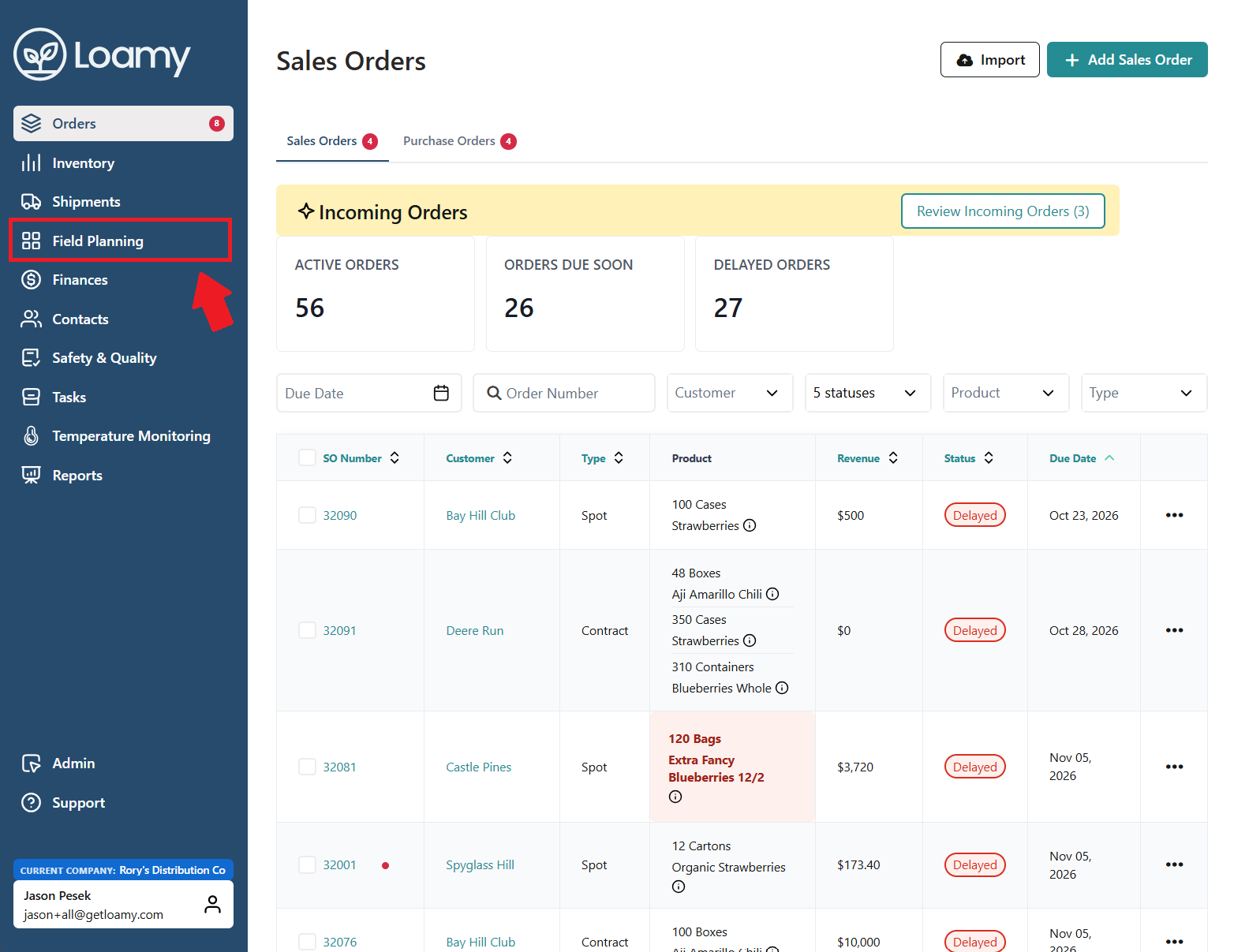
2. Go to the Field Planning page by selecting it on the left-hand navigation menu.
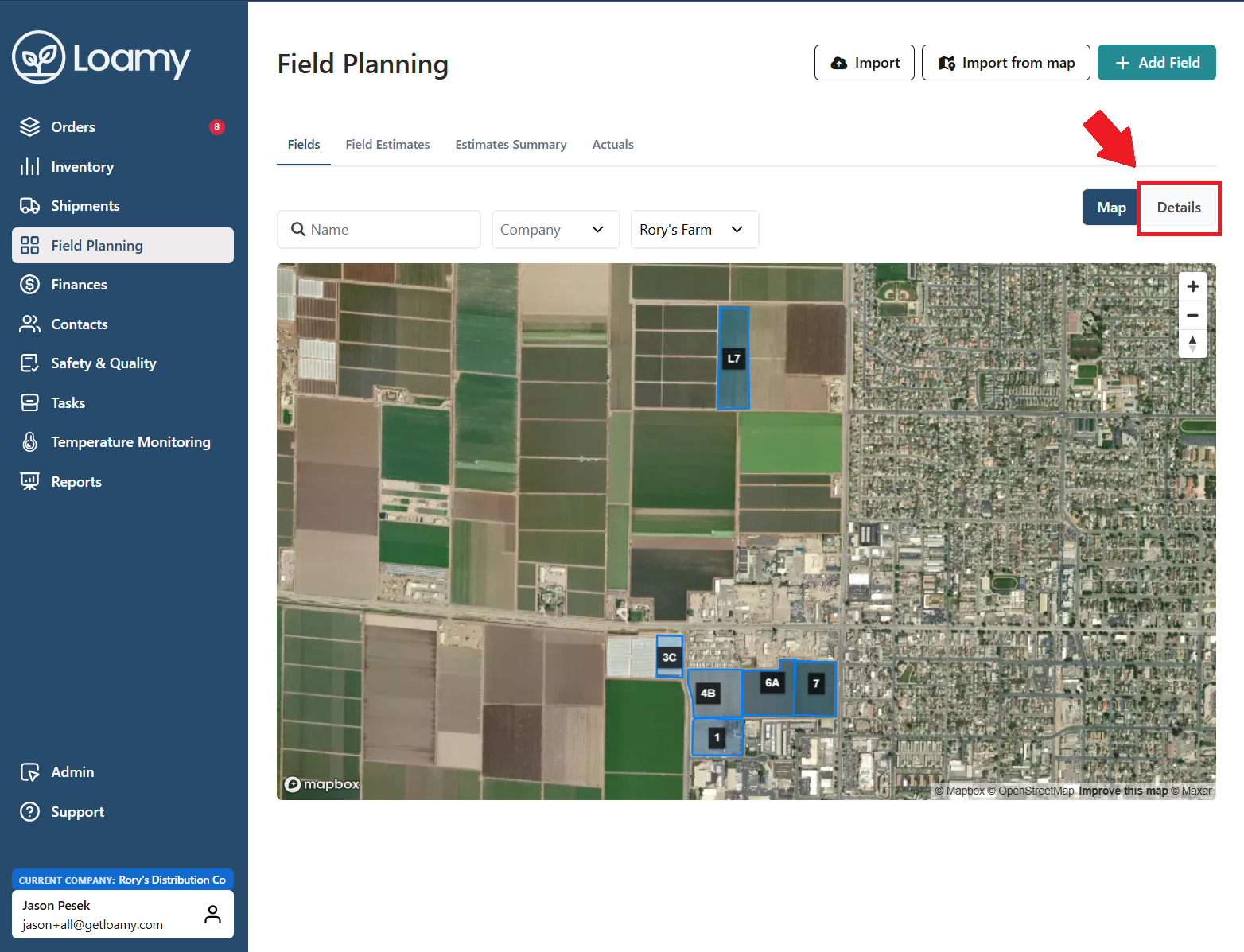
3. Select Details in the right side of the page and then choose which field you want to add a season for.
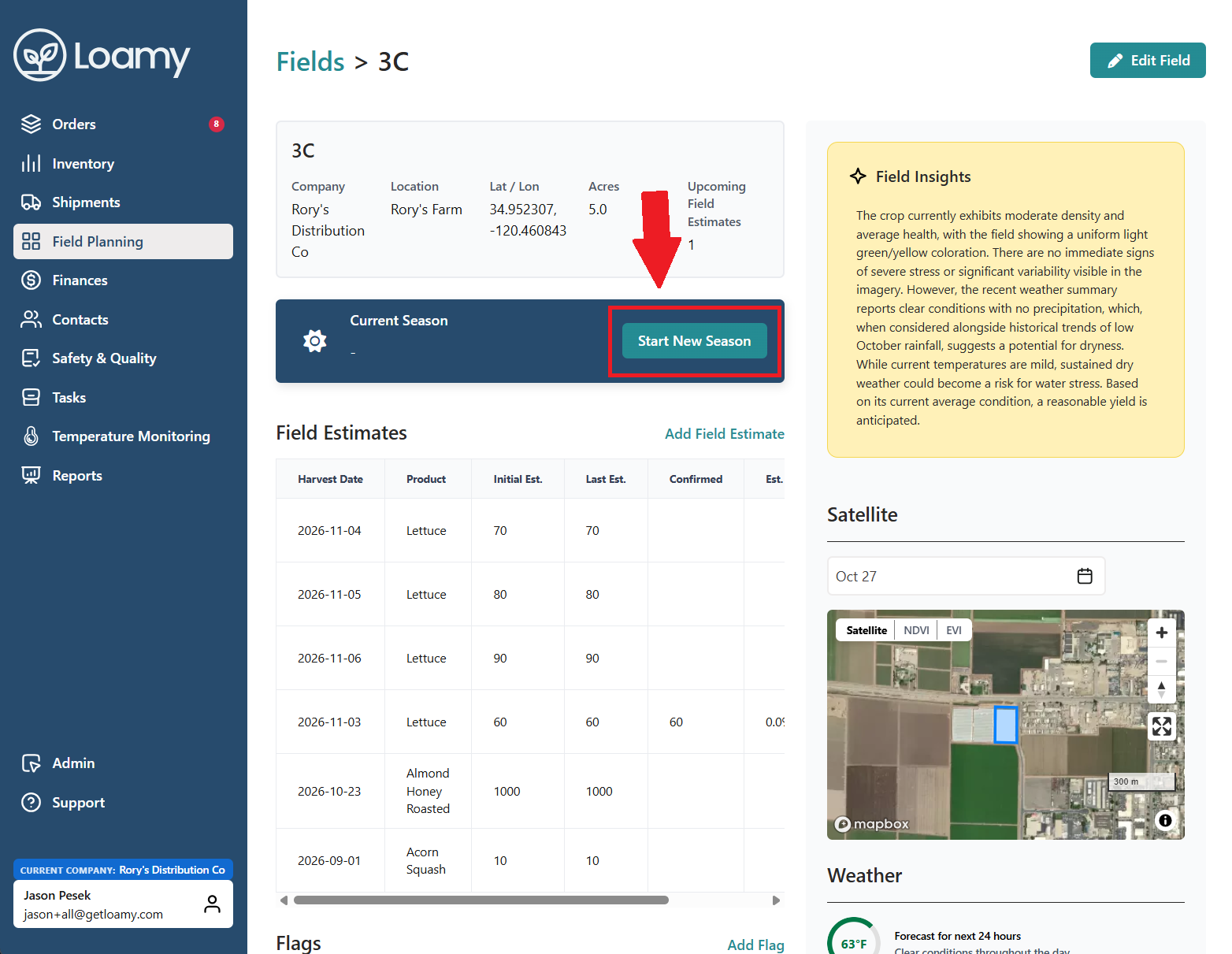
4. Click Start New Season.
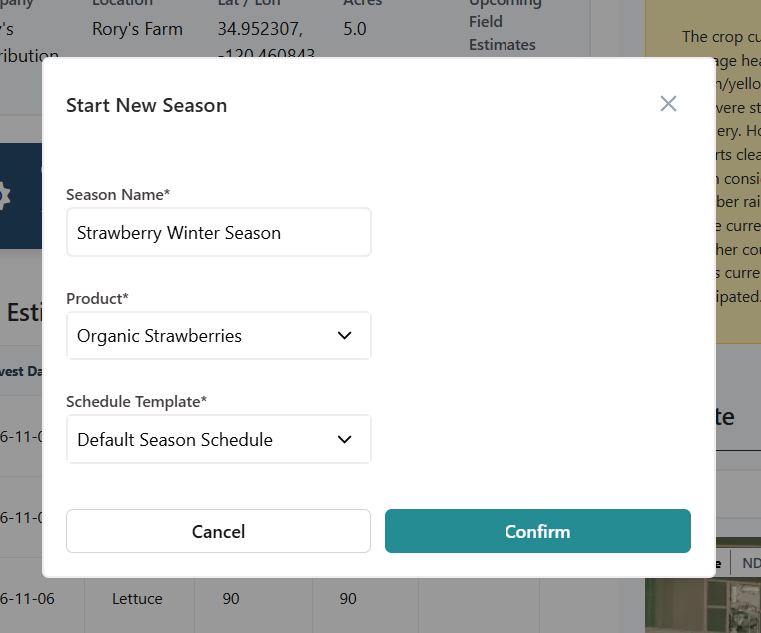
5. Fill out the Season Name, Product, and select which schedule template to use. Once complete, hit Confirm.
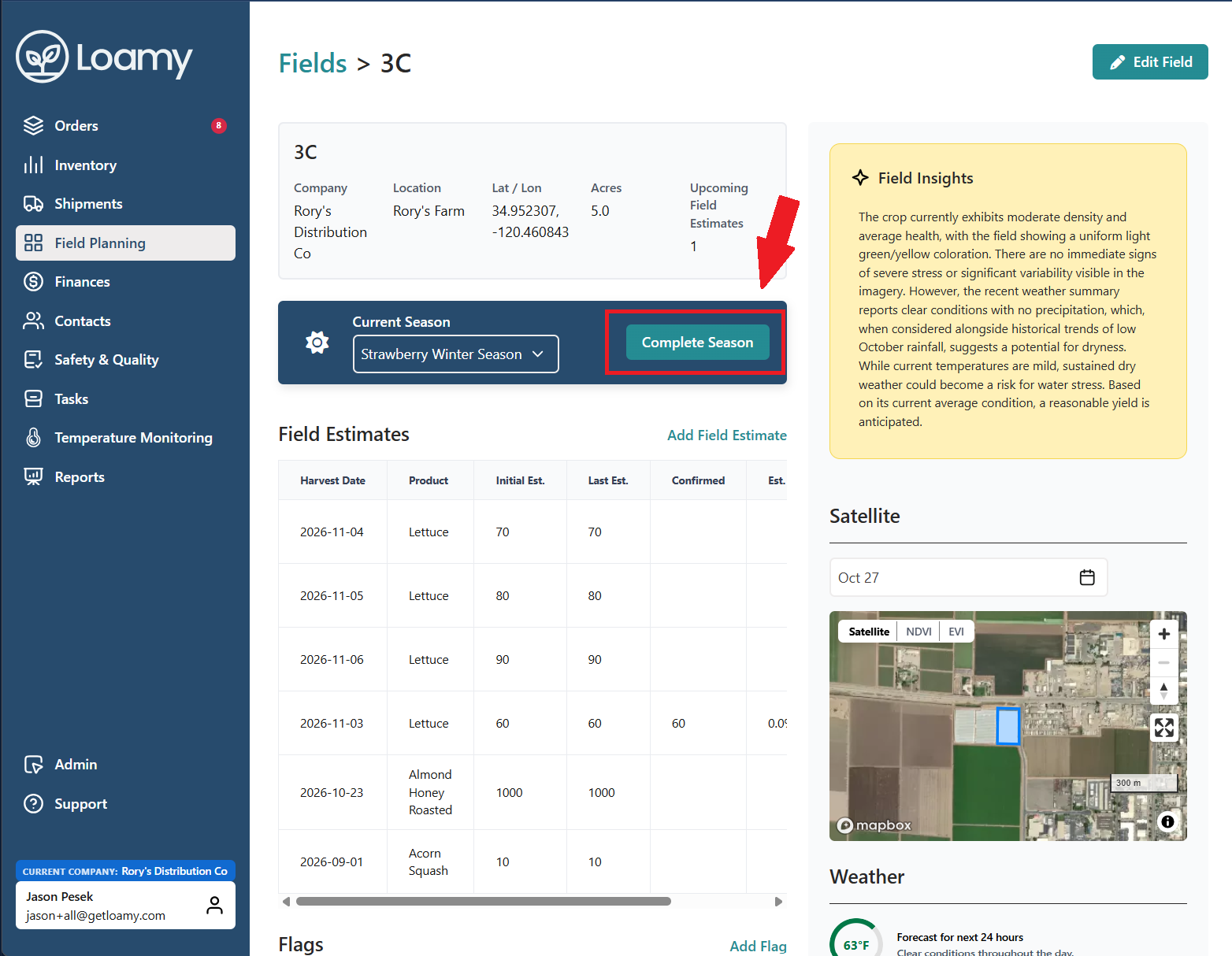
6. After harvesting is complete, you can then click Complete Season at the top.
Was this article helpful?
That’s Great!
Thank you for your feedback
Sorry! We couldn't be helpful
Thank you for your feedback
Feedback sent
We appreciate your effort and will try to fix the article