1. Enter the Loamy Mobile App
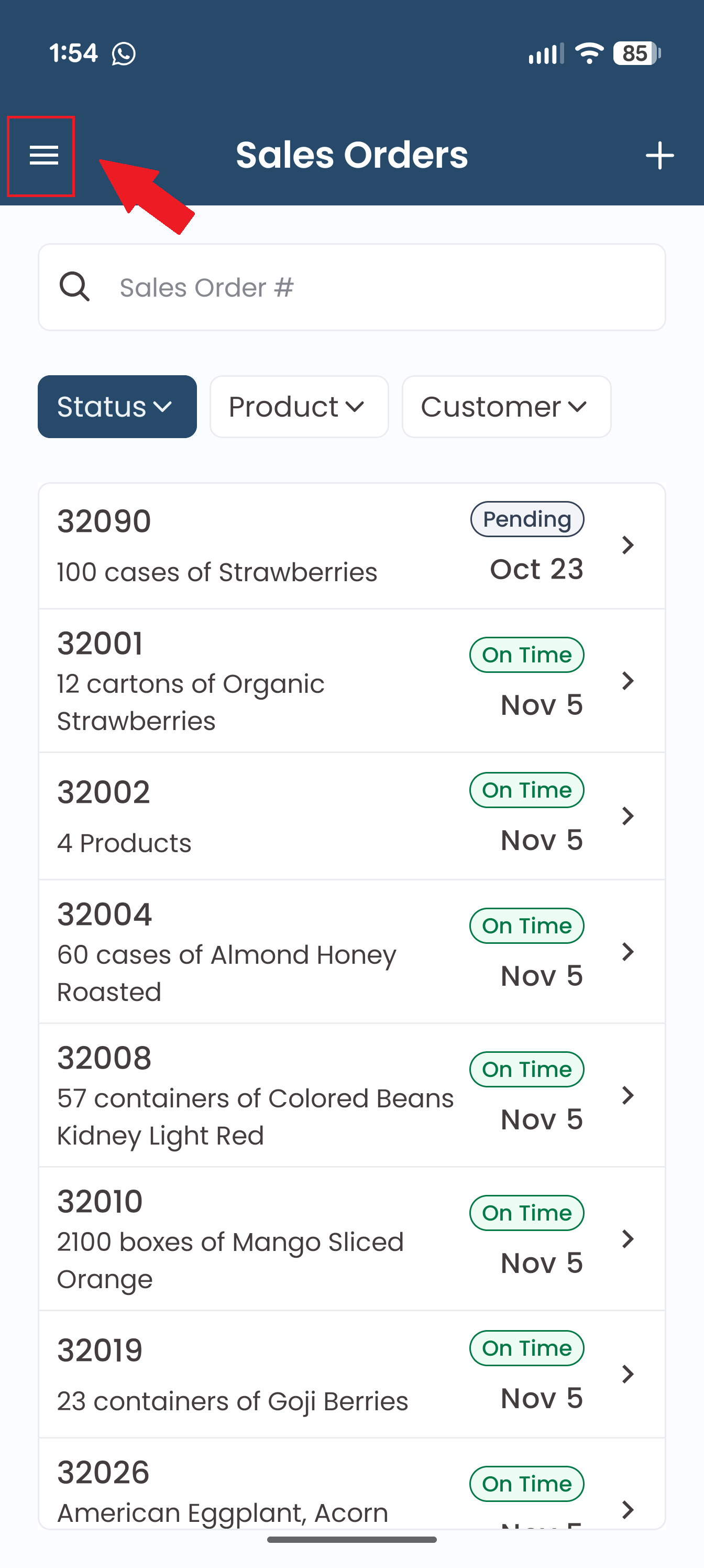
2. Tap the hamburger menu on the left hand side.
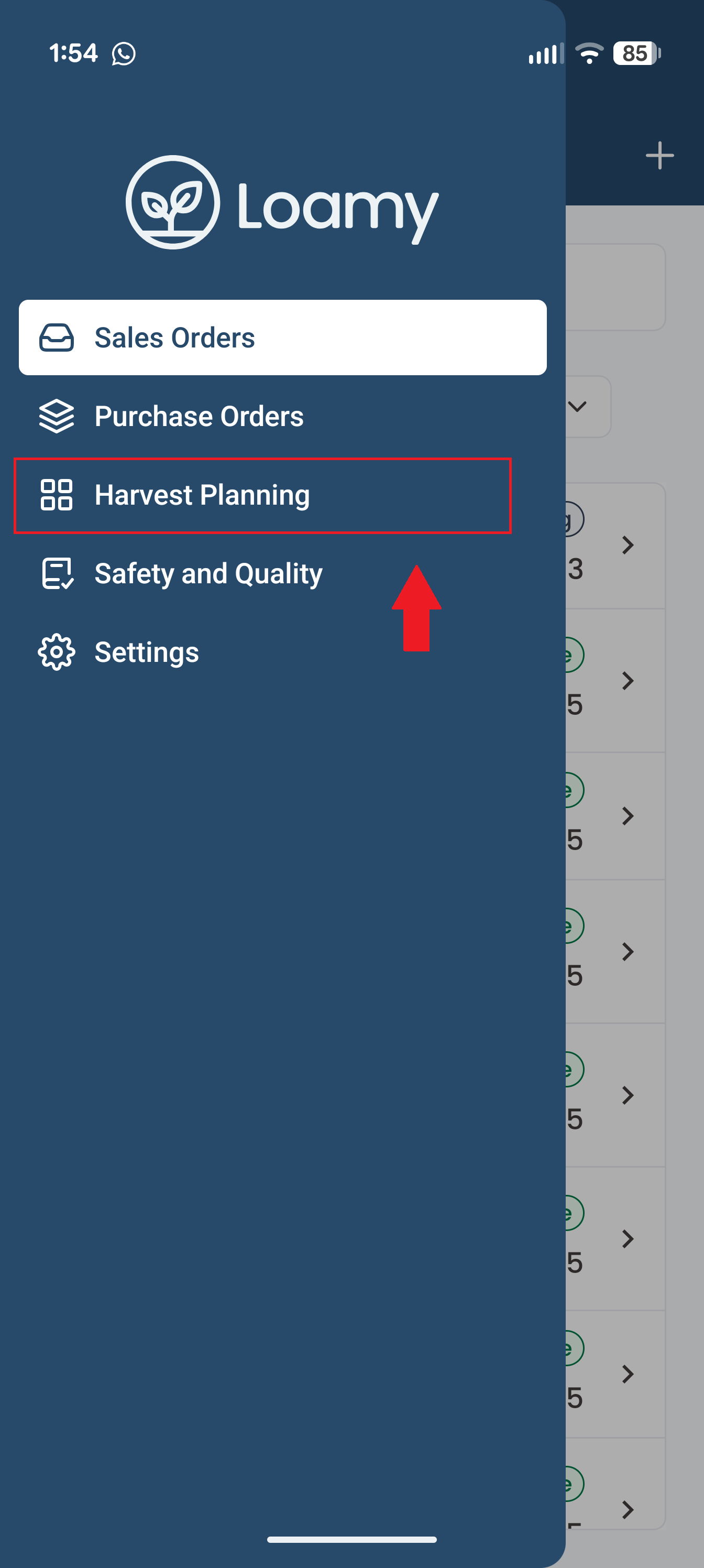
3. Select Field Estimates in the menu.
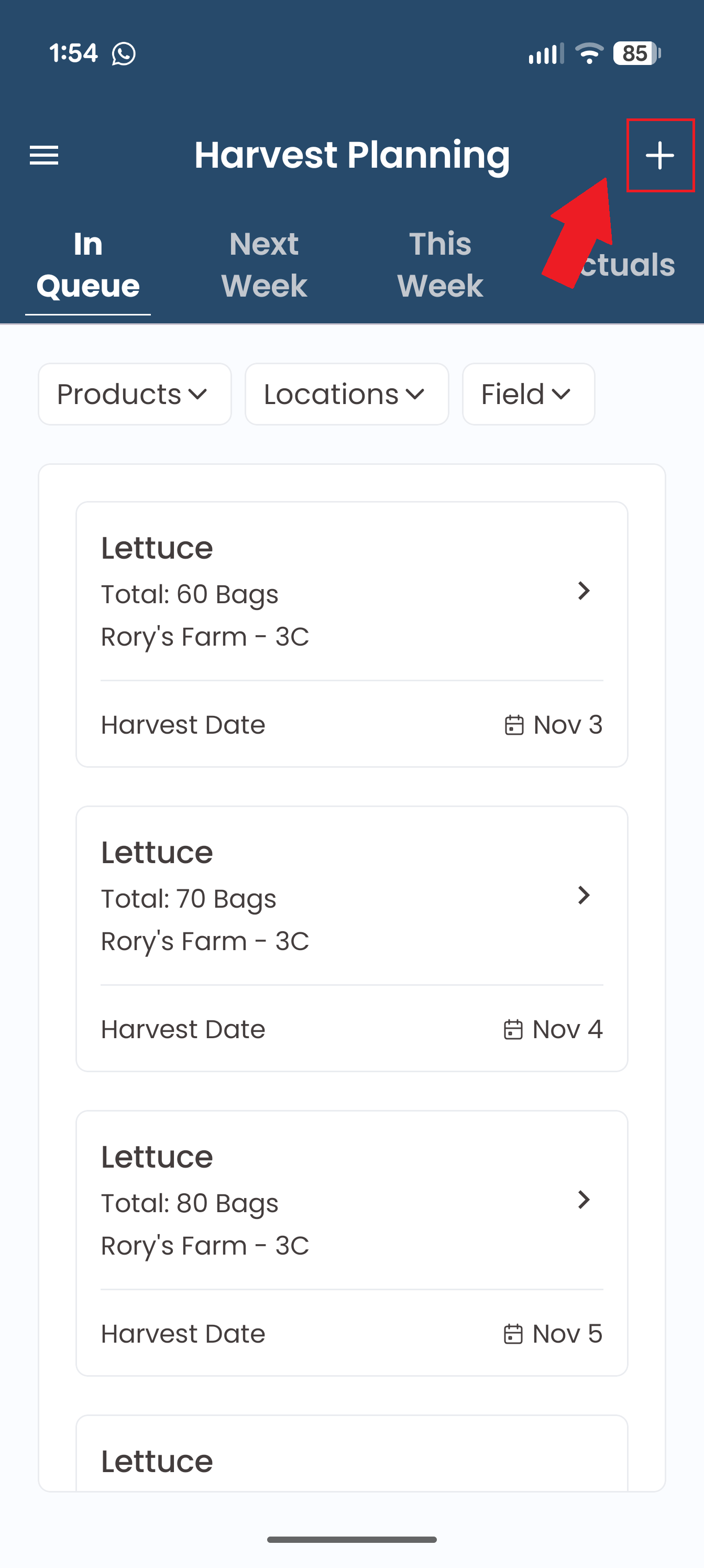
4. Tap + in the top right corner.
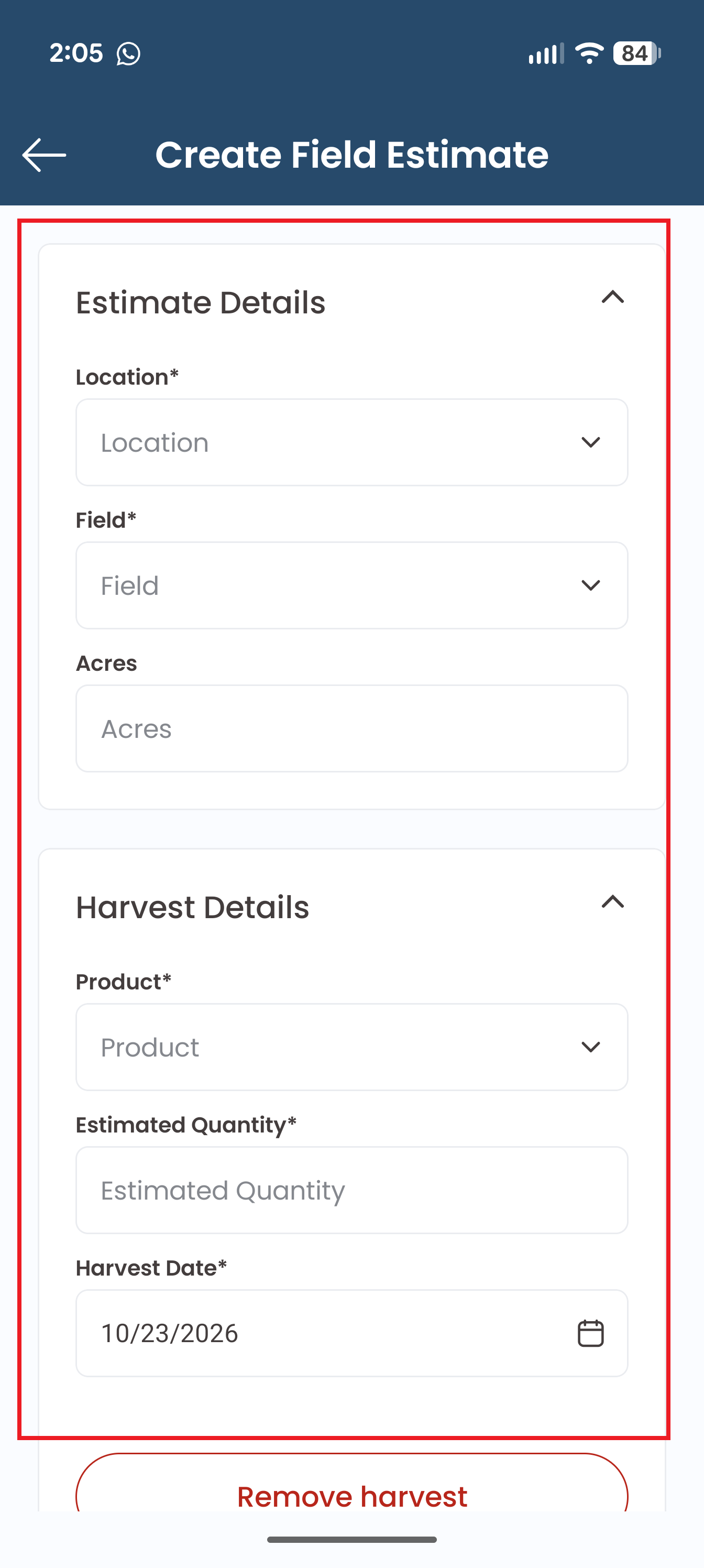
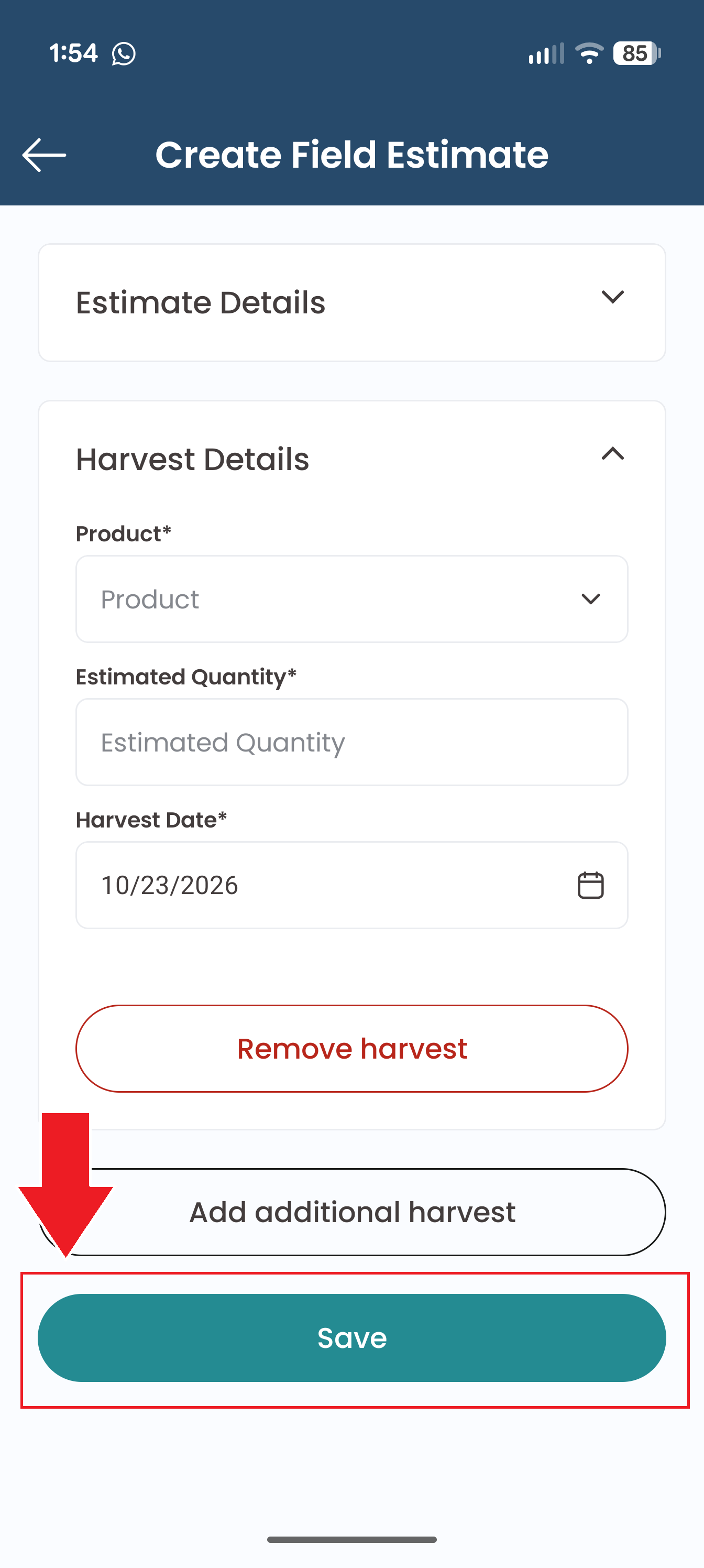
5. Add in Estimate and Harvest Details. Add additional harvests if you wish to include multiple days.
6. Tap Save.
Was this article helpful?
That’s Great!
Thank you for your feedback
Sorry! We couldn't be helpful
Thank you for your feedback
Feedback sent
We appreciate your effort and will try to fix the article