As a user, it's important to stay on top of important notes from the people you're working with to ensure everyone is on the same page. To easily see when new notes are added, follow the instructions below.
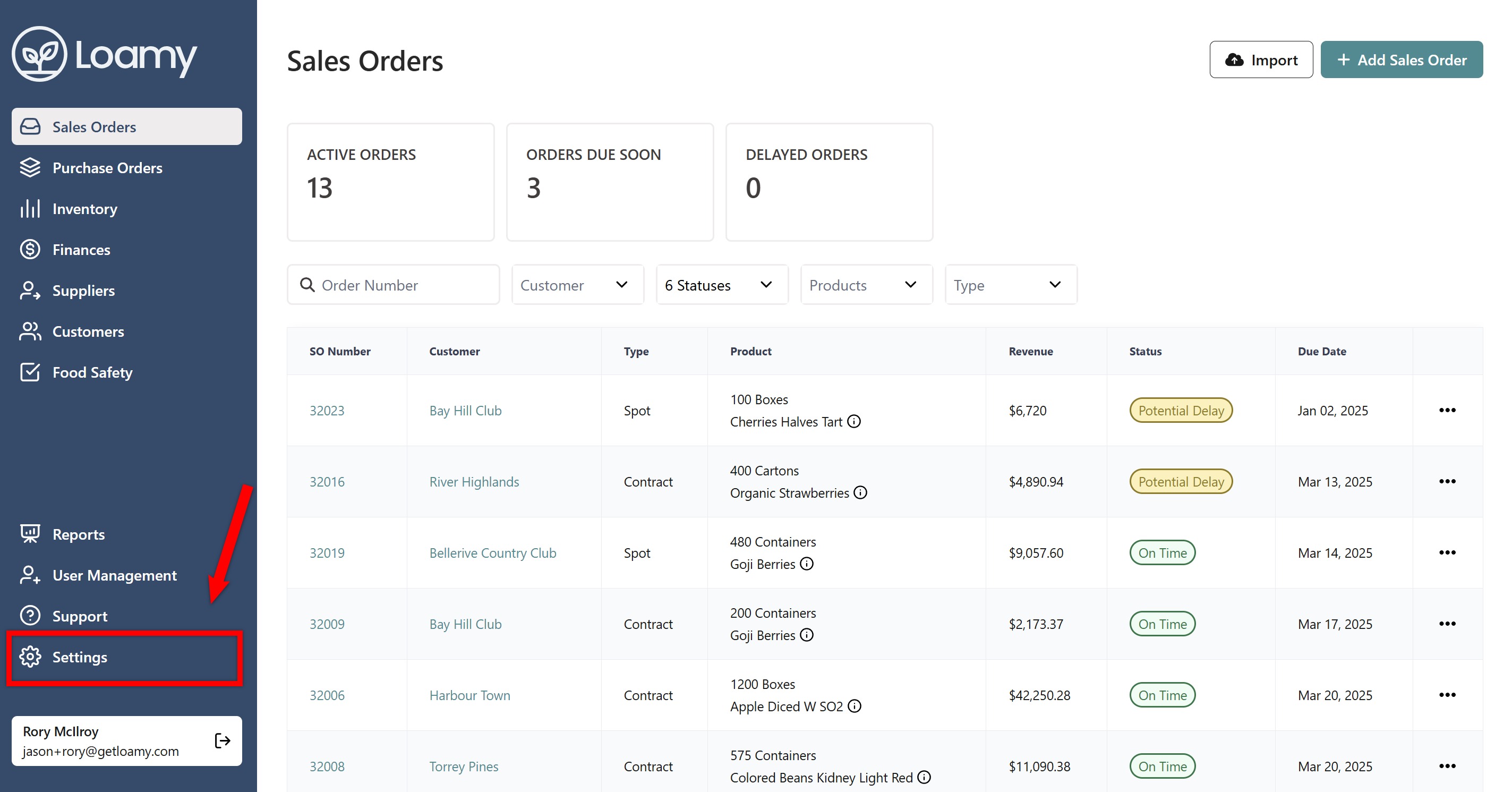
1. Go to Settings.
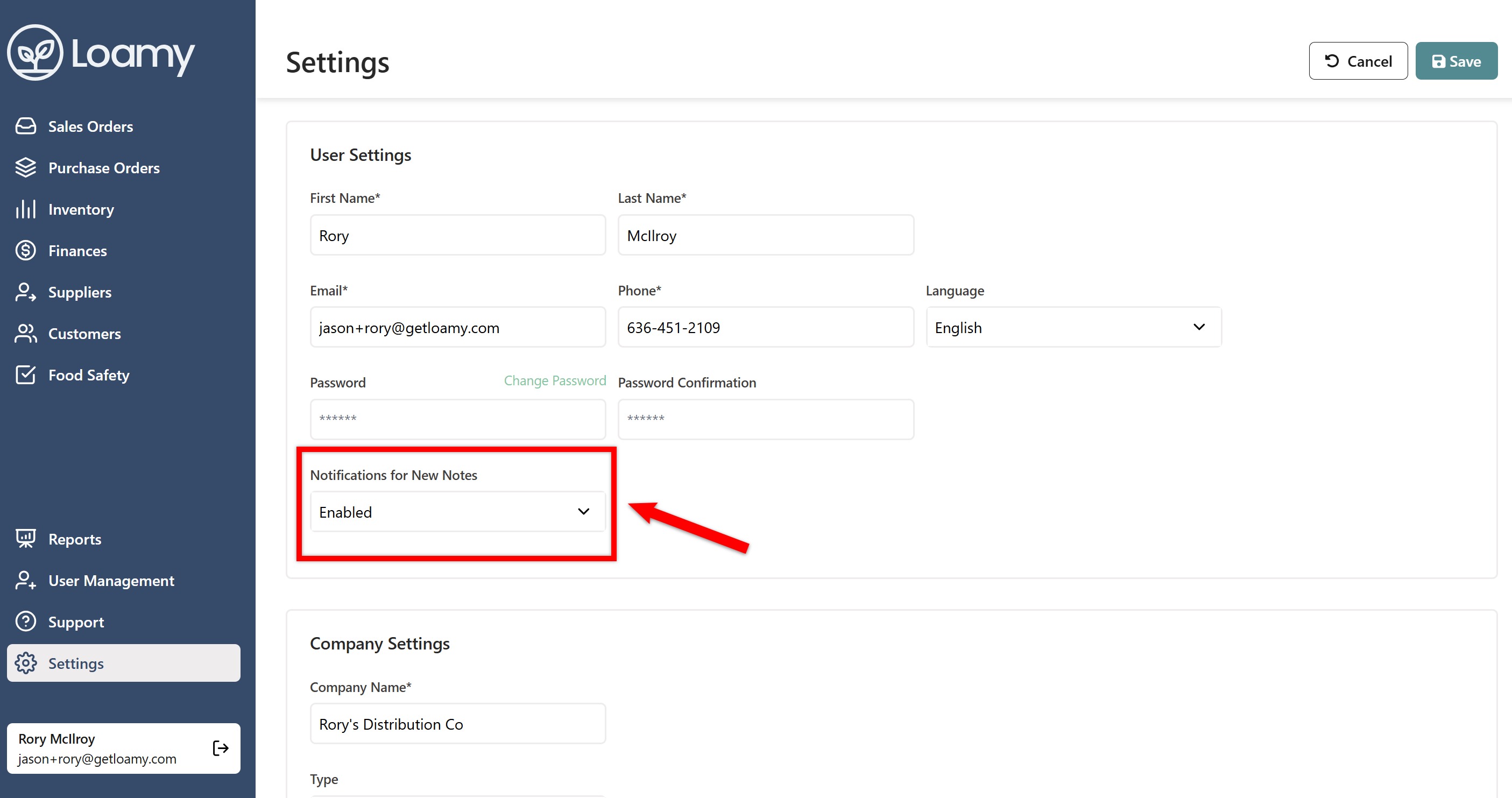
2. Find Notifications for New Notes and select Enabled.
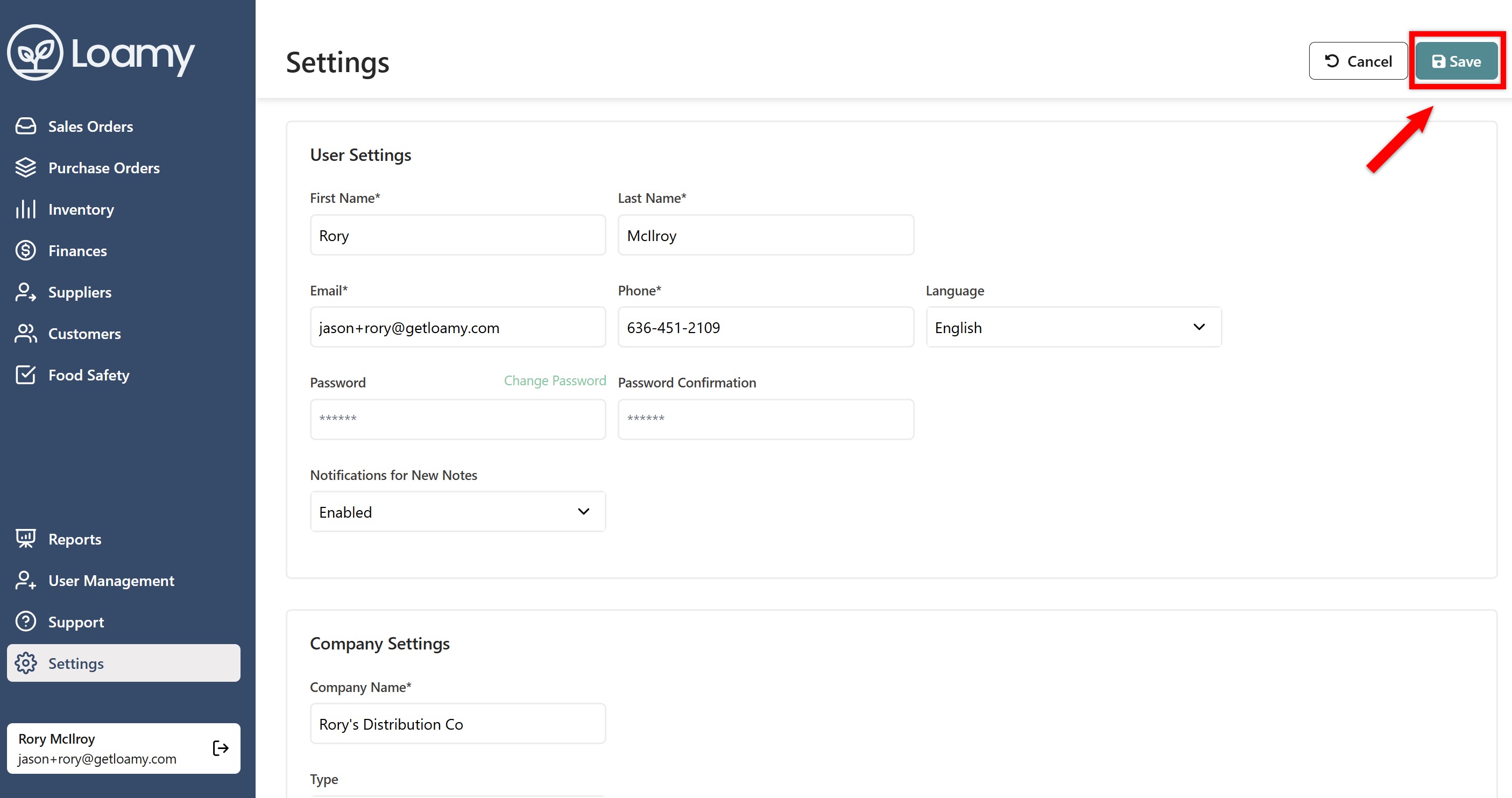
3. Hit Save.
Was this article helpful?
That’s Great!
Thank you for your feedback
Sorry! We couldn't be helpful
Thank you for your feedback
Feedback sent
We appreciate your effort and will try to fix the article