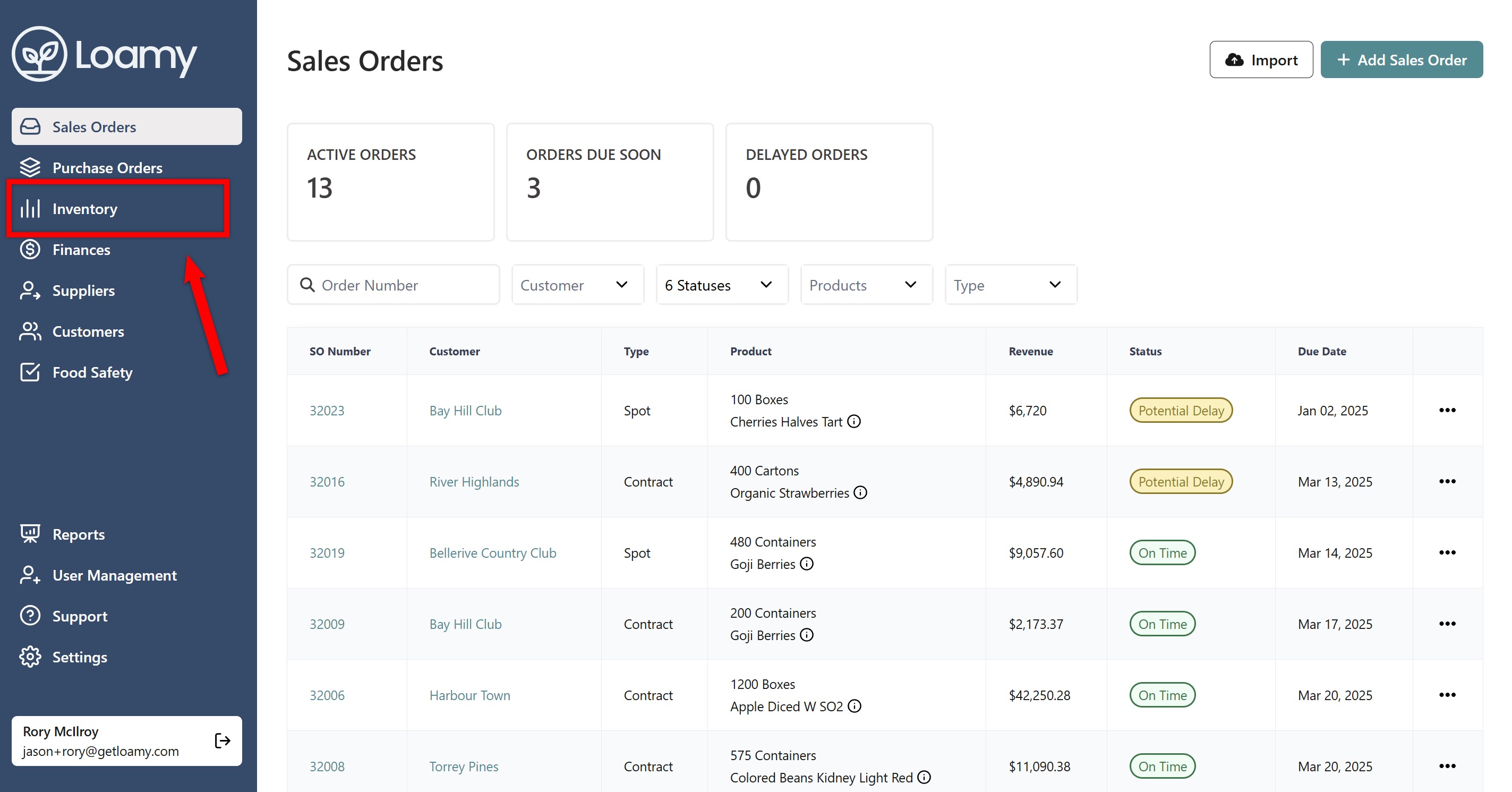
1. Go to Inventory.
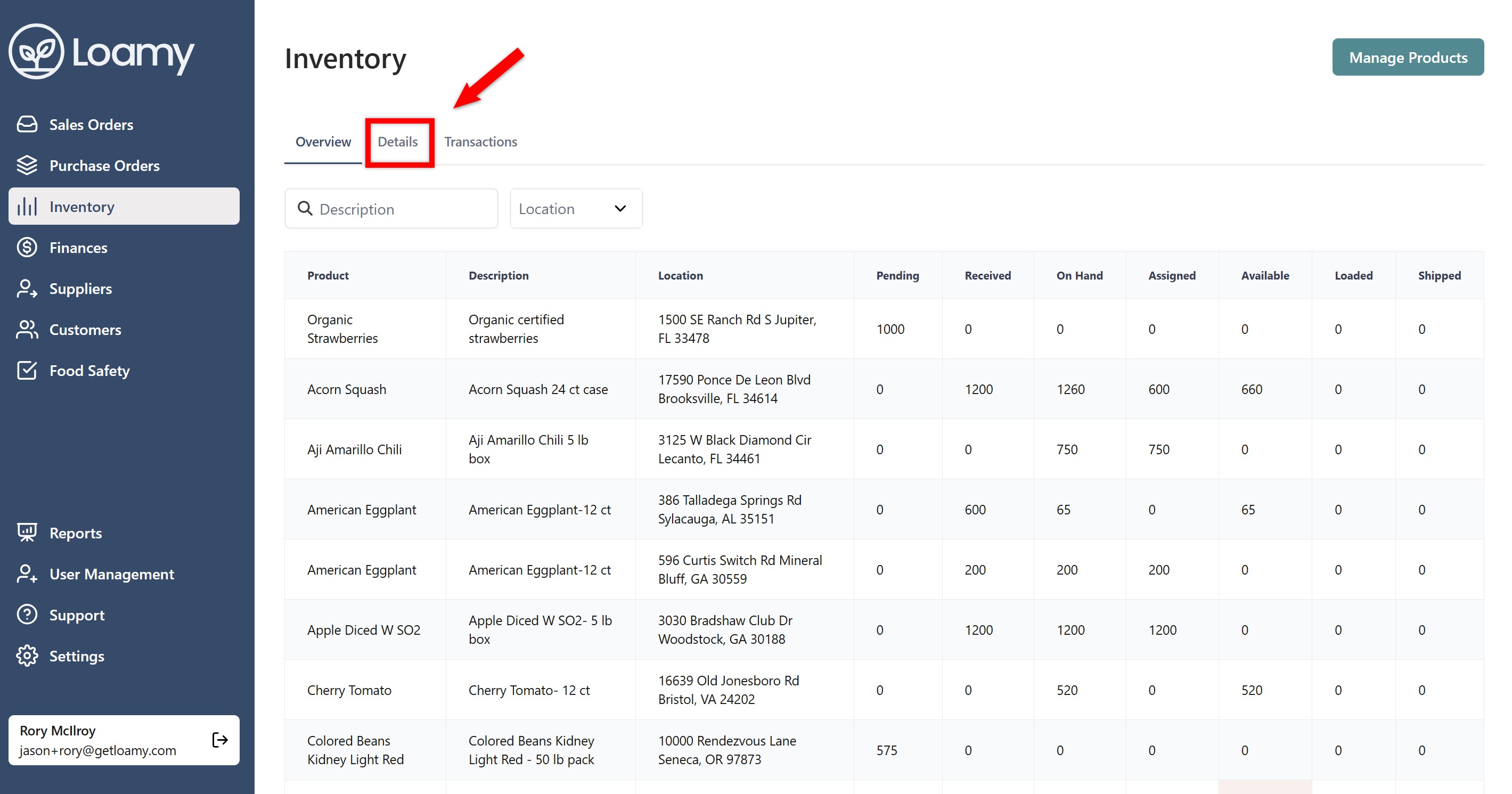
2. Select the Details Tab.
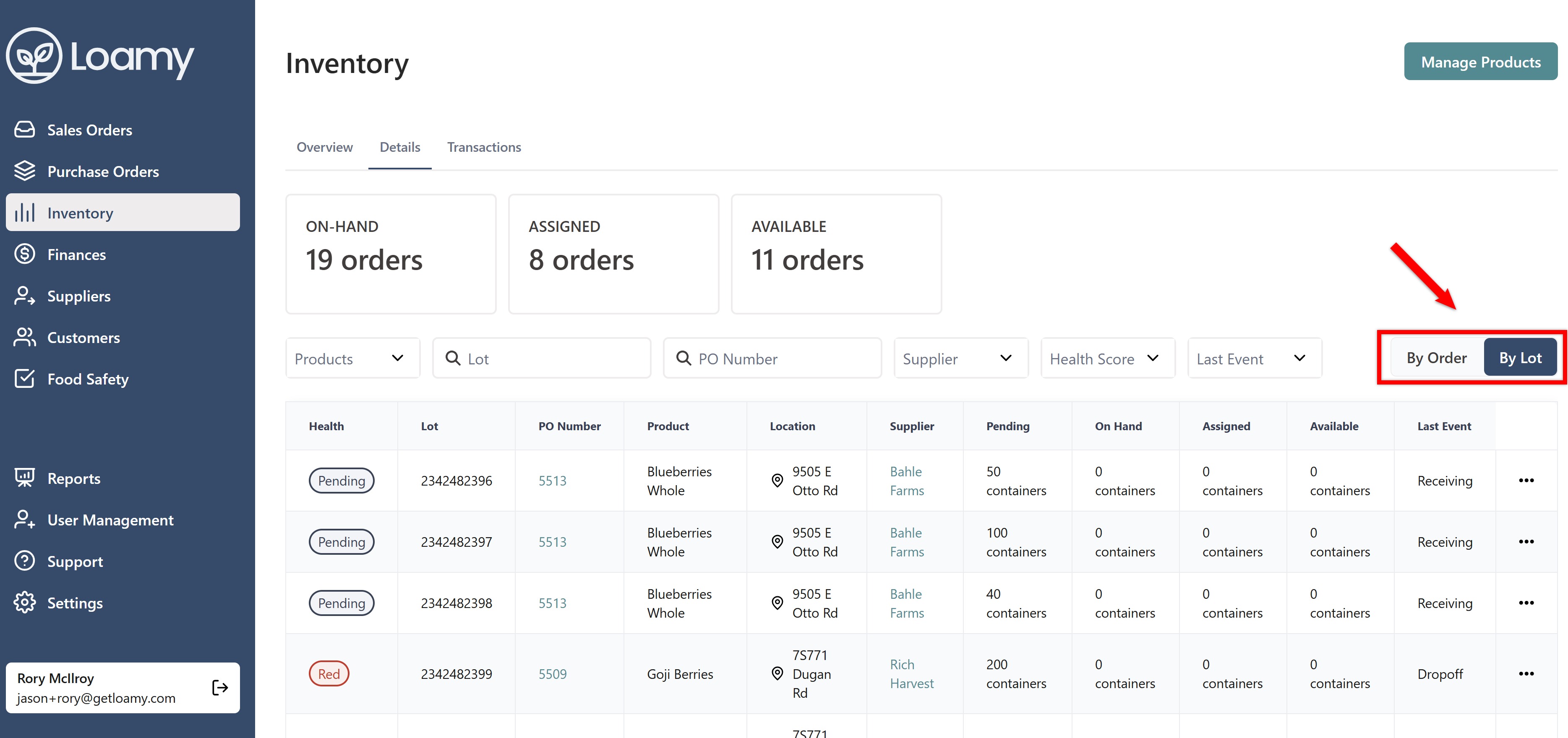
3. Choose "By Order" or "By Lot" depending on where you want to repack the product from.
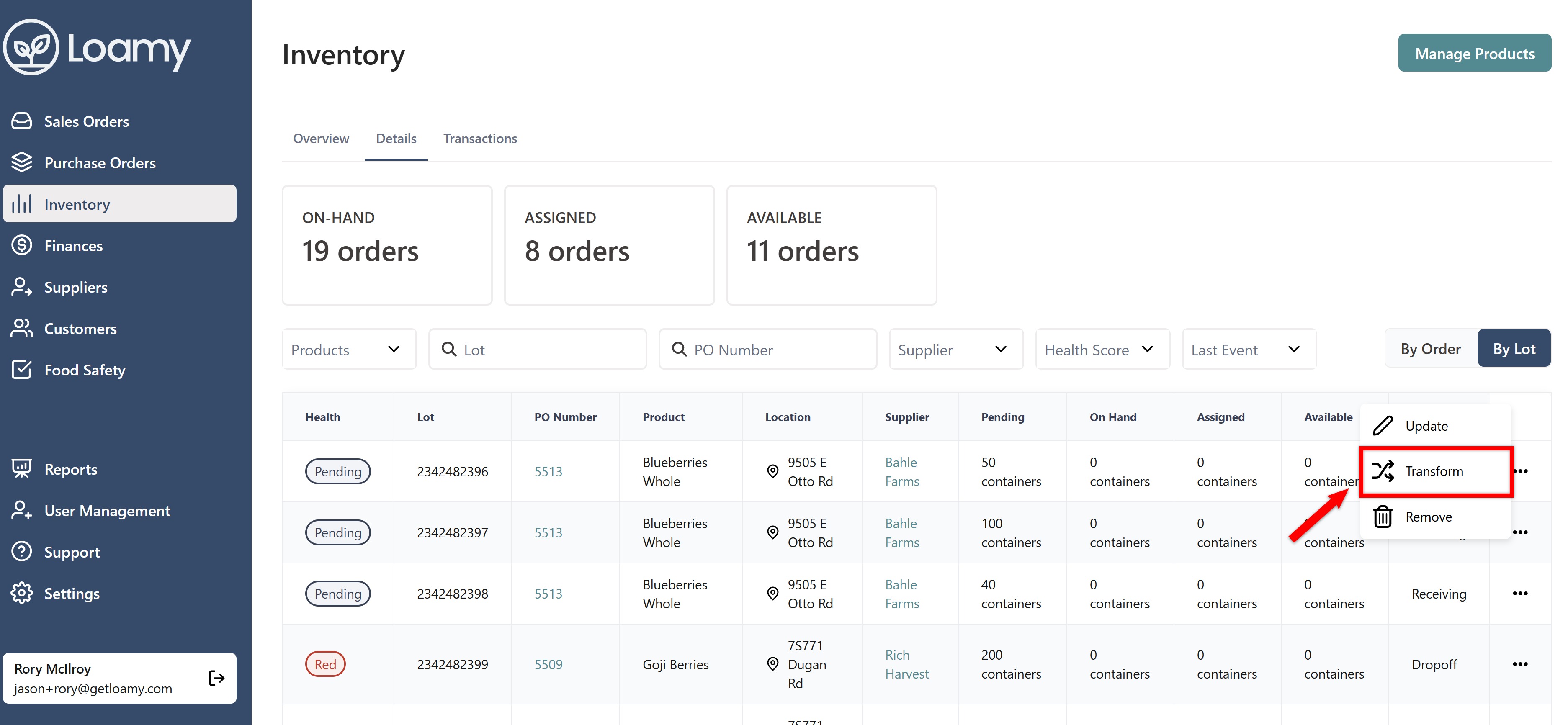
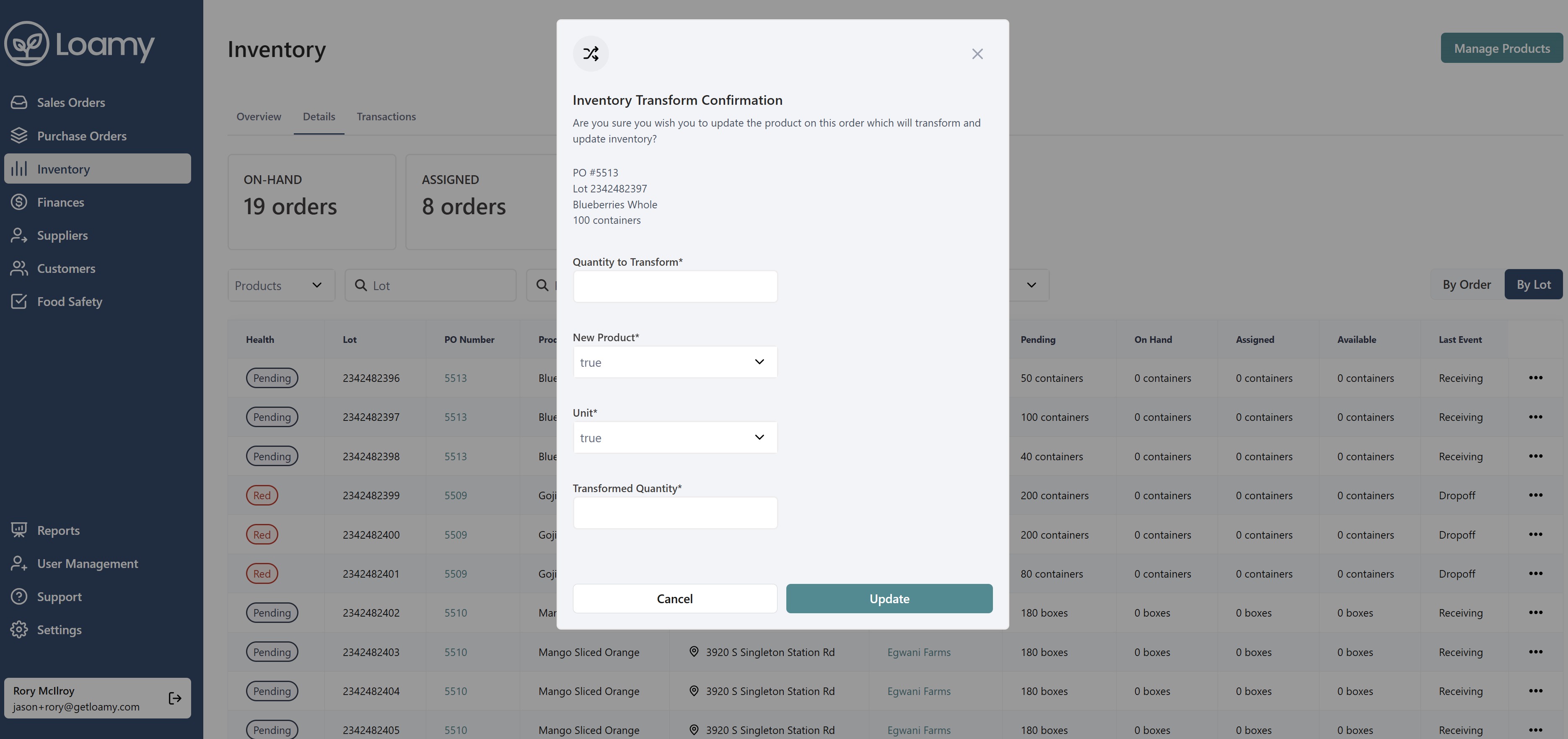
4. Navigate to the Lot or Order you want, and select the 3 dot menu. Click Transform.
5. Enter quantity you want to transform, the new product you are creating, and how much of the new product will be available. Click Update.
Was this article helpful?
That’s Great!
Thank you for your feedback
Sorry! We couldn't be helpful
Thank you for your feedback
Feedback sent
We appreciate your effort and will try to fix the article