1. Login to Loamy Dashboard.
2. Navigate to the Tasks page by selecting it on the left-hand navigation menu.
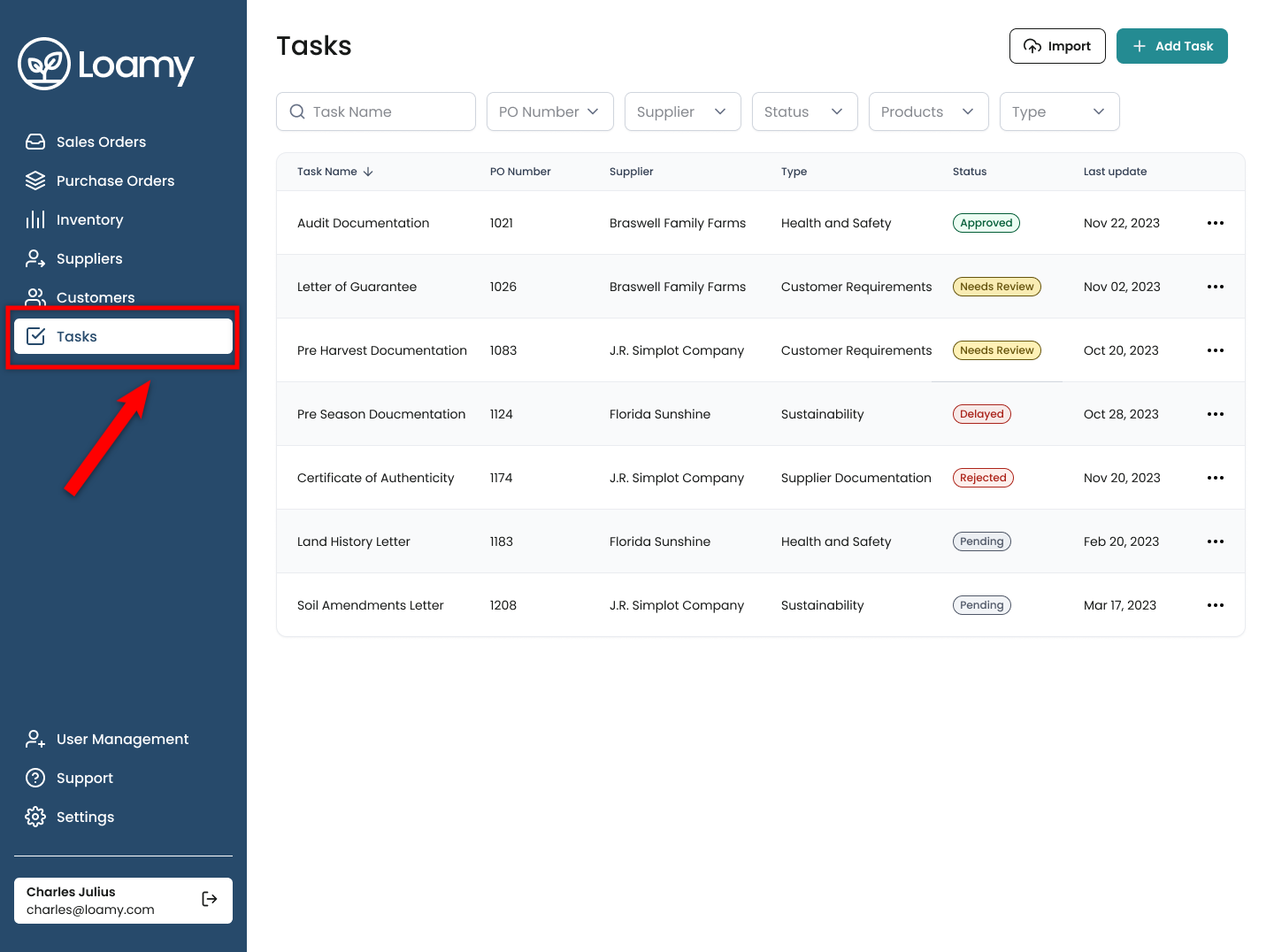
3. Click on an individual task to view what's required, complete the required fields, and upload required documentation.
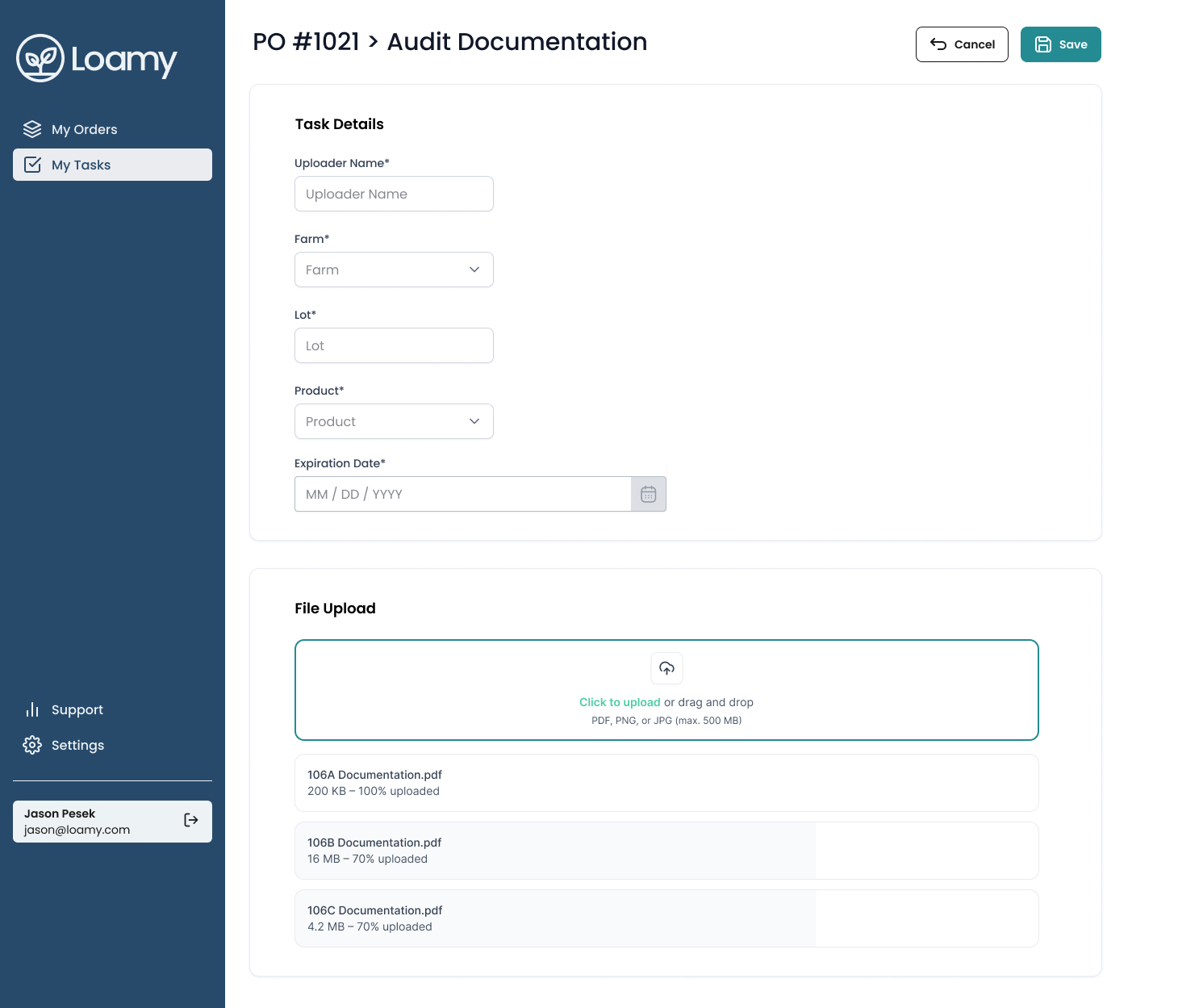
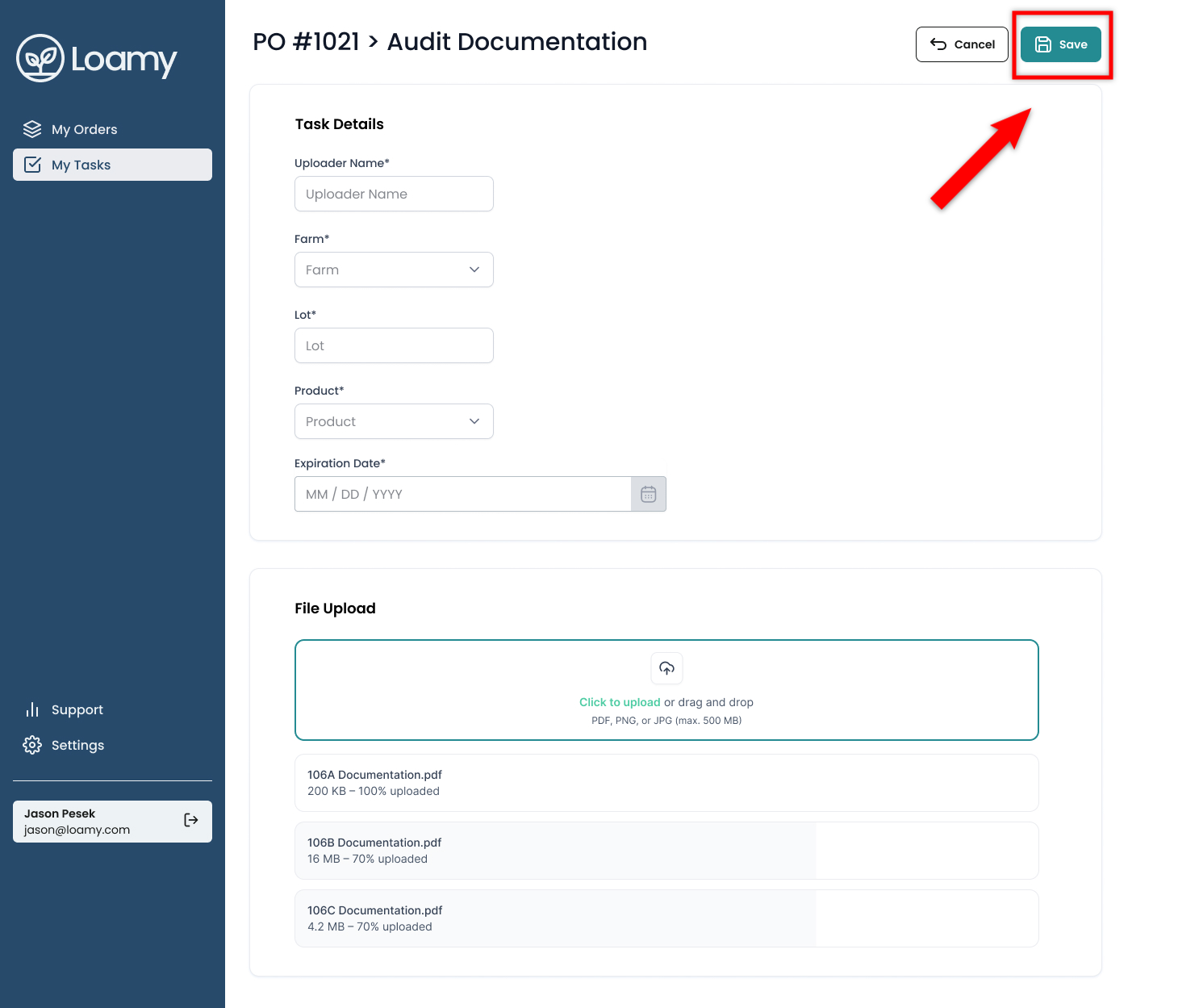
4. Once all the required fields have been added, hit Save.
Was this article helpful?
That’s Great!
Thank you for your feedback
Sorry! We couldn't be helpful
Thank you for your feedback
Feedback sent
We appreciate your effort and will try to fix the article