1. Inicie sesión en el panel de control de Loamy.
2. Navegue a la página de Configuración seleccionándola en el menú de navegación de la izquierda.
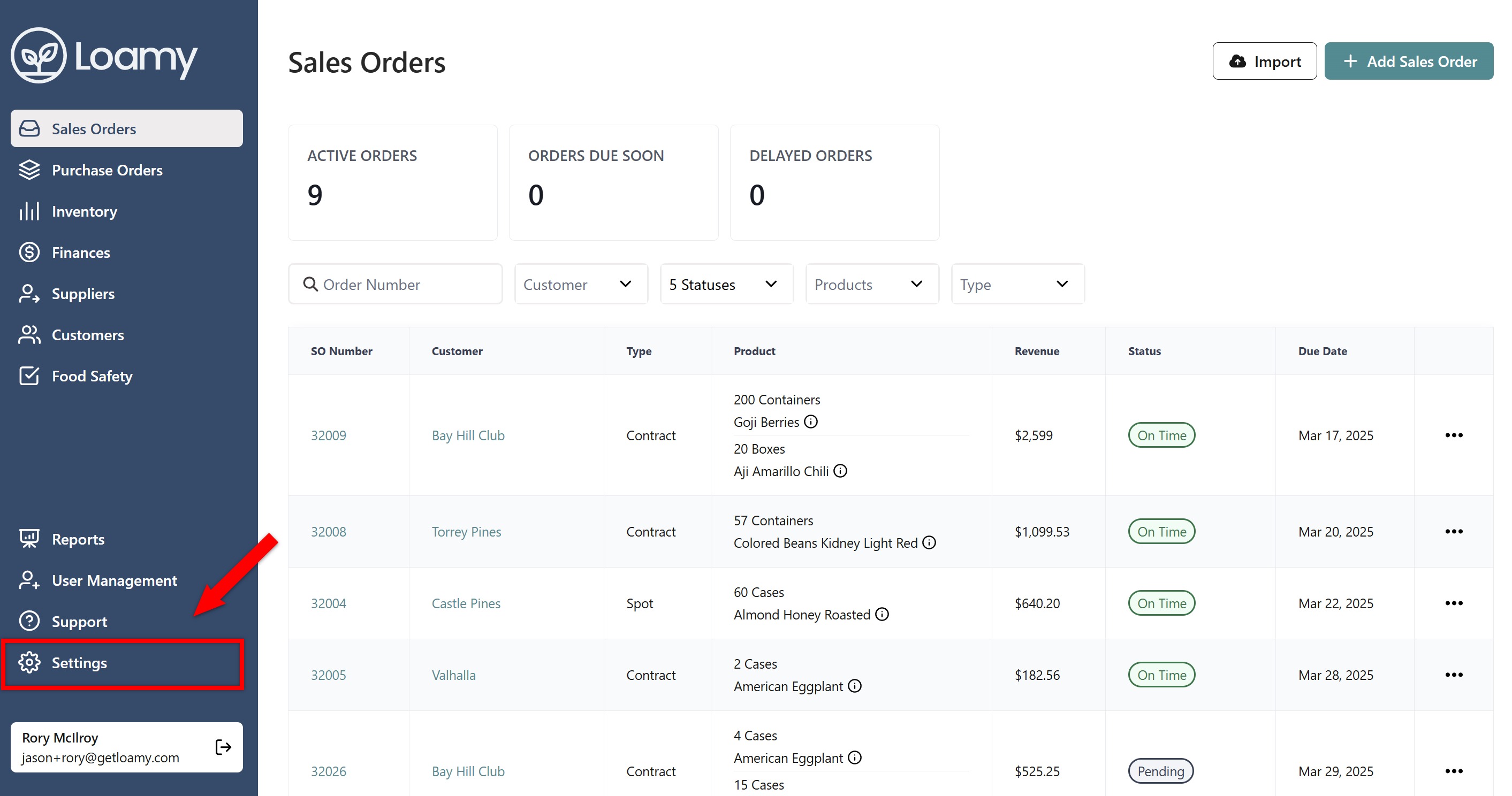
3. Busque su firma de aprobación y dibuje su firma o seleccione escribirla.
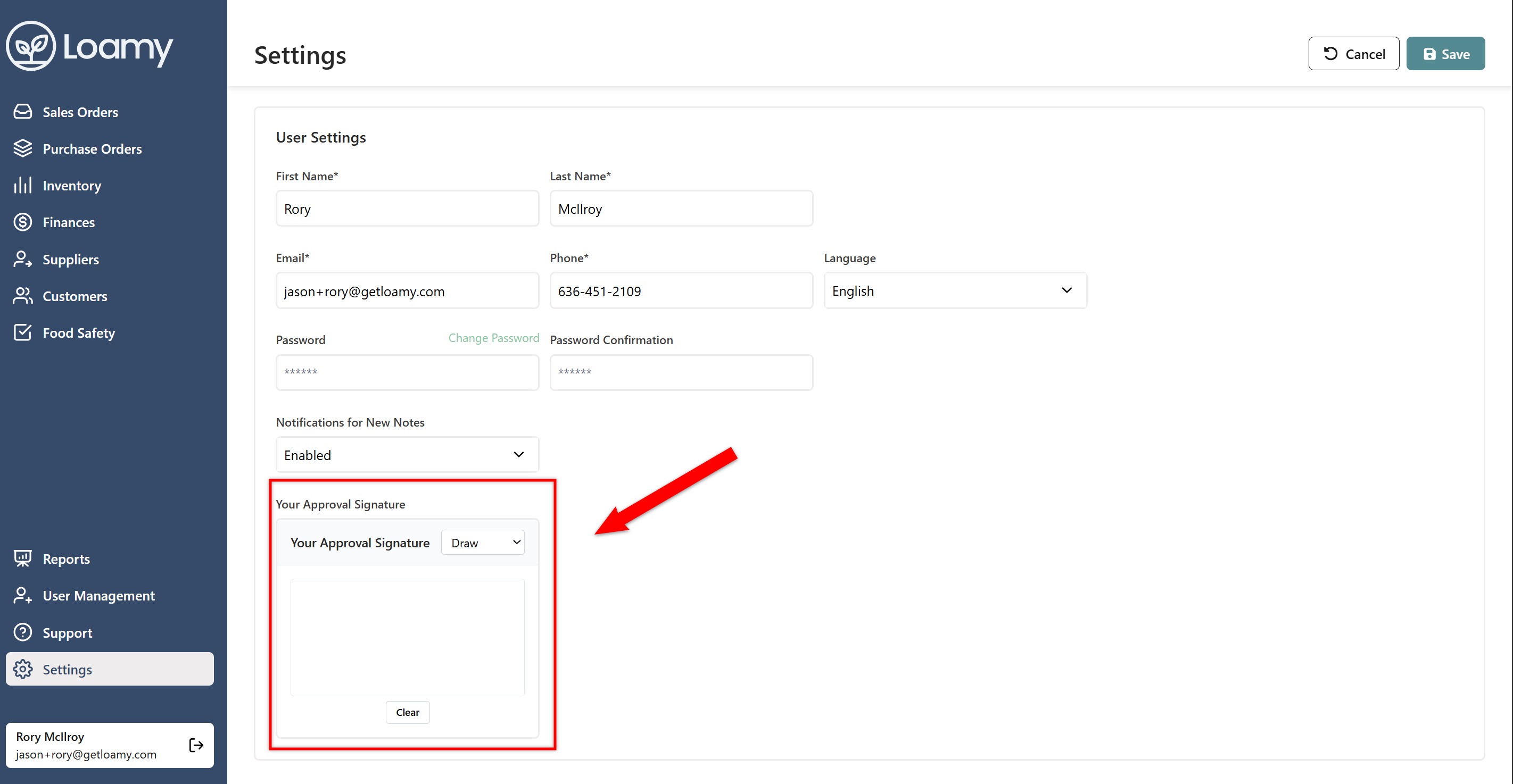
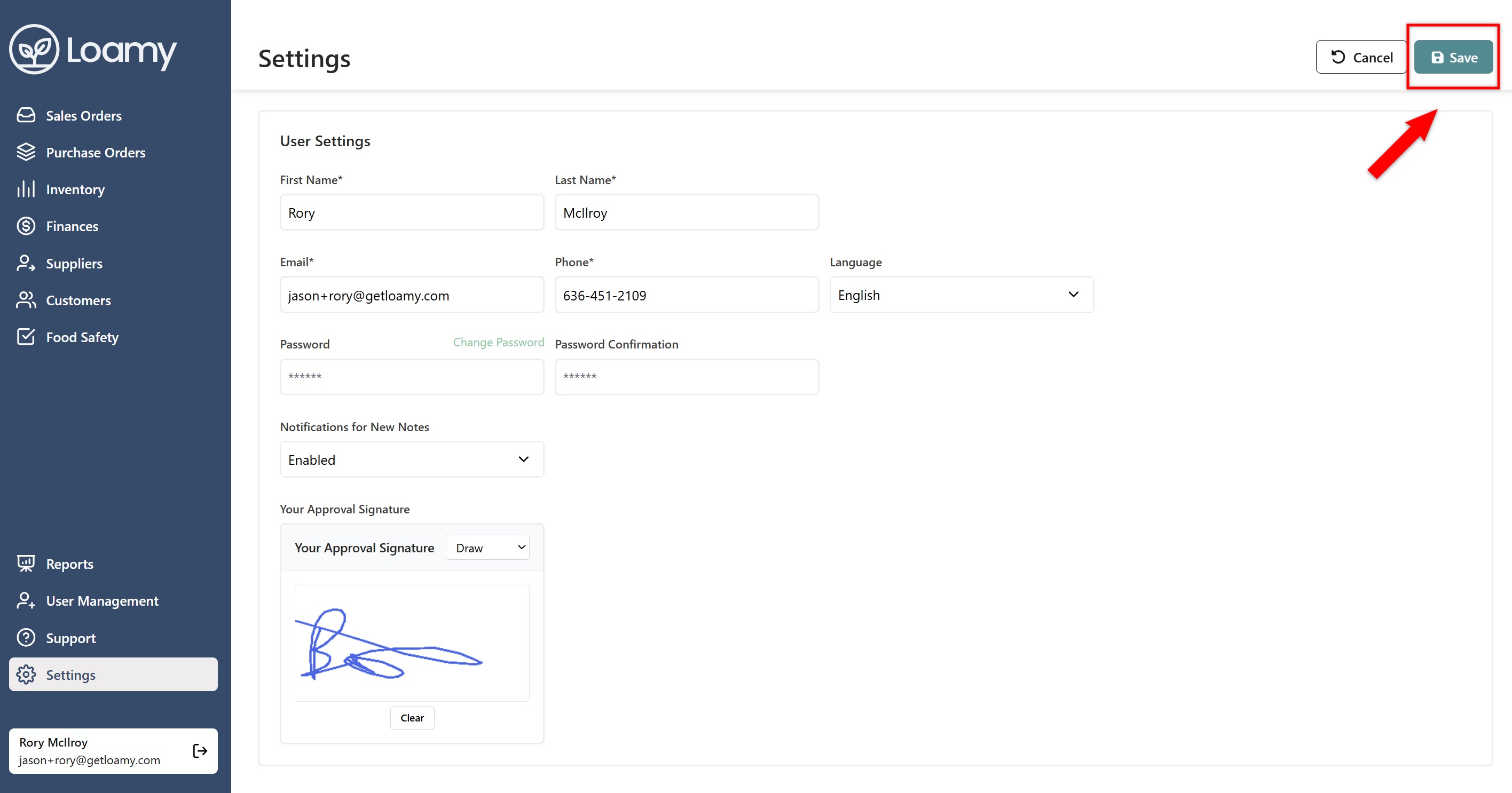
4. Una vez completado, presione Guardar.
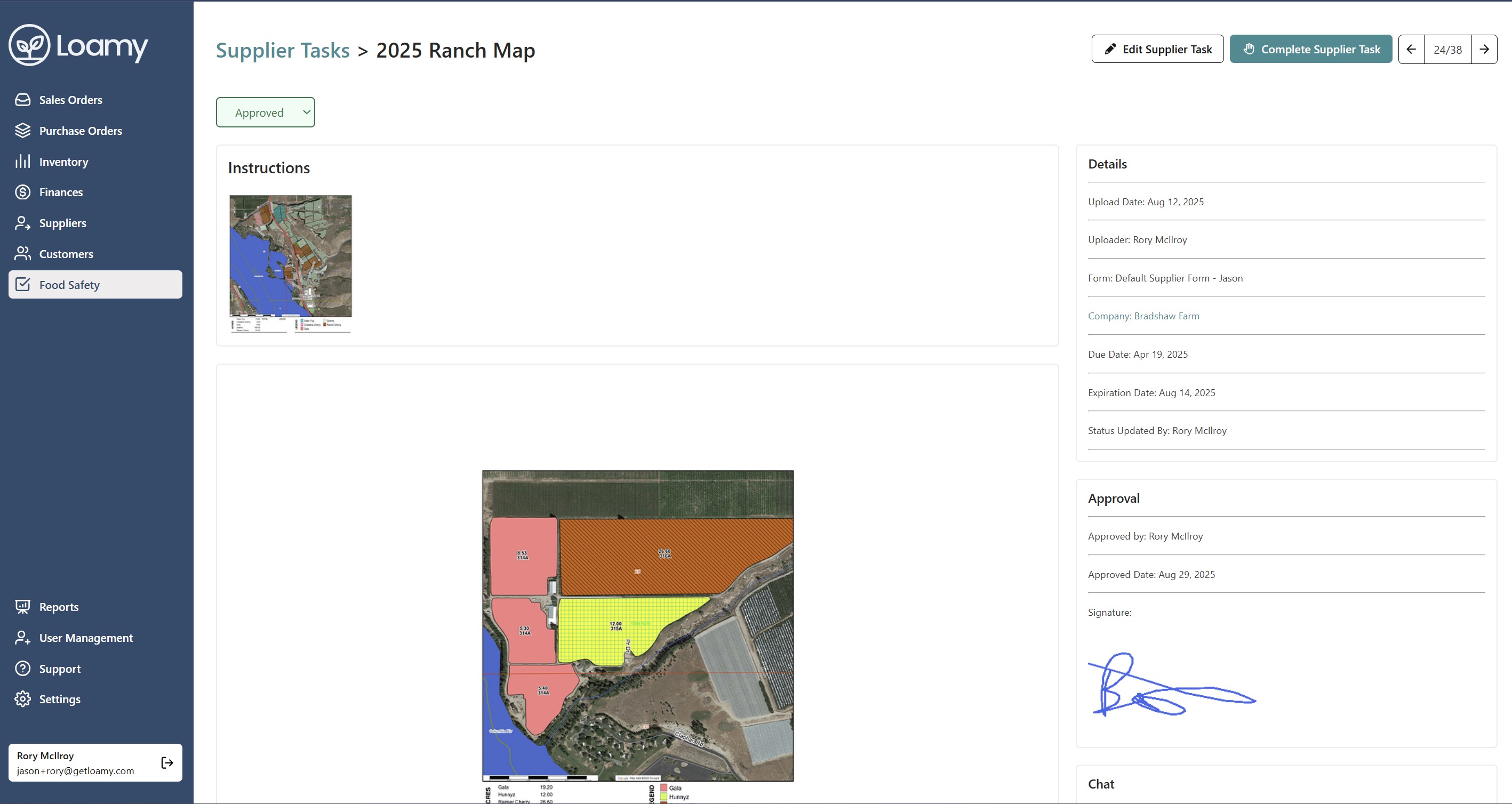
5. Cuando actualice el estado de una tarea a aprobada, su firma de aprobación y el sello de fecha se mostrarán junto a la tarea.
Was this article helpful?
That’s Great!
Thank you for your feedback
Sorry! We couldn't be helpful
Thank you for your feedback
Feedback sent
We appreciate your effort and will try to fix the article