1. Login to Loamy Dashboard.
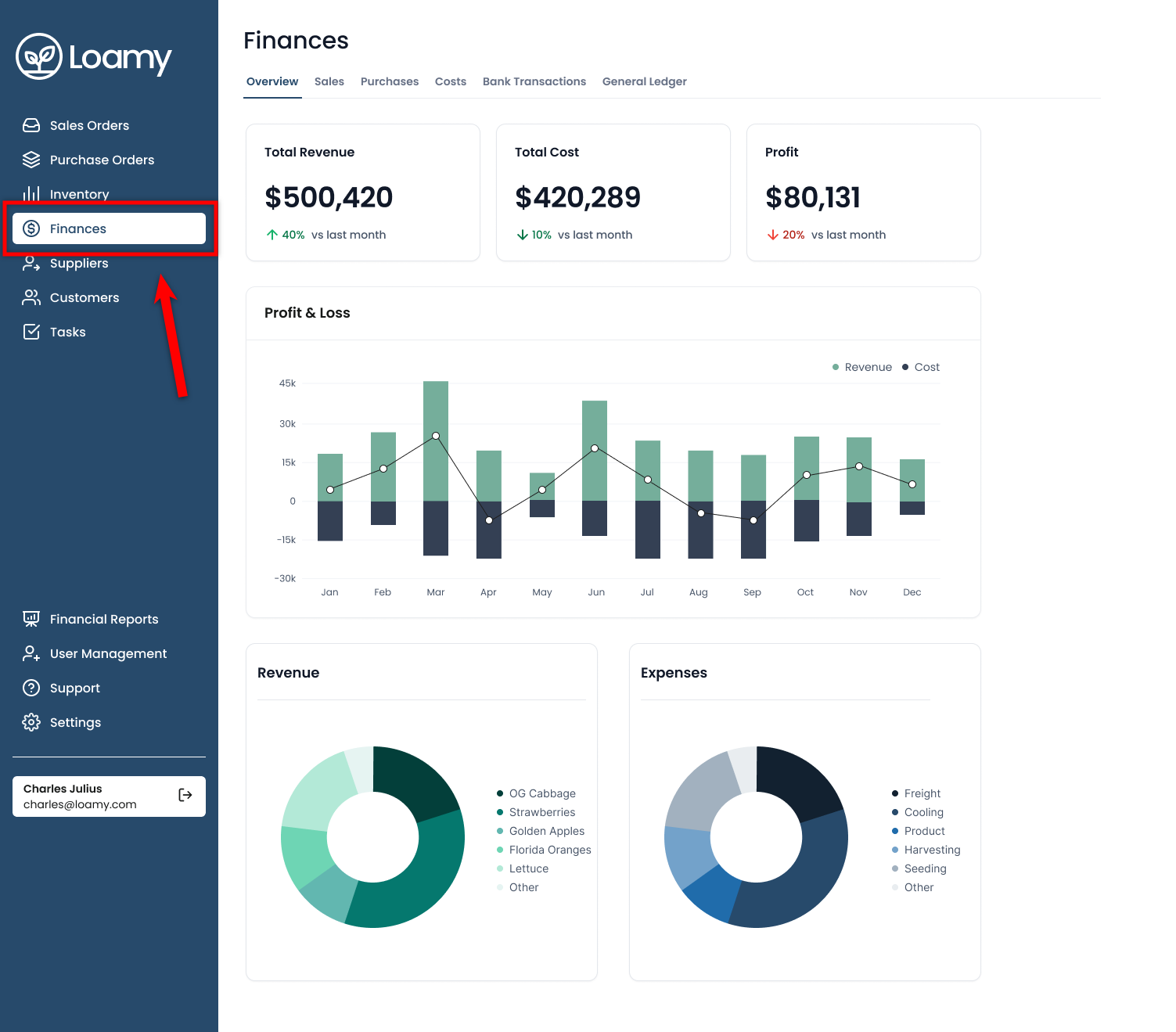
2. Navigate to the Finances page by selecting it on the left-hand navigation menu.
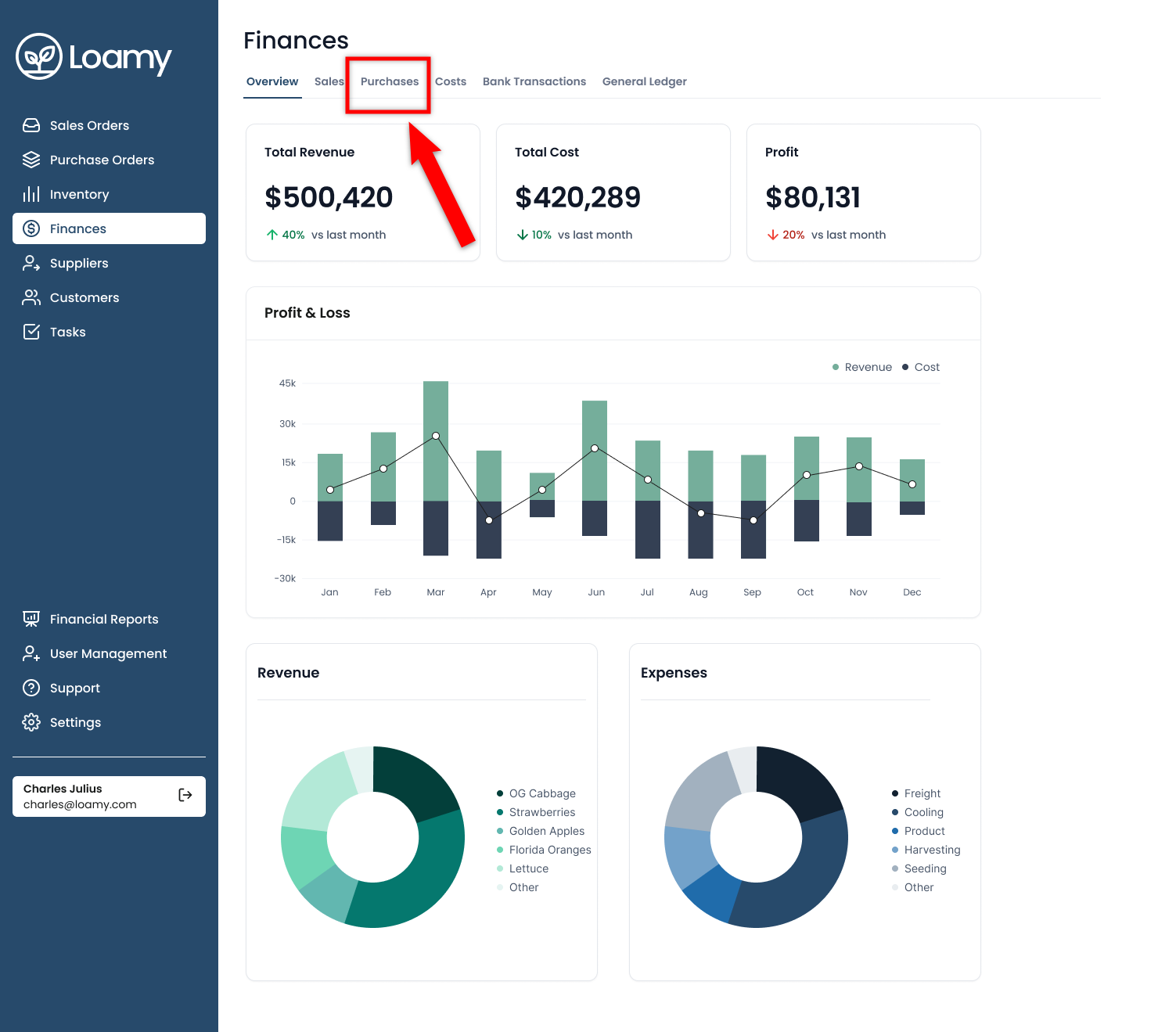
3. Select the Purchases tab in Finance.
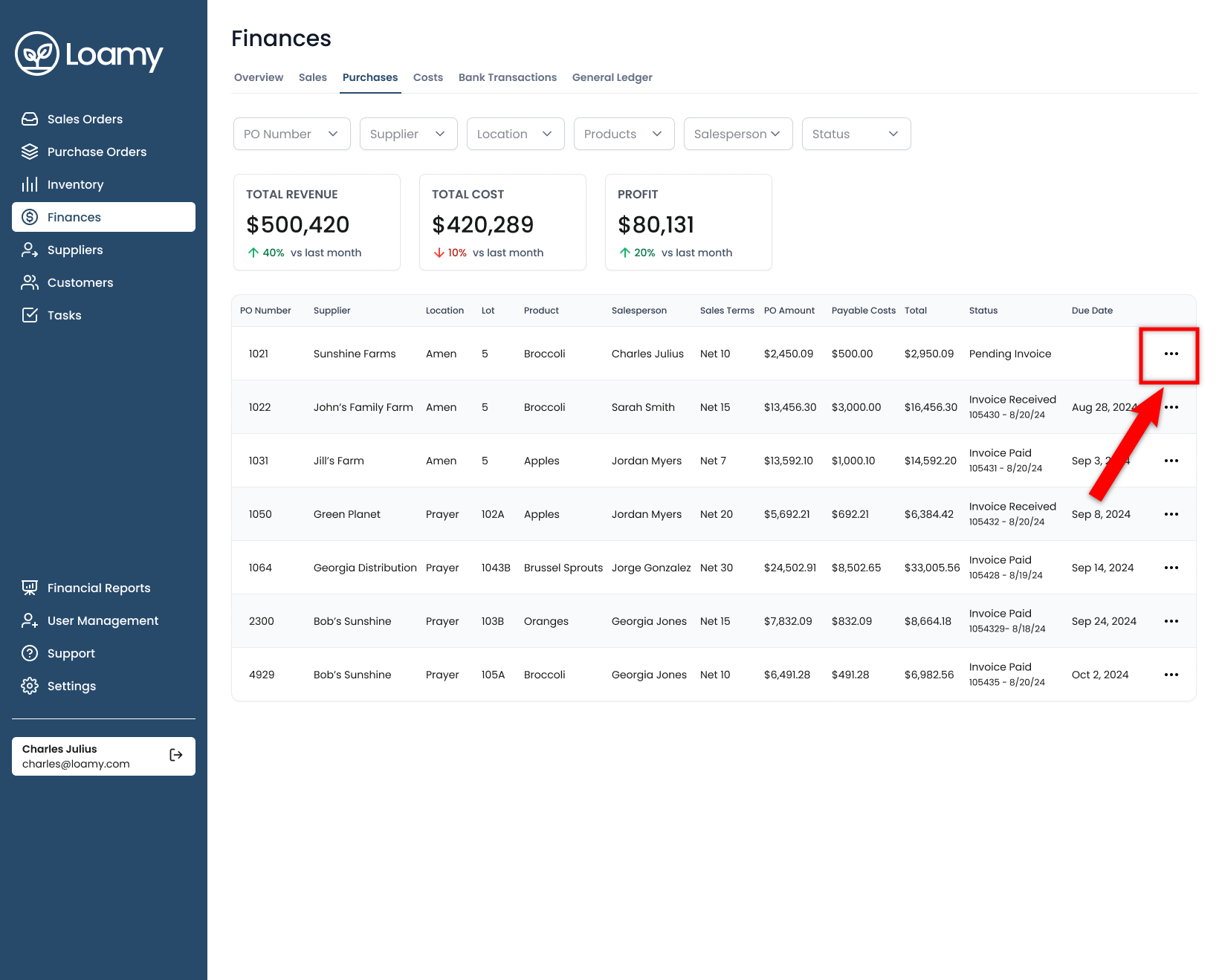
4. Find the order you received an invoice for, and then select the three dots.
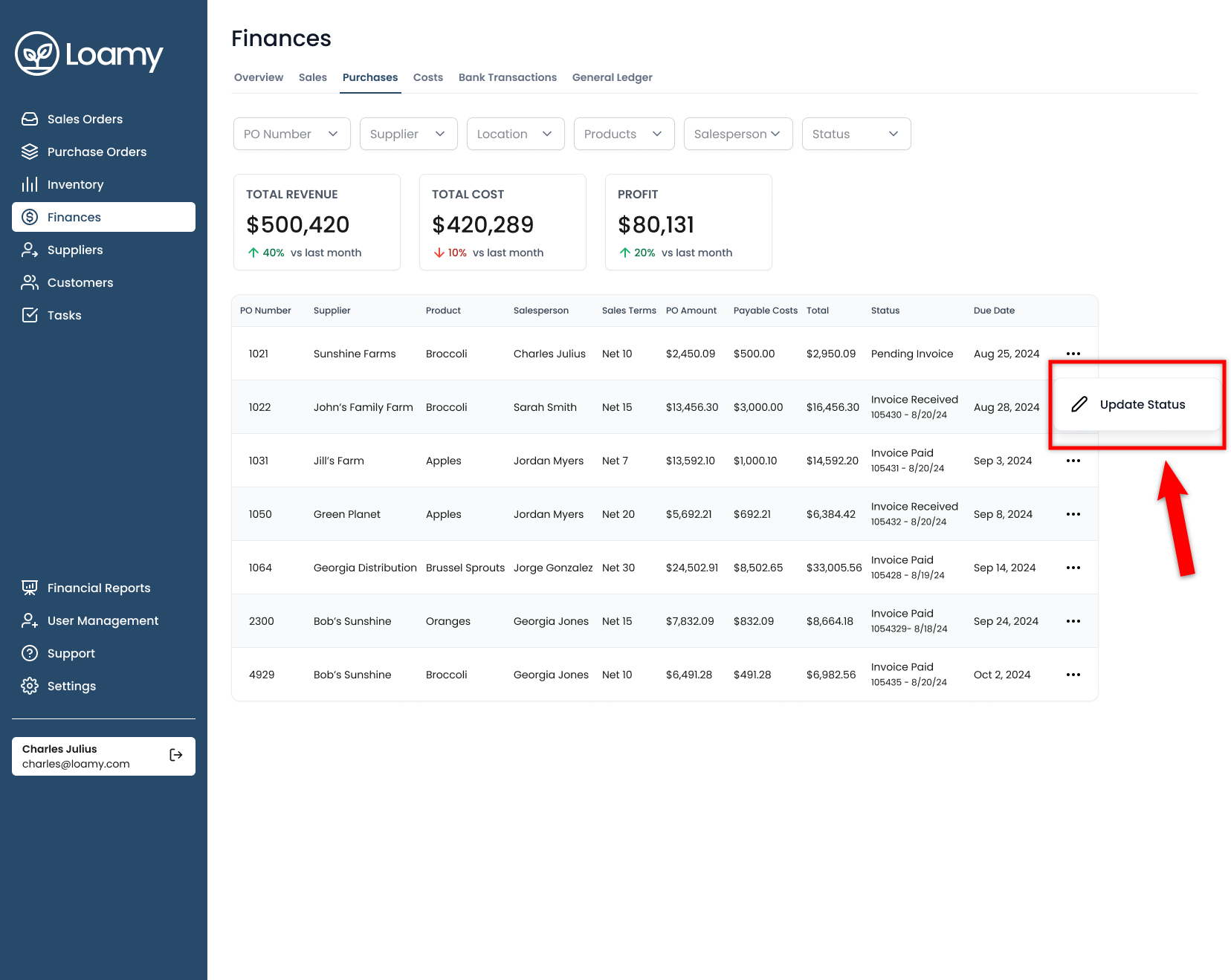
6. Click Update Status.
7. Enter the Invoice # and then change status to Invoice Received. Once complete, select Update. Now you will see a due date for that invoice based on the payment terms from the purchase order.
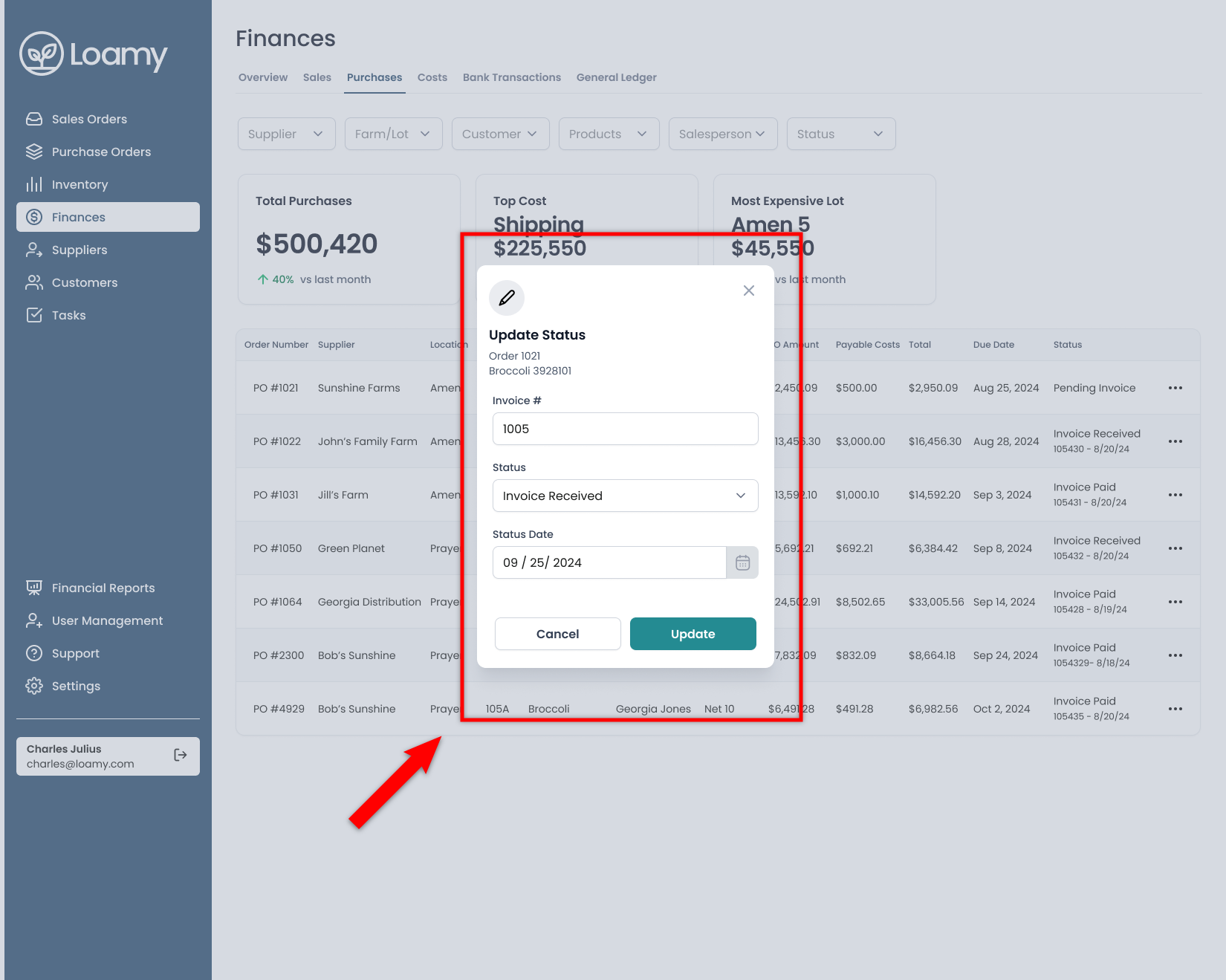
8. Once you complete payment, you can then go back to update the status again to Invoice Paid.
Was this article helpful?
That’s Great!
Thank you for your feedback
Sorry! We couldn't be helpful
Thank you for your feedback
Feedback sent
We appreciate your effort and will try to fix the article