1. Inicie sesión en el panel de control de Loamy.
2. Vaya a la página Clientes seleccionándola en el menú de navegación de la izquierda.
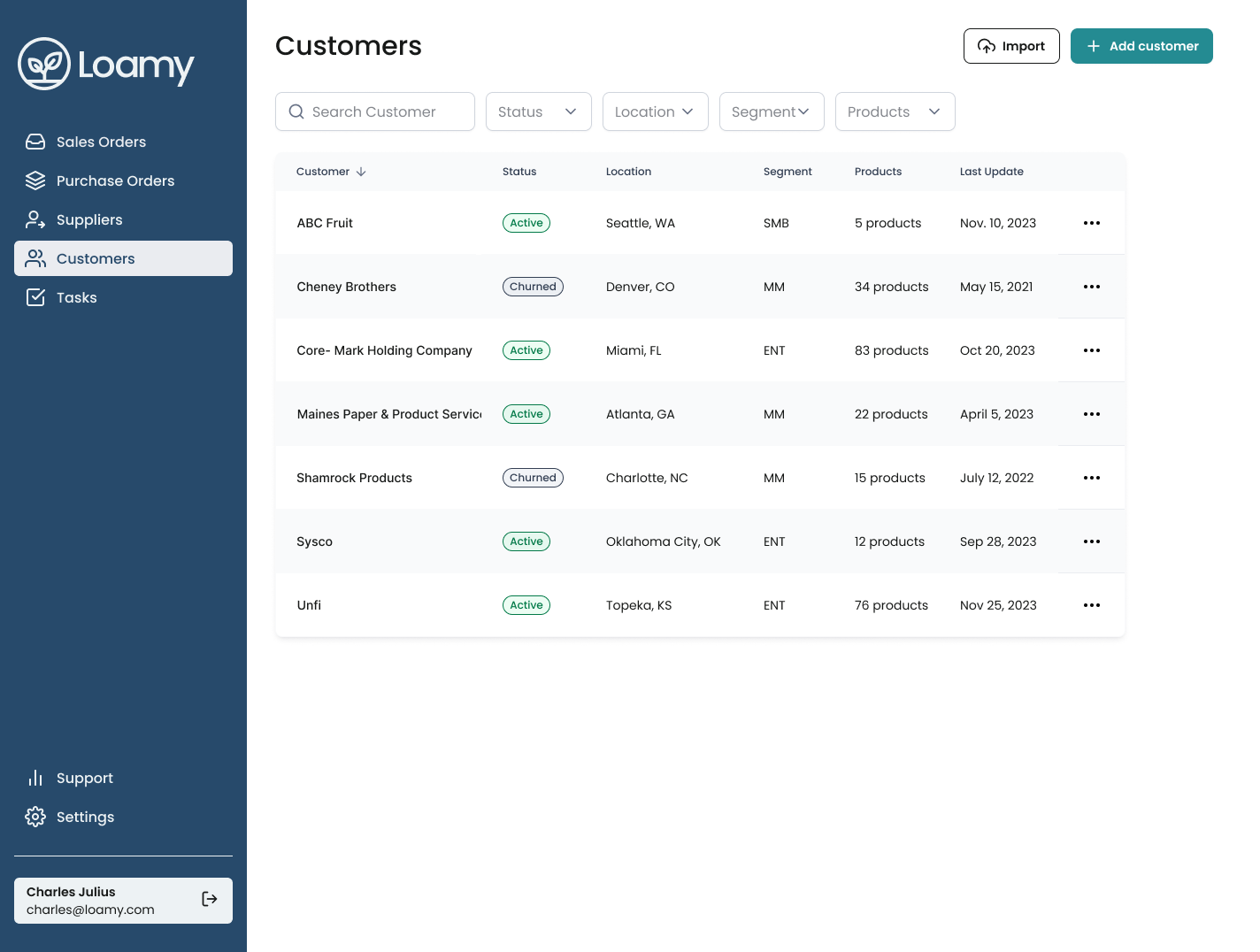
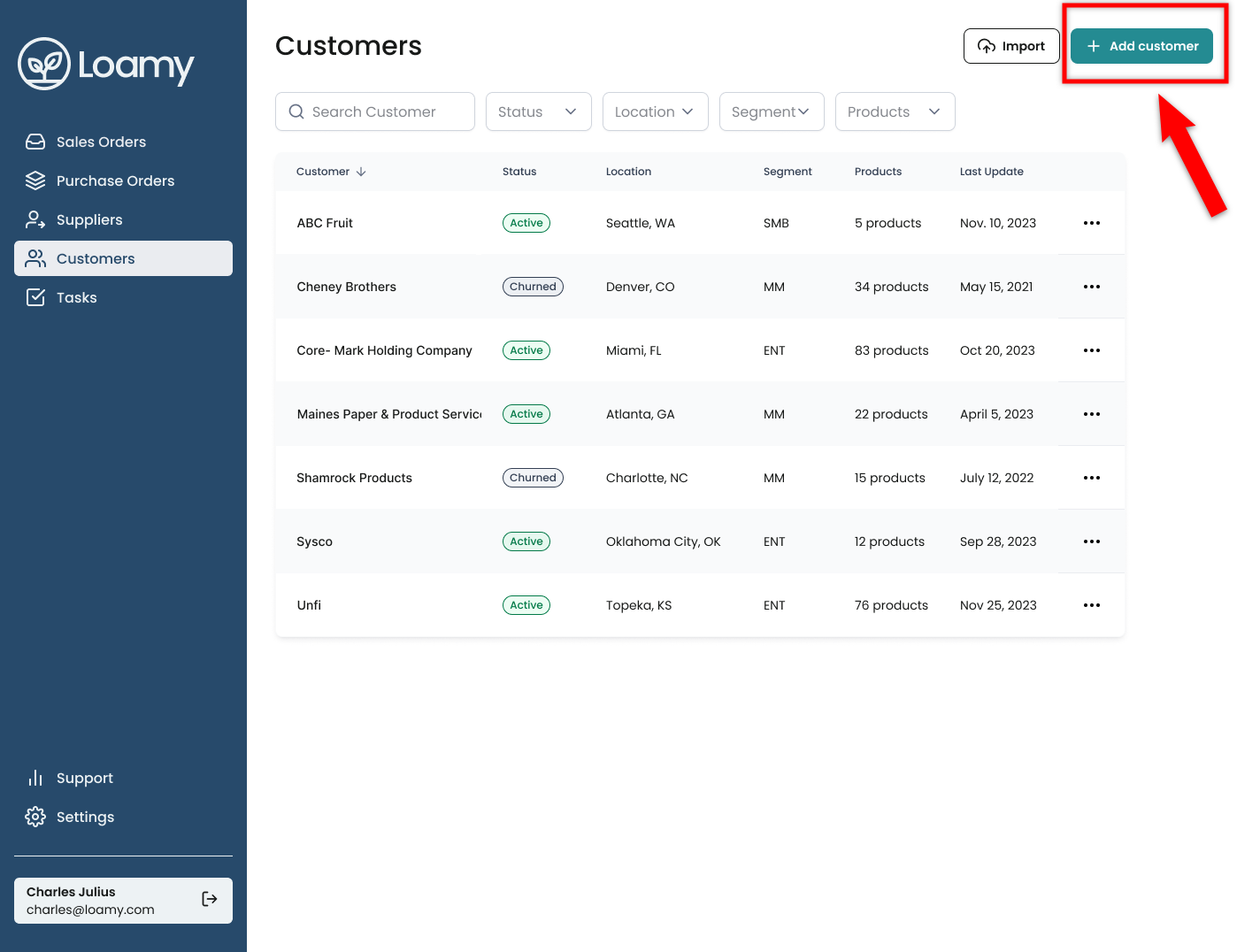
3. Haga clic en Agregar cliente .
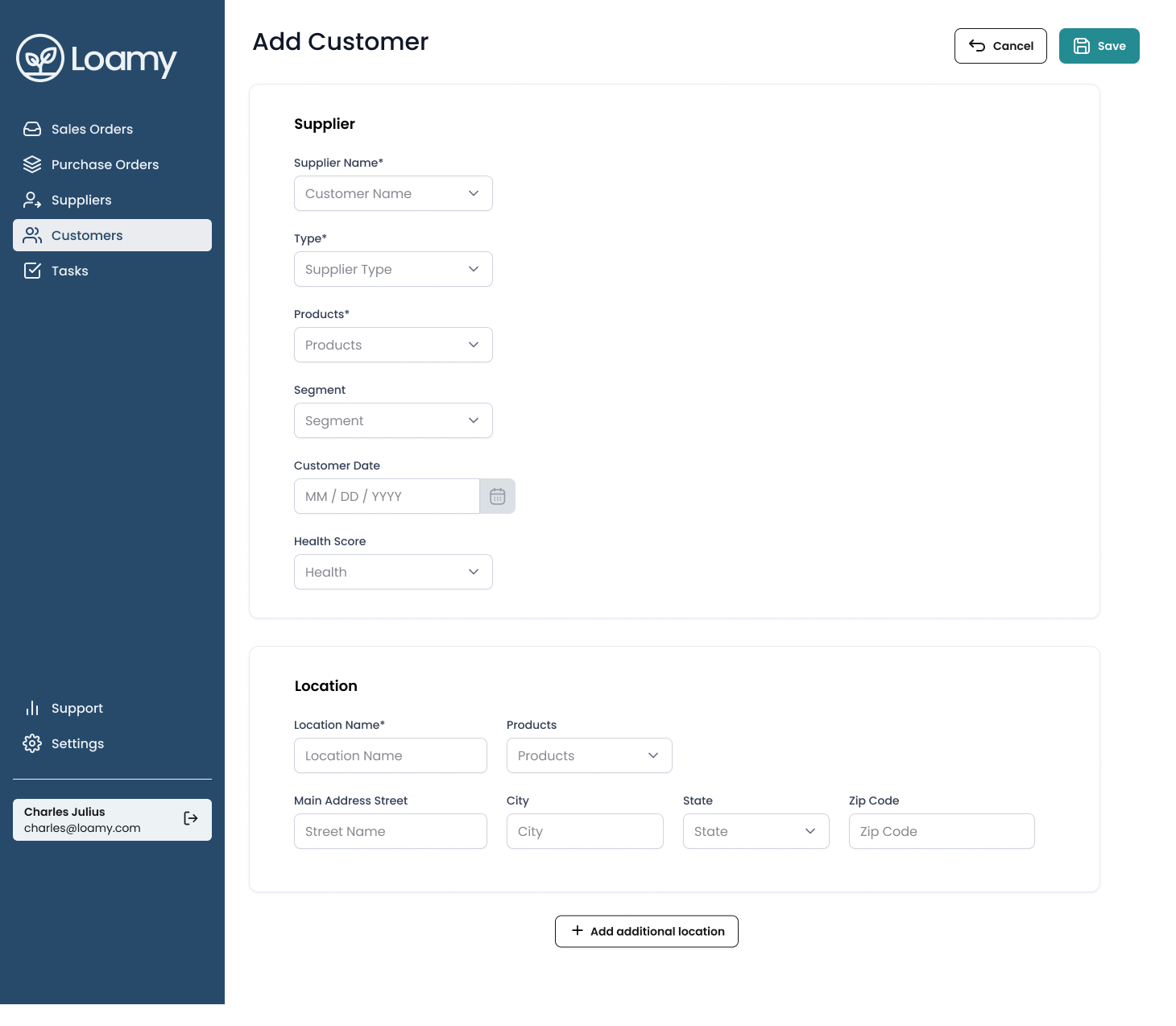
4. Agregue los detalles del cliente y luego incluya las ubicaciones de ese cliente.
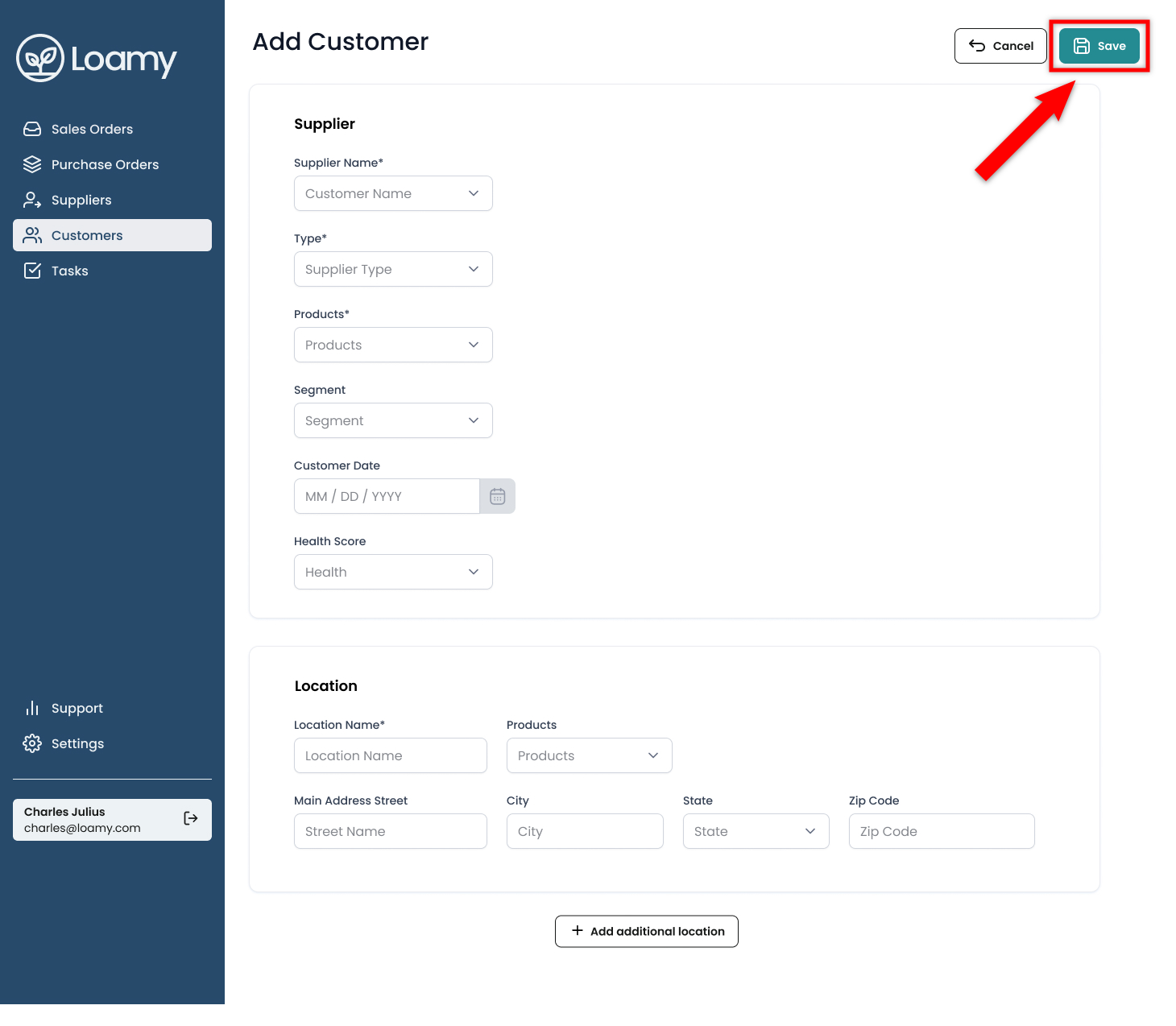
5. Pulse Guardar.
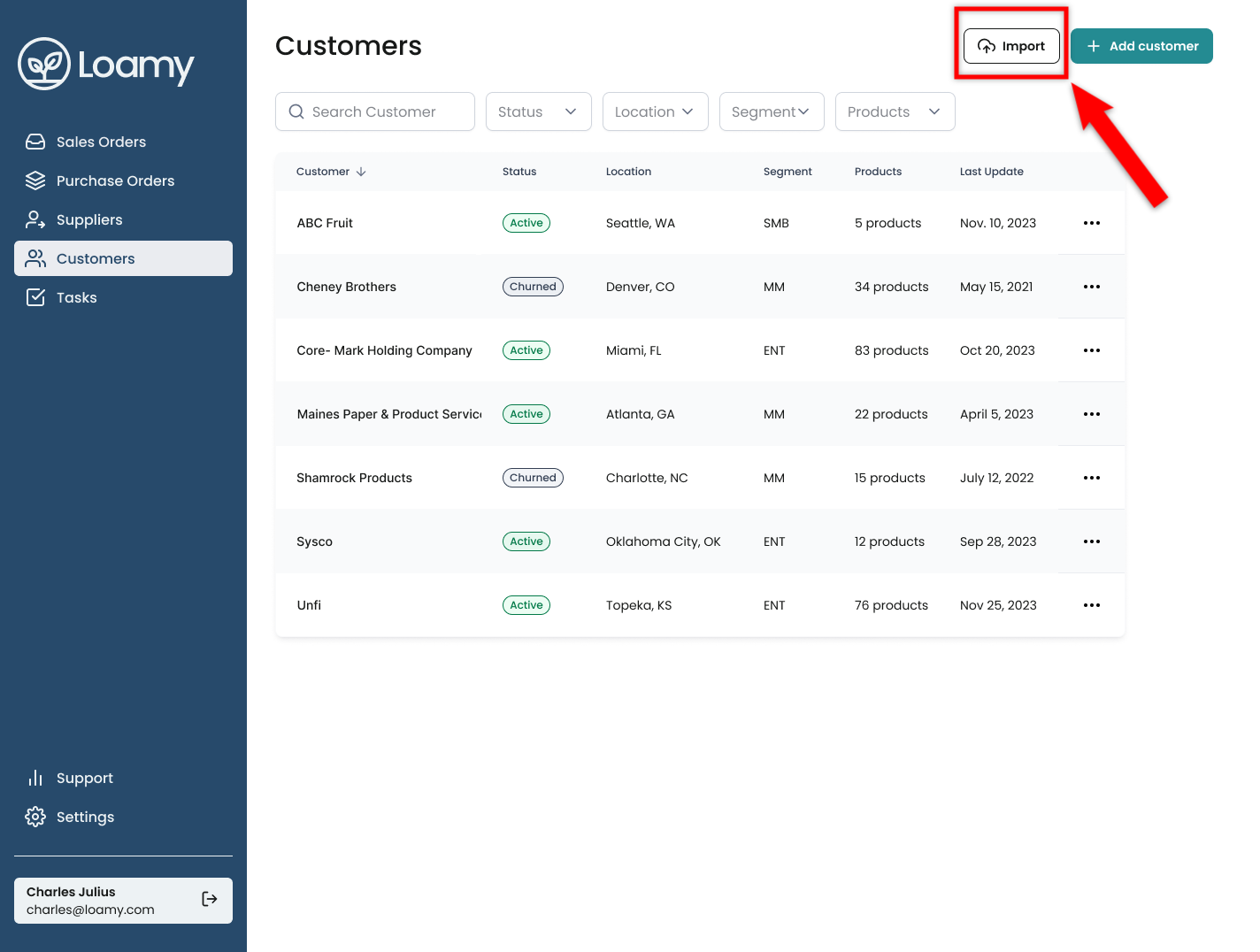
¡Listo! También puedes importar tus clientes en bloque mediante un archivo CSV. Haz clic en Importar en la página Clientes e importa el archivo CSV.
Was this article helpful?
That’s Great!
Thank you for your feedback
Sorry! We couldn't be helpful
Thank you for your feedback
Feedback sent
We appreciate your effort and will try to fix the article