How to Add a Role

Created by Jason Pesek, Modified on Fri, 29 May at 10:59 AM by Jason Pesek

1. Login to the Loamy Dashboard.

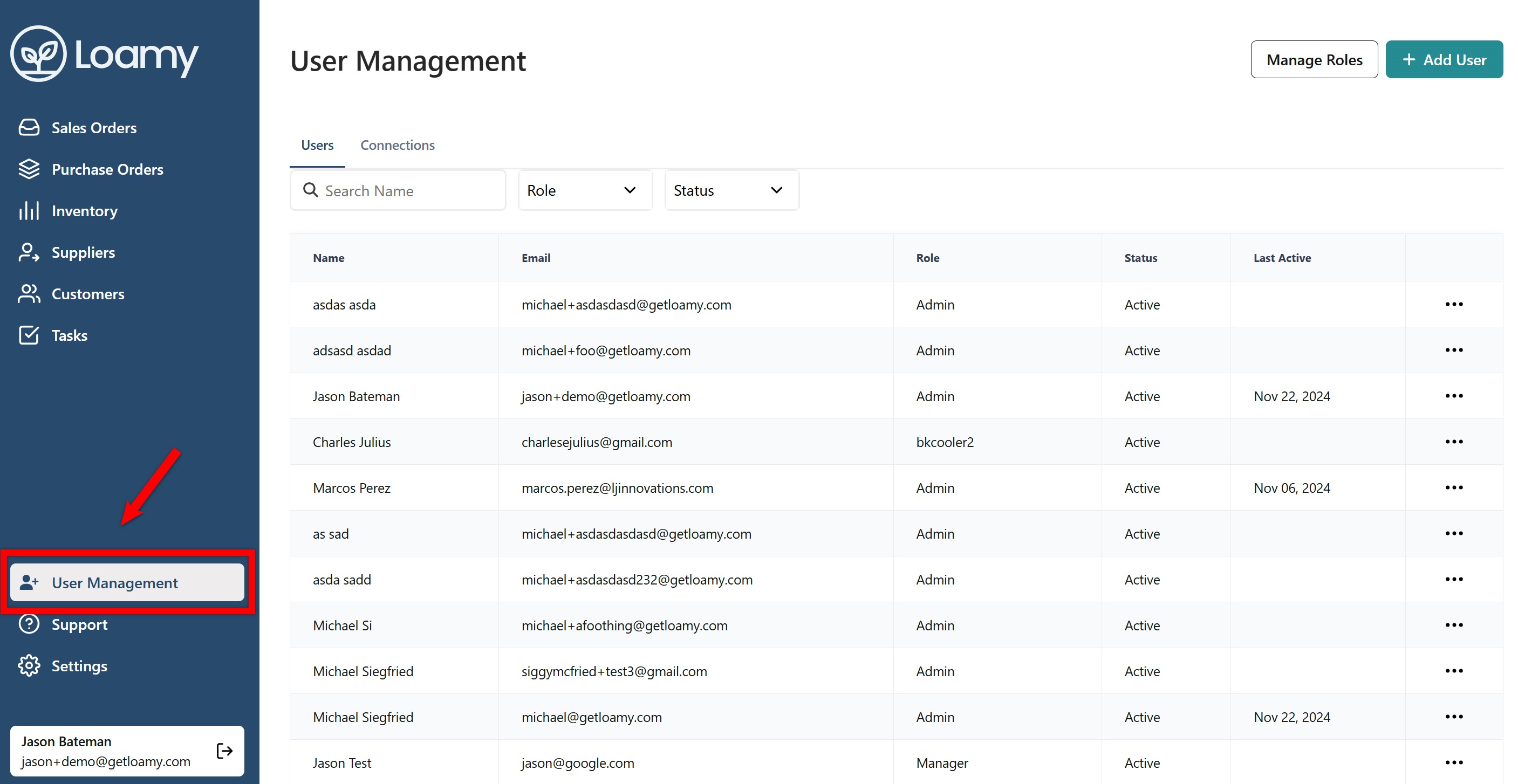
2. Go to the User Management page by selecting it on the left-hand navigation menu.

Screenshot 2024-11-22 145254.png


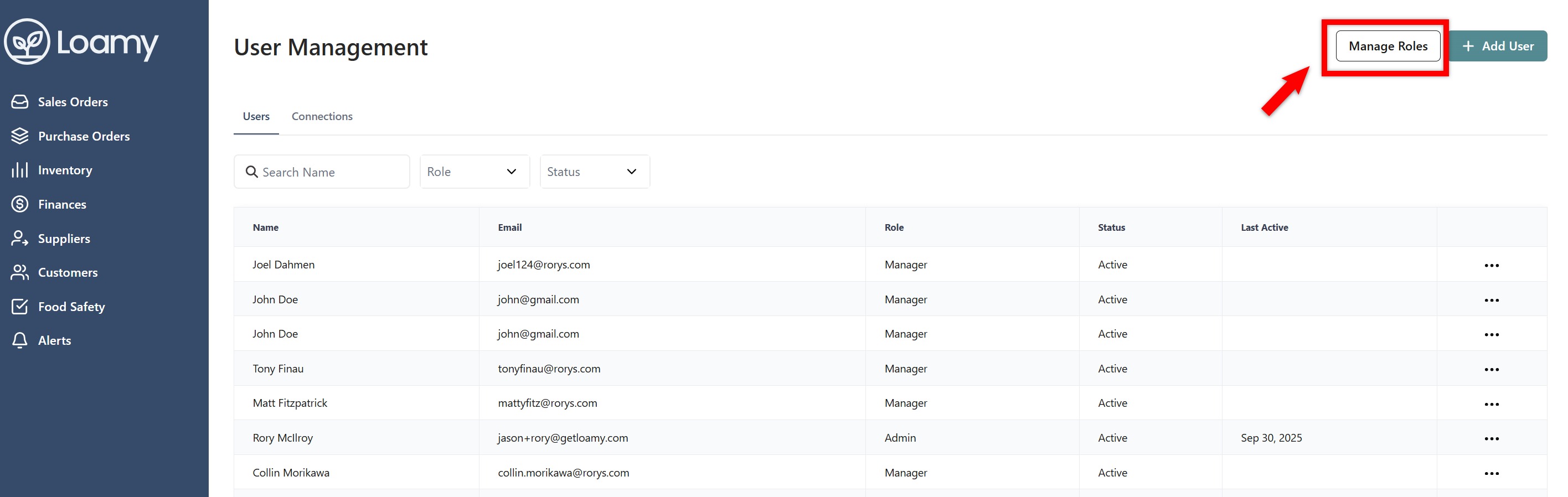
3. Click Manage Roles in the top right corner.

Screenshot 2025-09-30 192253.png


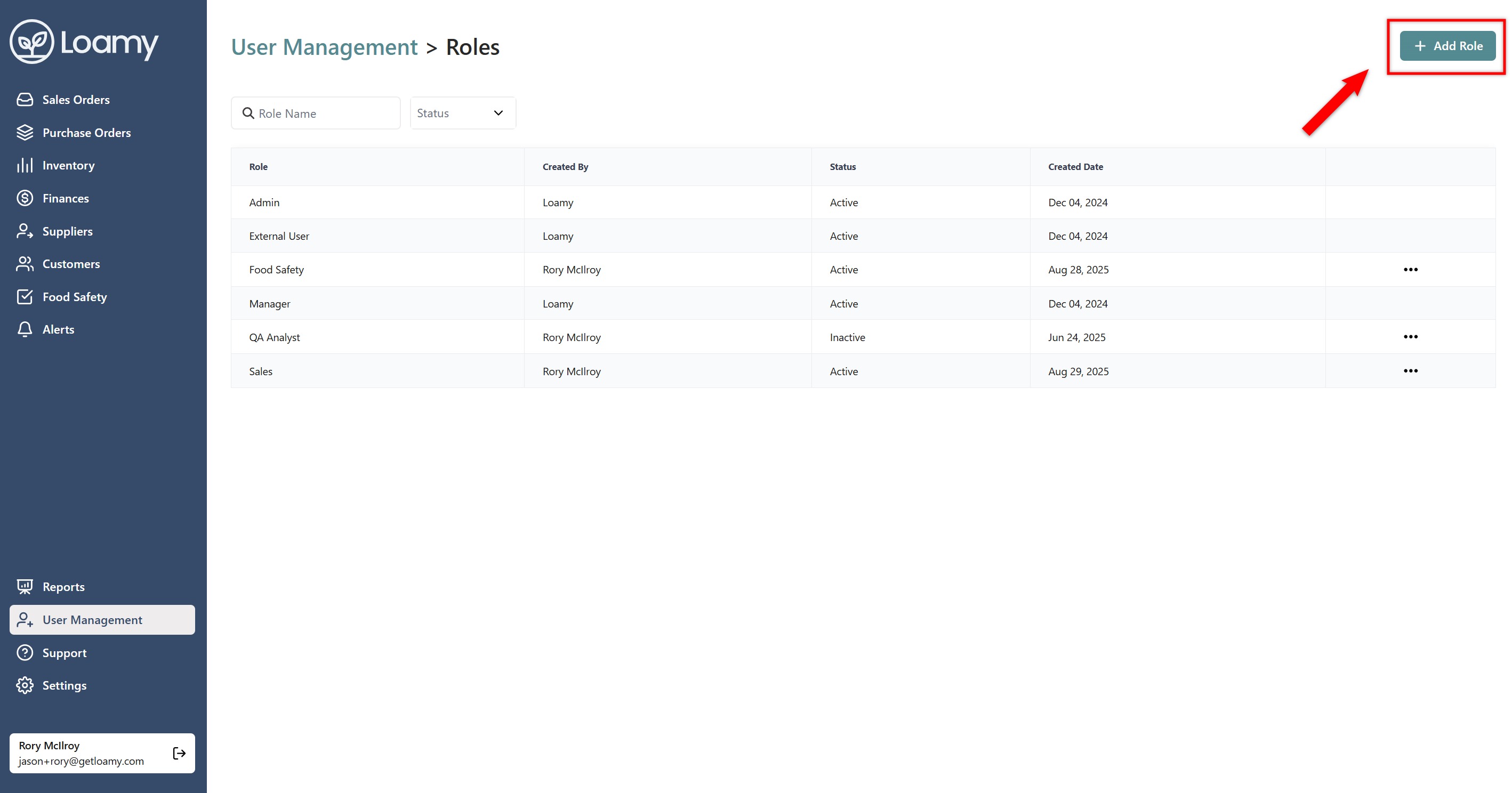
4. Select Add Role.


Screenshot 2025-09-30 192401.png


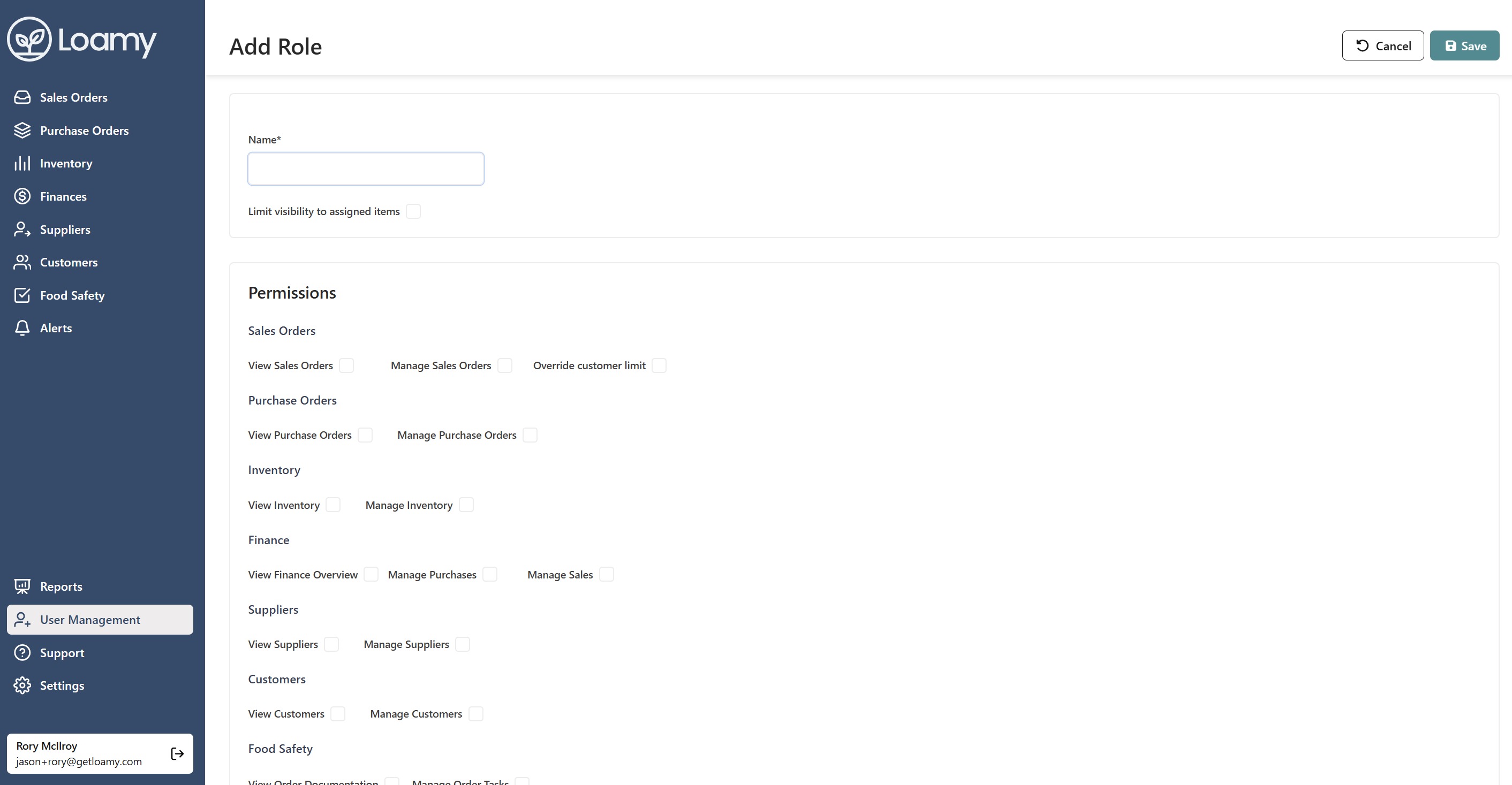
5. Add a name for the role, select the permissions you want to give, and then hit Save.

Screenshot 2025-09-30 192556.png


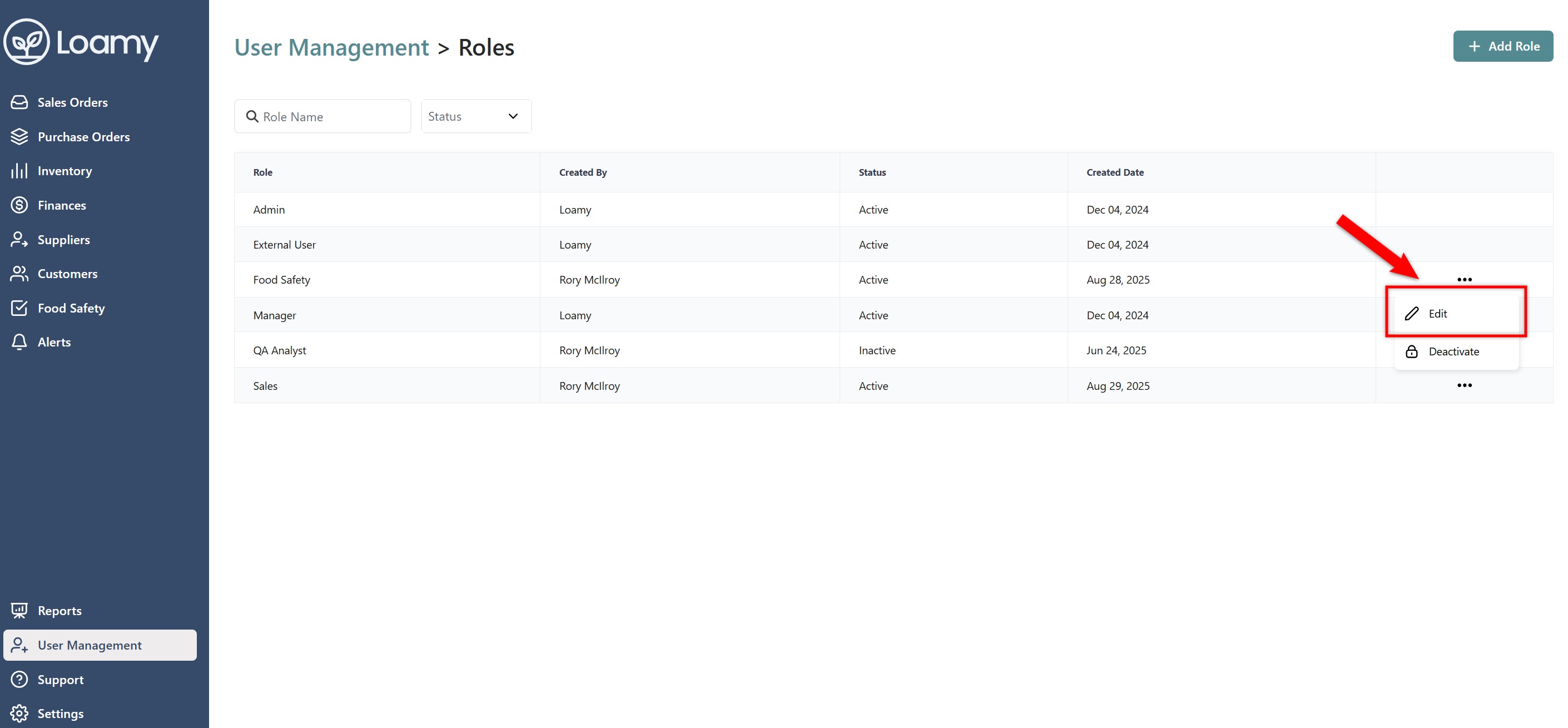
6. If you want to edit this role or any other role, go back to the Manage Role screen. Select the three dot menu next to the role, and hit Edit. From there, you can make adjustments.

Screenshot 2025-09-30 192704.png

Was this article helpful?

That’s Great!

Thank you for your feedback

Sorry! We couldn't be helpful

Thank you for your feedback

Let us know how can we improve this article!

Select at least one of the reasons
CAPTCHA verification is required.

Feedback sent

We appreciate your effort and will try to fix the article